

Colorize Photo with AI
Colorize a photo by uploading a black-and-white image and describing a natural palette. The colors are inferred, so they do not establish historical colors.
Colorize Photo with AI prompts
Load a sample and its instruction, then replace it with your own authorized picture.
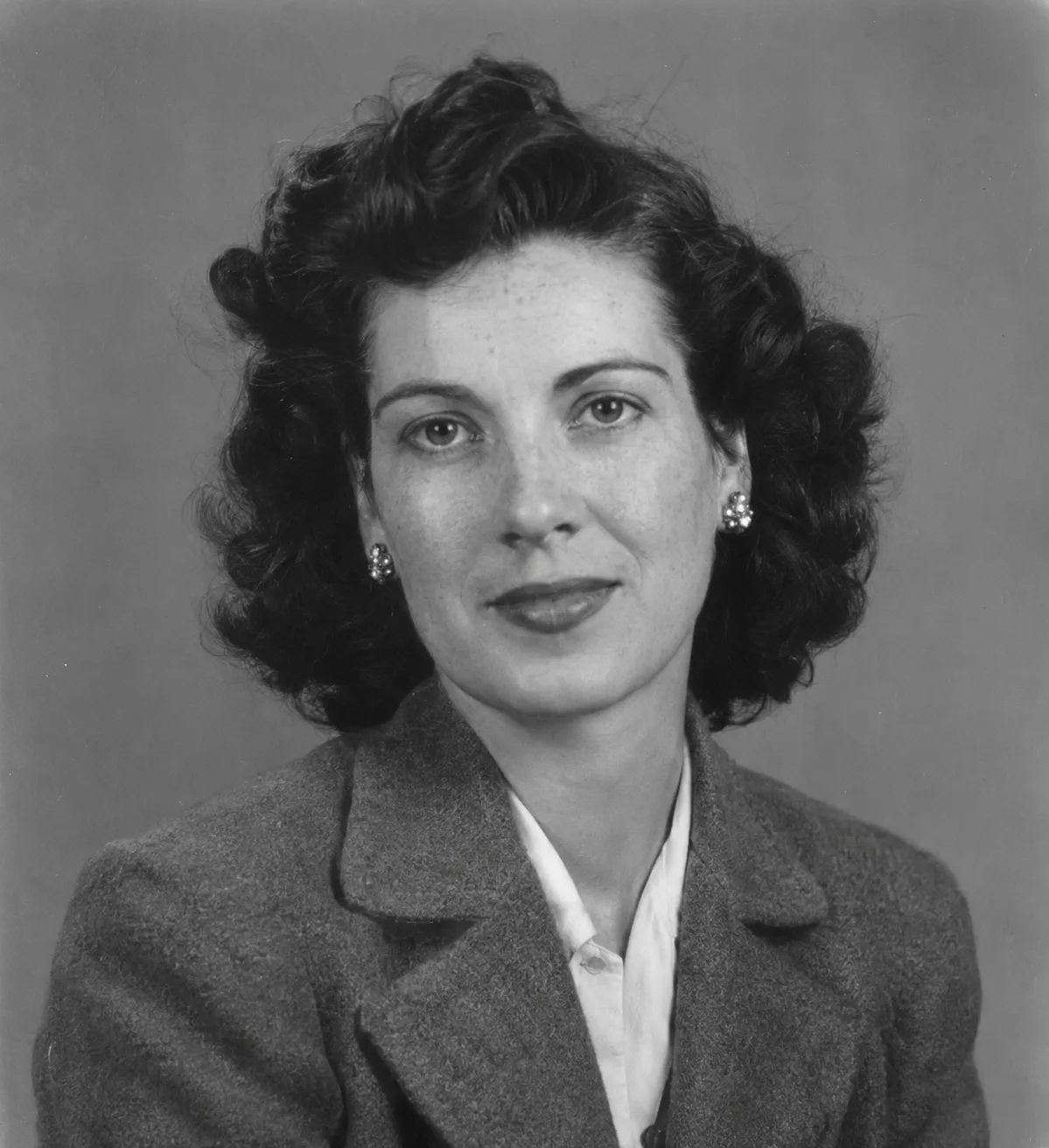
Colorize a portrait
For a black-and-white portrait.
Colorize this black and white portrait with a natural palette while keeping facial features and clothing as close as possible.
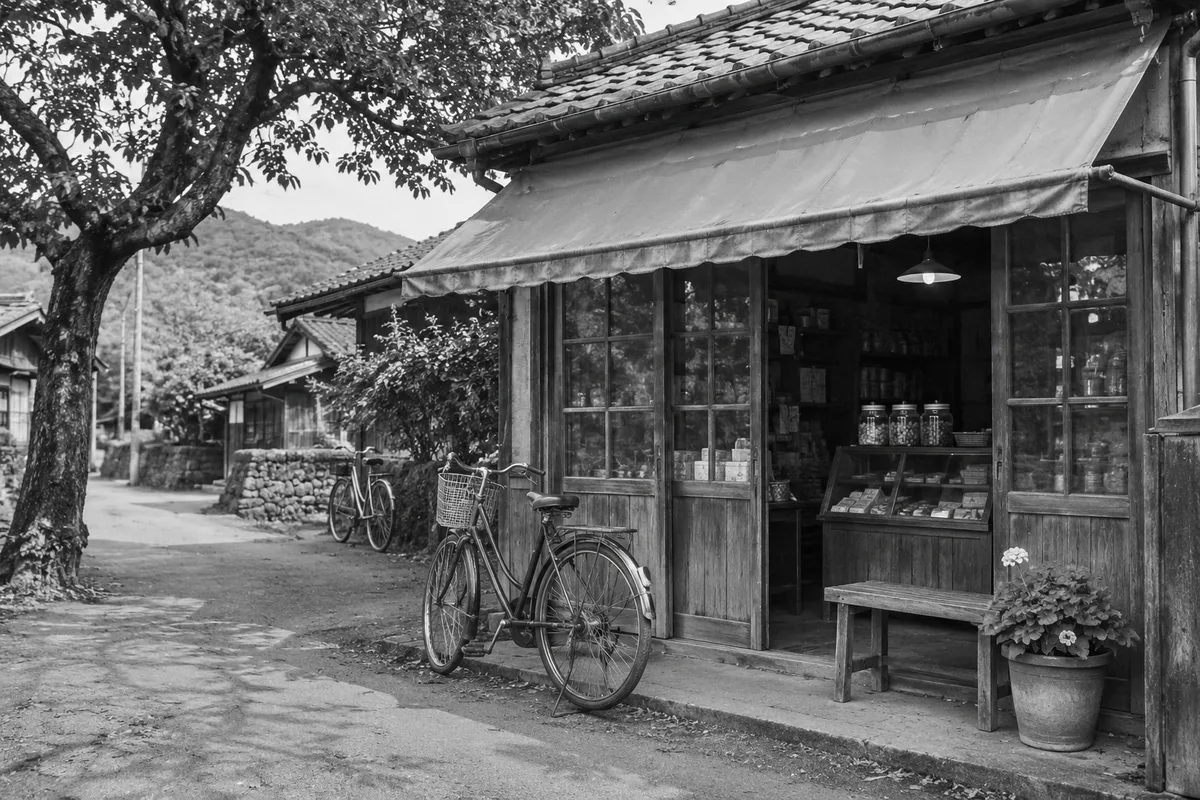
Colorize a storefront
For a monochrome street scene.
Add plausible natural colors to this black and white storefront, keeping its architecture and lettering as close as possible.
Colorize a garden
For a monochrome outdoor scene.
Colorize this black and white garden with a natural palette, preserving the arrangement and light as closely as possible.
Colorize Photo with AI examples
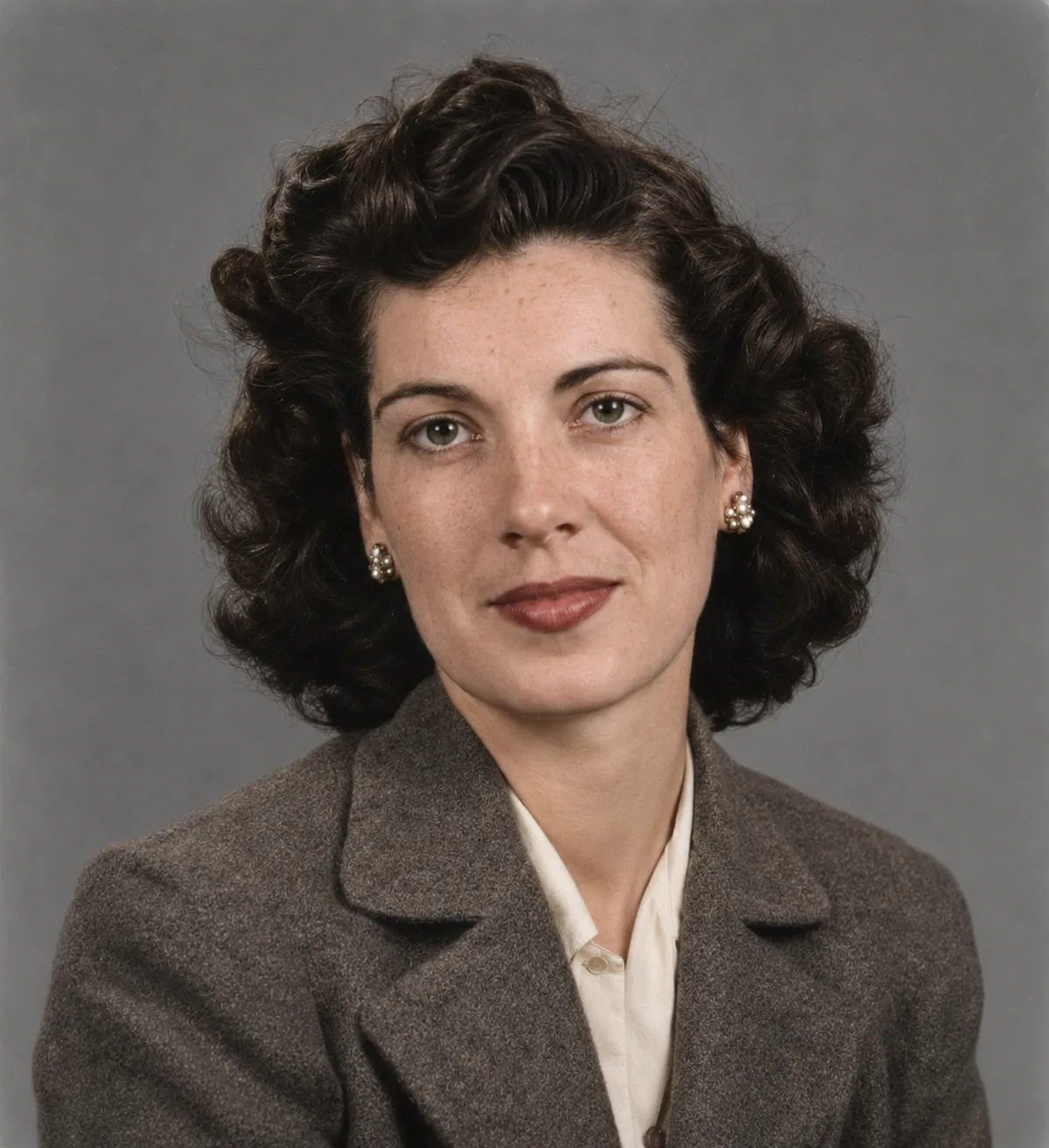
These illustrative AI-generated examples show possible results; details can differ from the source.
Colorize a fictional portrait
The person is fictional and the colors are inferred, not historical evidence.
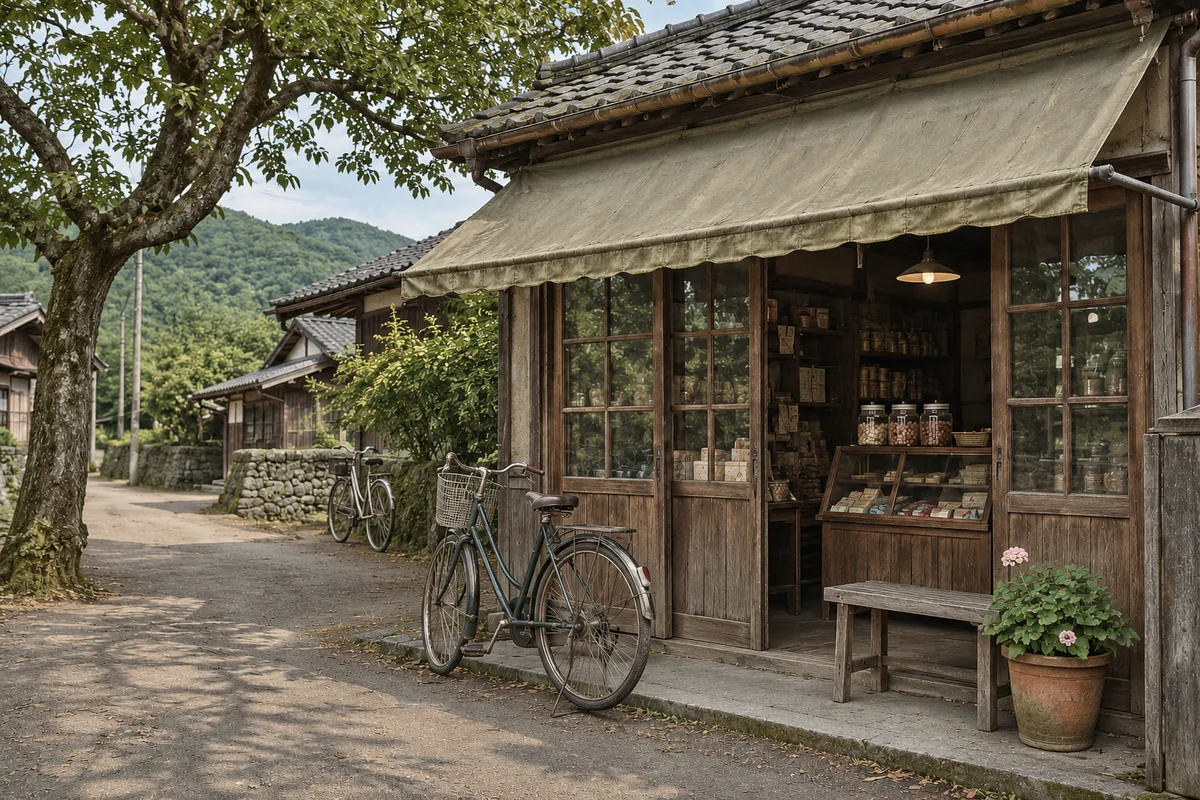
Add color to a storefront
The generated building and sign colors are estimates.
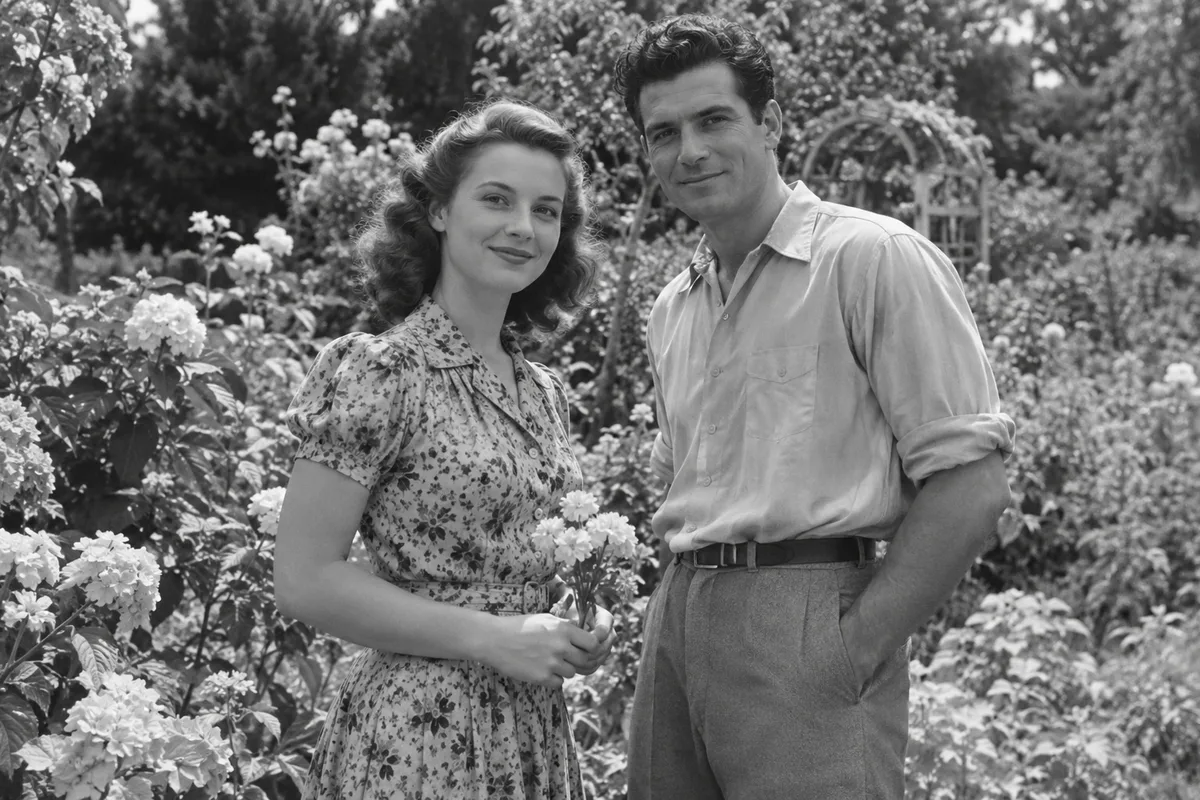
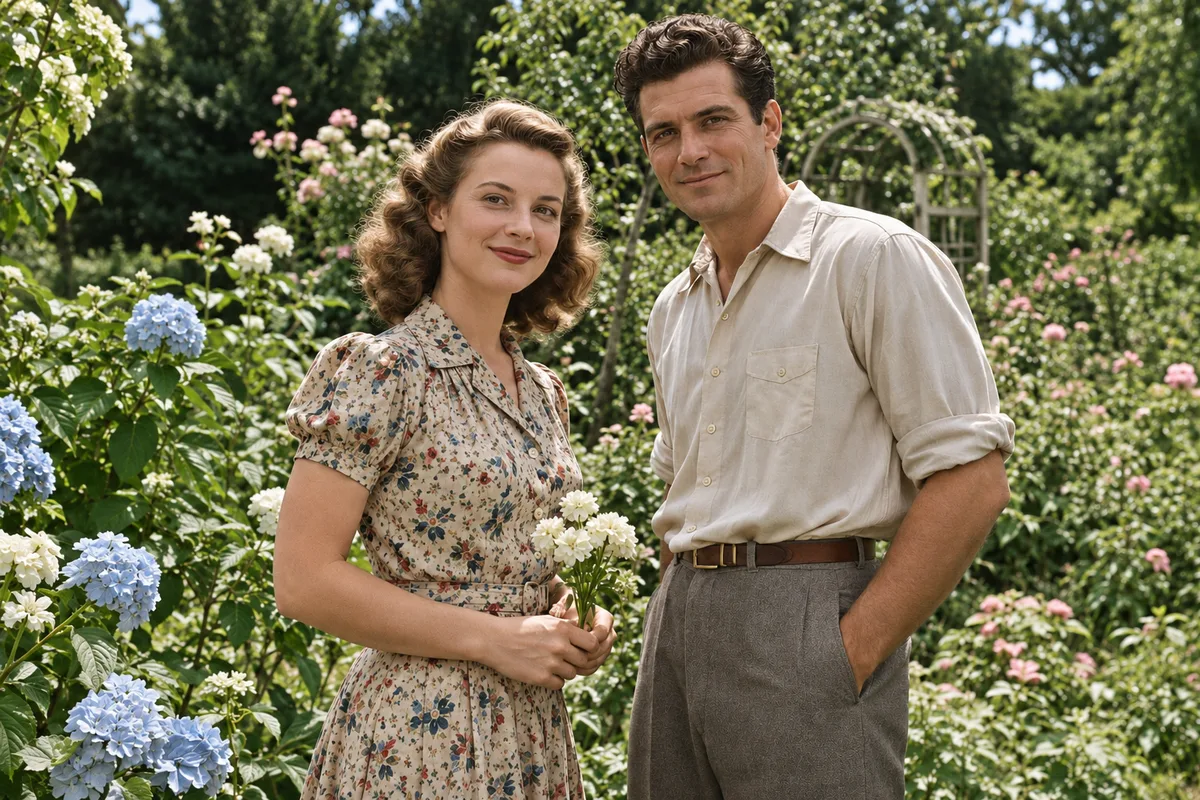
Colorize a garden scene
Compare plants, lighting and other details; the palette is inferred.
How to colorize photo
- Upload a black-and-white photo you have permission to edit.
- Describe a palette or load a sample and adjust its instruction.
- Confirm permission and generate a color version.
- Compare faces, text and details with the original and save both files.
What to check in the result
Colors are inferred from the image and prompt. They do not represent verified historical colors, and faces, text or scene details may also change. Keep the original scan and label the generated version when sharing.
Colorization asks for color; photo restoration addresses scratches and fading and may also add color. For archival accuracy or physical repair, consult a conservator.
To explore a different visual style for a photo, you can also use our image to image AI.
Related tools: Photo restoration for scratches and fading
Colorize Photo with AI questions
How do I colorize a black and white photo?
Upload a photo you may edit, describe the colors or choose a sample prompt, then generate and compare.
Are colorized photos historically accurate?
No. The colors are inferred and should not be treated as evidence of the original historical colors.
Can I colorize an image online free?
Limited free use is available; free results have a watermark. Availability and safety rules apply.
Can colorization change faces or lettering?
Yes. The model generates a new image, so compare faces, signs and other details with the scan.
Does colorization repair a scratched photograph?
Colorization requests color. Photo restoration addresses scratches and fading and may also add color.
Should I keep my black-and-white original?
Yes. Keep the original scan alongside the generated image and identify the latter as an AI interpretation.