
AI Halloween Photo Generator

The AI Halloween photo generator adds a pumpkin porch, moonlit street or product setting without requesting a costume. In the Halloween photo editor, choose a scene, add any details, then generate.

Change background

Style
Photo: image to image AI comparison of a realistic source photo and pumpkin porch edit
Pumpkin porch: image to image AI comparison of a realistic source photo and pumpkin porch edit
PhotoPumpkin porch
02 · PHOTO SETTINGS

Choose a Halloween photo background

A warm pumpkin porch suits a source with golden light; a cool moonlit street suits softer evening light. Choose a Halloween background for the photo based on its lighting and camera angle. These presets request background edits, not costume changes. With image to image editing, the source photo supplies the subject and composition.

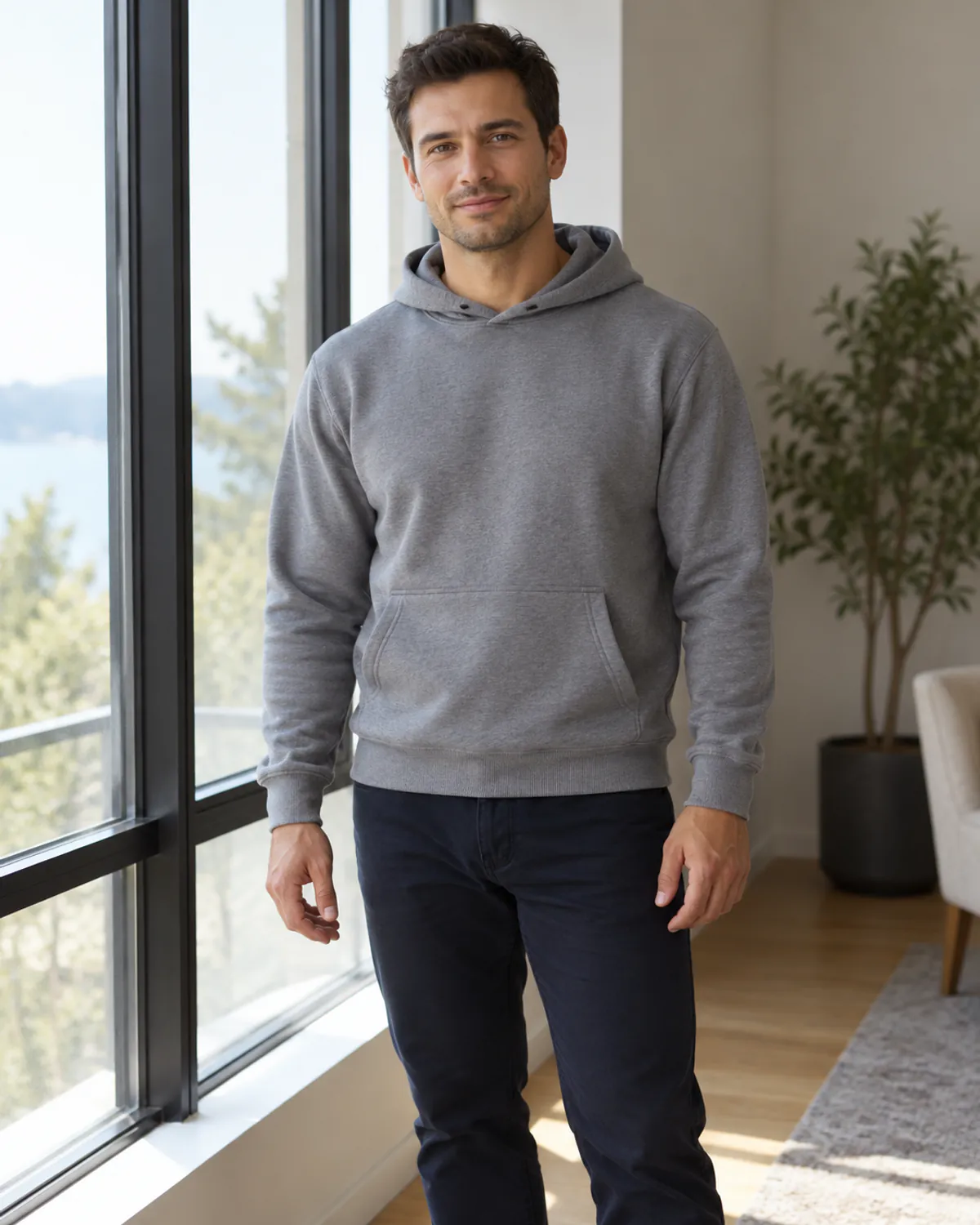
Original: Halloween photo background: Pumpkin porch
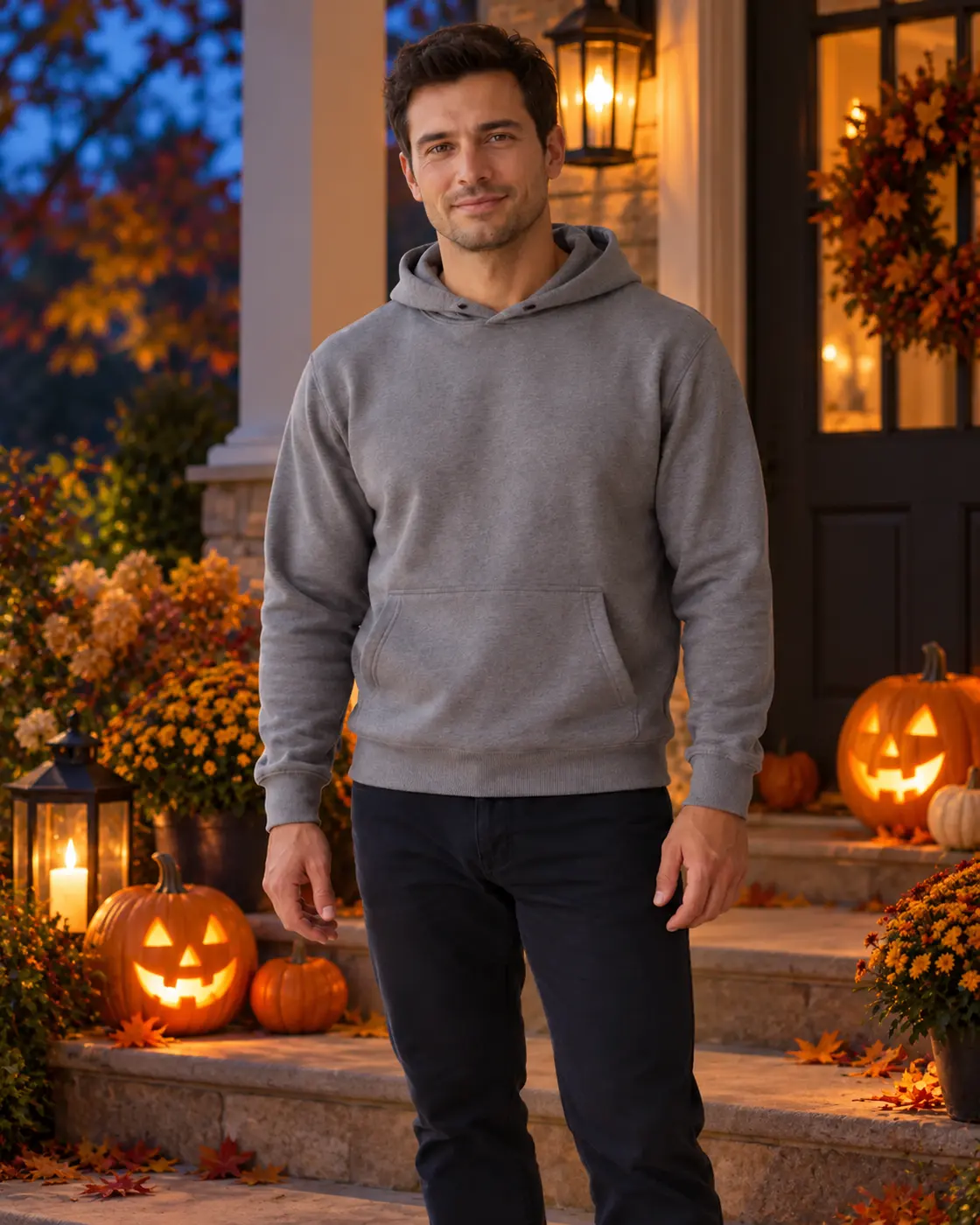
Result: Halloween photo background: Pumpkin porch
OriginalResult

Pumpkin porch

Adult portrait. Warm porch lights and pumpkins for a portrait with golden light. No costume change is requested.

Preset prompt: Replace ONLY the background with a photorealistic tasteful Halloween porch at blue hour, carved pumpkins with a warm candle-like glow and modest autumn foliage behind the subject, friendly not frightening. Preserve the main subject's exact appearance, shape, colors, position, crop and camera perspective. No smoke over the subject, no masks or costume changes; no new people.

Replaces your source image
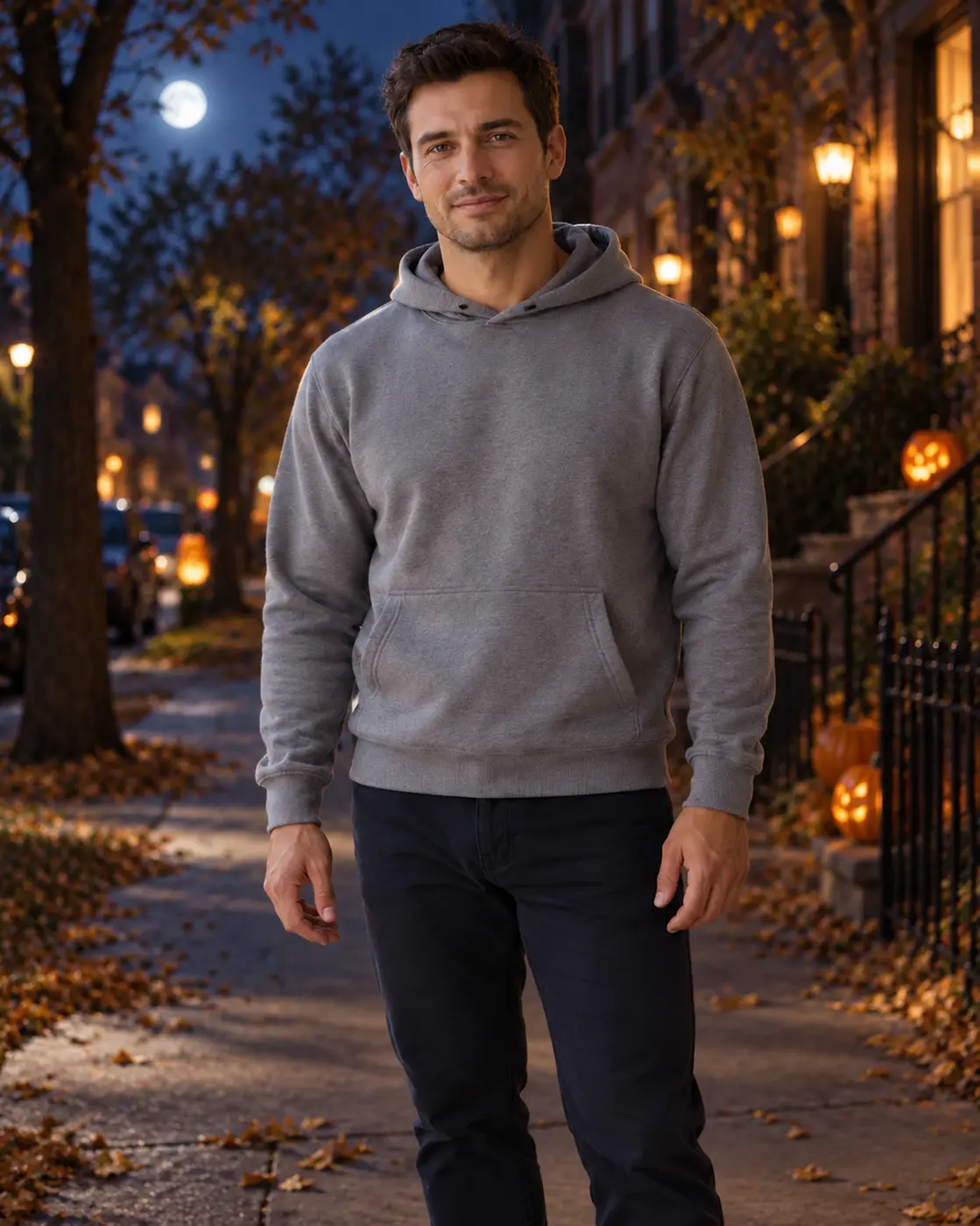
Original: Halloween photo background: Moonlit street
Result: Halloween photo background: Moonlit street
OriginalResult

Moonlit street

Adult portrait. A cool moonlit street with pumpkins. A softly lit source needs less relighting than a bright daytime portrait.

Preset prompt: Replace ONLY the background with a quiet realistic moonlit neighborhood street, a cool indigo night sky, an unobtrusive moon and warmly glowing pumpkins by distant stoops. Preserve the main subject's exact appearance, shape, colors, position, crop and camera perspective. Cinematic but still photographic, subject clearly readable; no ghosts, monsters, new people, writing or signage.

Replaces your source image
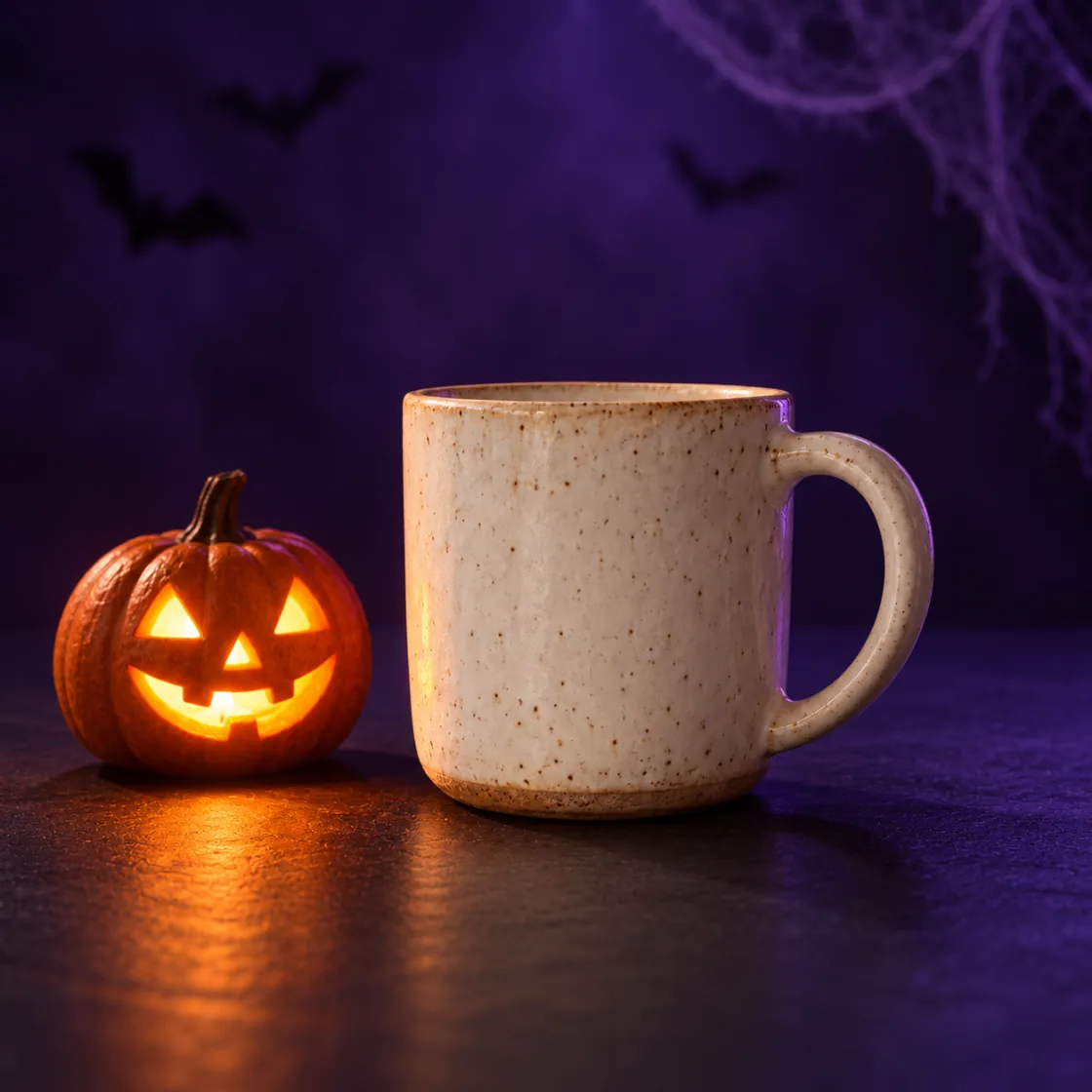
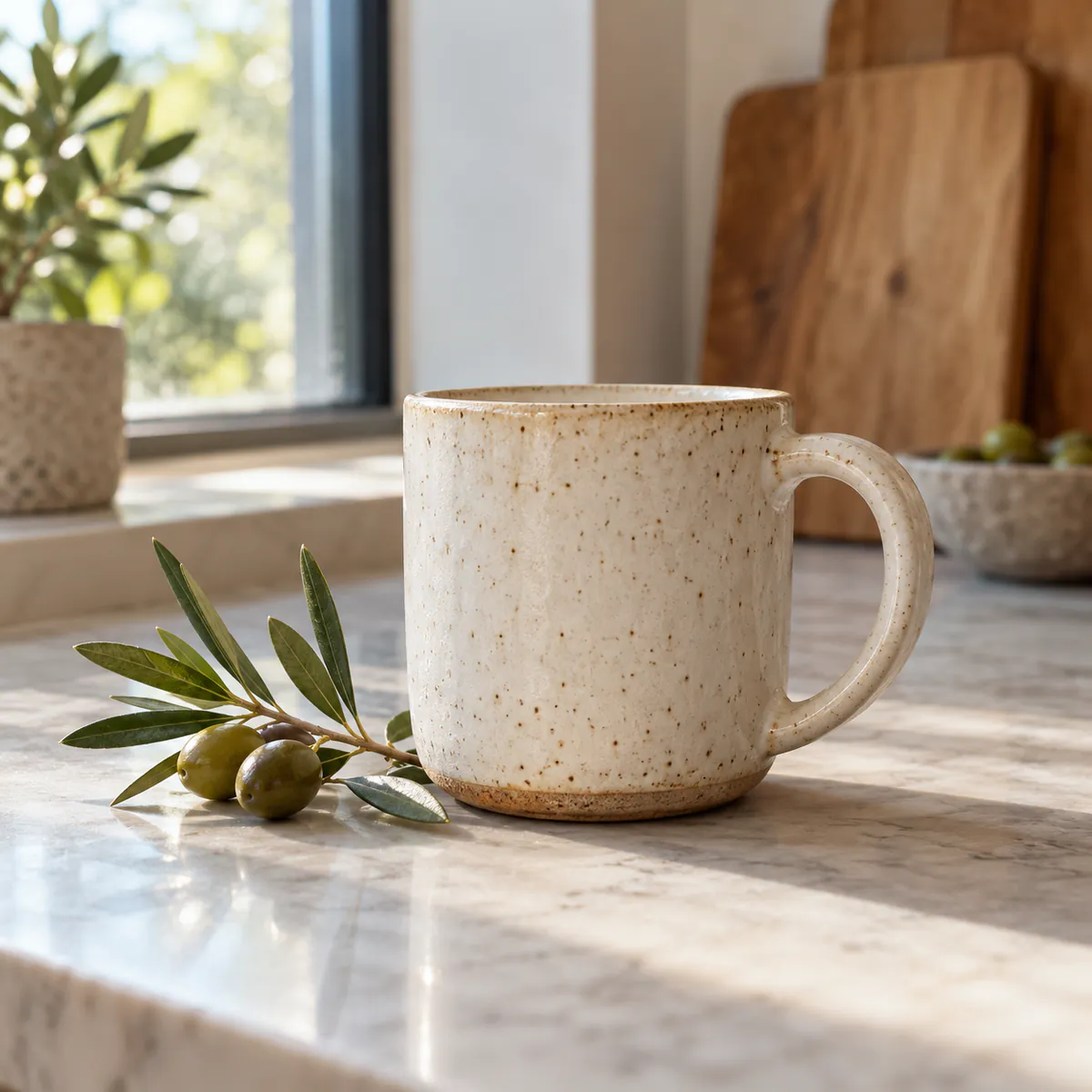
Original: Halloween photo background: Pumpkin product studio
Result: Halloween photo background: Pumpkin product studio
OriginalResult

Pumpkin product studio

Product photo. A warm pumpkin studio for a small product. Place props beside the item to leave its label and outline visible.

Preset prompt: Replace ONLY the background with a matte black Halloween studio setting, a deep purple-black backdrop, one small smiling carved jack-o'-lantern glowing nearby without overlap, sparse blurred cobwebs or bat silhouettes behind. Preserve the main subject's exact appearance, shape, colors, position, crop and camera perspective. Cool purple ambient and warm pumpkin light, photographic lighting; no added text.

Replaces your source image
03 · YOUR SOURCE

Make a Halloween product photo with a clear outline

The pumpkin product studio suits a cup, candle or other small item. The dark tabletop and warm decorative light give the object a seasonal context. Keep props beside or behind it, not across its edges.

Match the source light to the new scene. A bright, sunlit face can look disconnected from a cool moonlit street; the warmer porch may suit it better. Faces, clothing, hands and small lettering can change during generation, even when the prompt asks to preserve them.

We do not offer face-changing, graphic-injury or children's costume presets. Do not use an altered picture to impersonate someone or present it as an unedited record. A convincing product scene also does not establish marketplace approval or exact product accuracy.

For other settings, try the AI background changer. To change an outfit, use the clothes changer.

Free results are 1K with a watermark. Compare model options and credit costs before you choose a size.

Halloween photo prompts: background or costume?

  1. Upload a photo you have permission to edit. Keep the full subject visible, with clear edges and even light.
  2. Choose a pumpkin photo background, moonlit street or product set. Name the clothes, pose and framing you want to keep.
  3. Confirm permission and generate. Use the comparison to review the subject and lettering before downloading.

Supported witch or vampire outfits belong in the adult clothes changer. Keep costume ideas separate from the background description so each edit has a clear task.

Leave space around the subject for pumpkins or distant lights. For free output and usage limits, see free editing rules.

04 · FAQ

Halloween photo questions

Which Halloween scene is better for warm indoor light?

Choose the pumpkin porch for warm decorative light. The moonlit street is cooler and may need more relighting of a warm indoor source.

Can I change only the Halloween background?

You can request a background-only change and name the details to keep. Exact preservation is not guaranteed; faces, clothing and other details may change.

Do I have to choose a Halloween costume?

No. Pumpkin and moonlit background presets do not request a clothing change. To change an outfit, use the clothes changer.

Does this Halloween page change faces or add wounds?

No face-changing or graphic-injury presets are offered.

Can I upload a child's Halloween portrait?

Children's portrait and costume templates are not provided. Follow the upload requirements and acceptable-use policy.

Will selecting a Halloween style spend credits?

No. Choosing a Halloween style keeps the source image and uses no credits. An example replaces the source without starting an edit. Credits or free allowance apply only when you submit a generation under the existing rules; selecting a style does not change your plan.

Updated · By the Imgraft team