
Image to Sketch: Turn Any Photo into a Pencil Drawing
Image to sketch turns a photo into a generated pencil, charcoal or ink-style drawing. It is a raster image; details may change.Free to try · No sign up · Pencil, charcoal, ink and more
No images in this browser yet. Your recent results will appear here.
8 ways to turn a picture to drawing
Pick the drawing medium for your photo to sketch first. Each style below is the exact prompt the workbench uses; load one to see its sample photo and prompt in the tool, then upload your own photo.
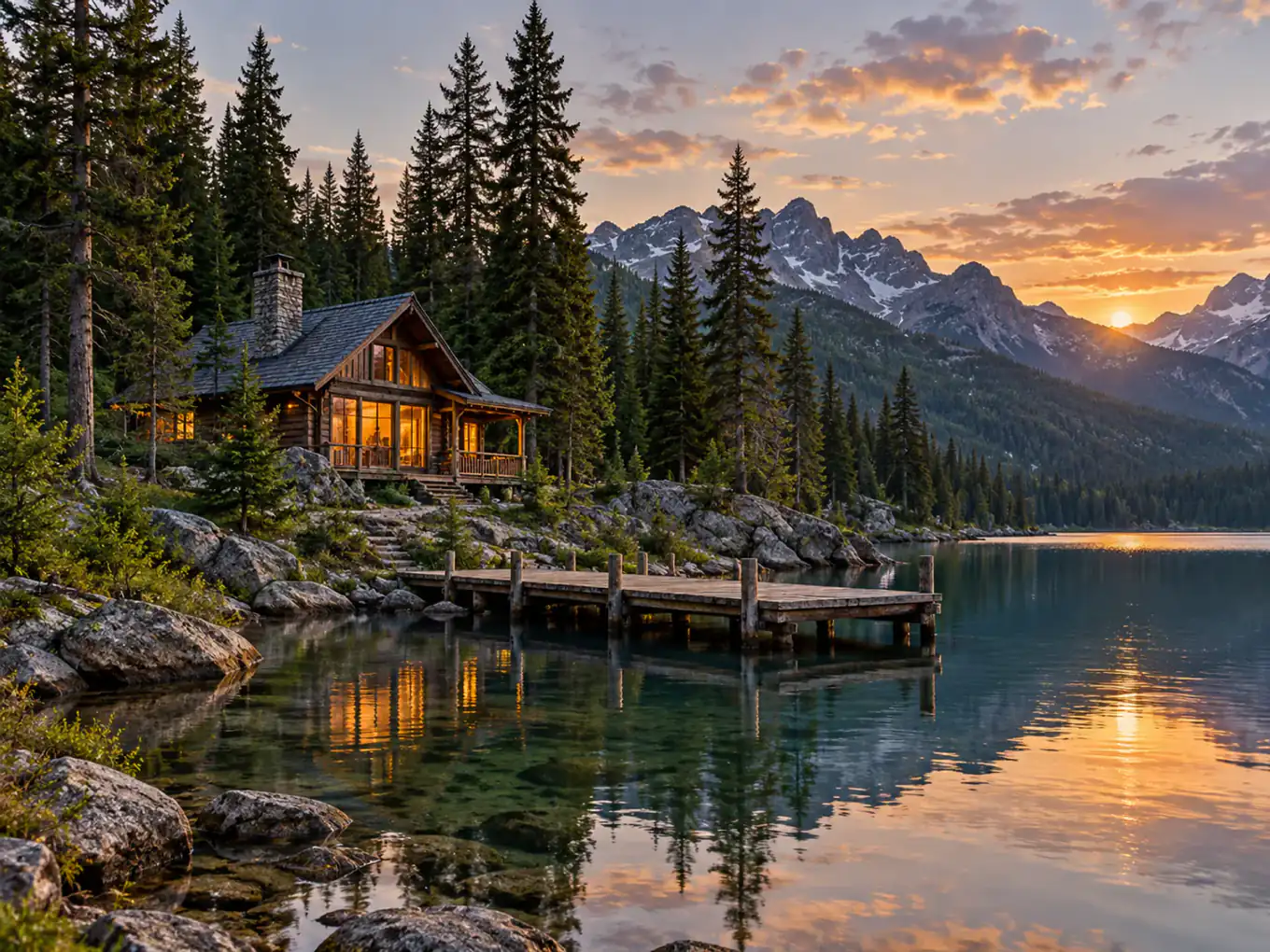
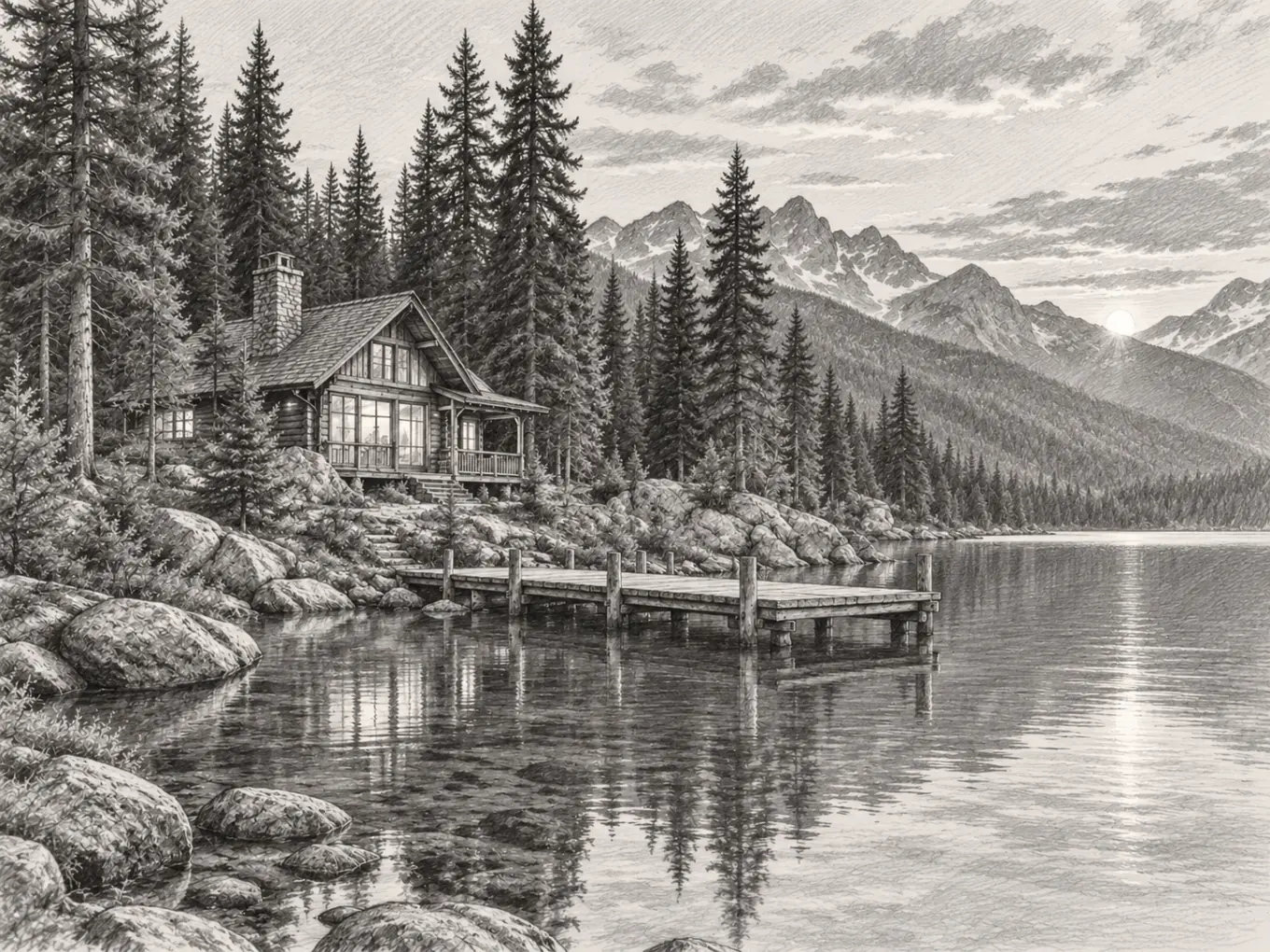
Pencil sketch from photo
A soft graphite study with light hatching, close to a classic pencil sketch from photo.
Draw this scene in graphite pencil with light hatching.
Charcoal
Landscapes and portraits of places that need deep shadows and rough paper texture.
Draw this scene with charcoal, deep shadows and rough paper texture.
Ink line art
Clean outlines for coloring pages, product line drawings and simple tattoo references.
Draw this scene with clean black ink contours.
Colored pencil
Travel and scenery photos where you want to keep the color but lose the camera look.
Draw this scene with layered colored pencils on paper.
Architectural sketch
Buildings and interiors drawn with perspective and construction lines.
Draw this scene as an architectural perspective sketch with precise construction lines.
Pen hatching
Objects and still life with fine cross-hatching, like a pen study in a sketchbook.
Draw this scene with fine pen strokes and cross-hatching.
Marker rendering
Furniture and product concepts rendered with bold marker strokes and grey tones.
Draw this scene as a designer's marker rendering with bold strokes and grey tones.
Blue ballpoint
Street corners and quick scenes that should look like a notebook doodle.
Draw this scene with a blue ballpoint pen, fine cross-hatching on notebook paper.
Photo to sketch examples by drawing style
Real examples made with the presets above. Drag the seam to compare each source with its drawing.
Pencil
A soft graphite study with light hatching, close to a classic pencil sketch from photo.
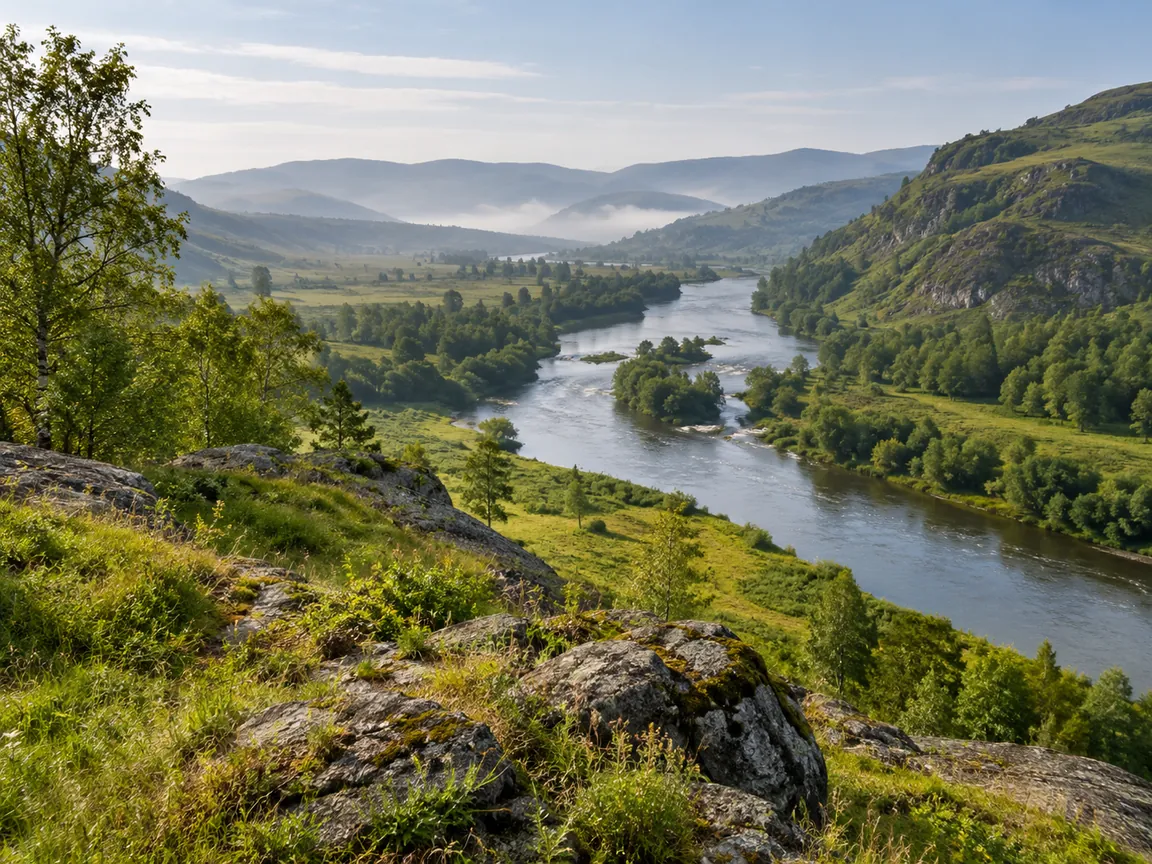
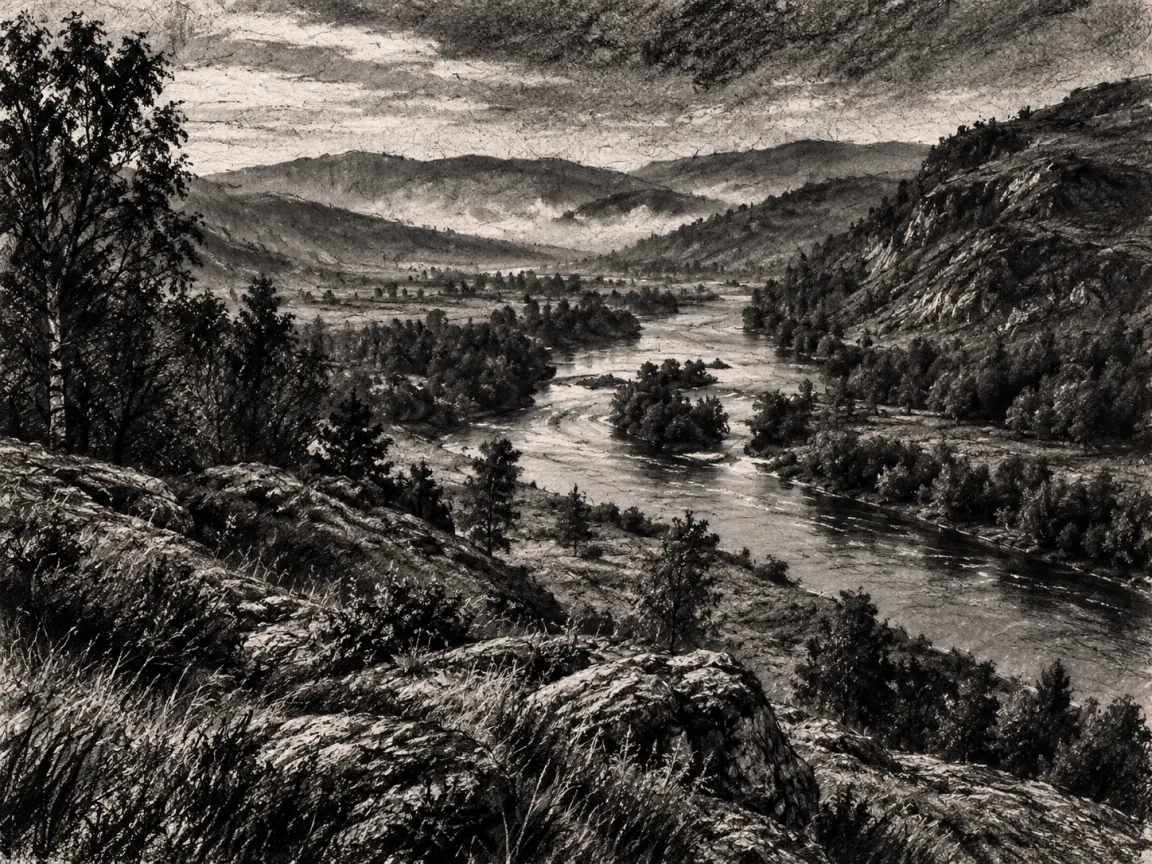
Charcoal
Landscapes and portraits of places that need deep shadows and rough paper texture.
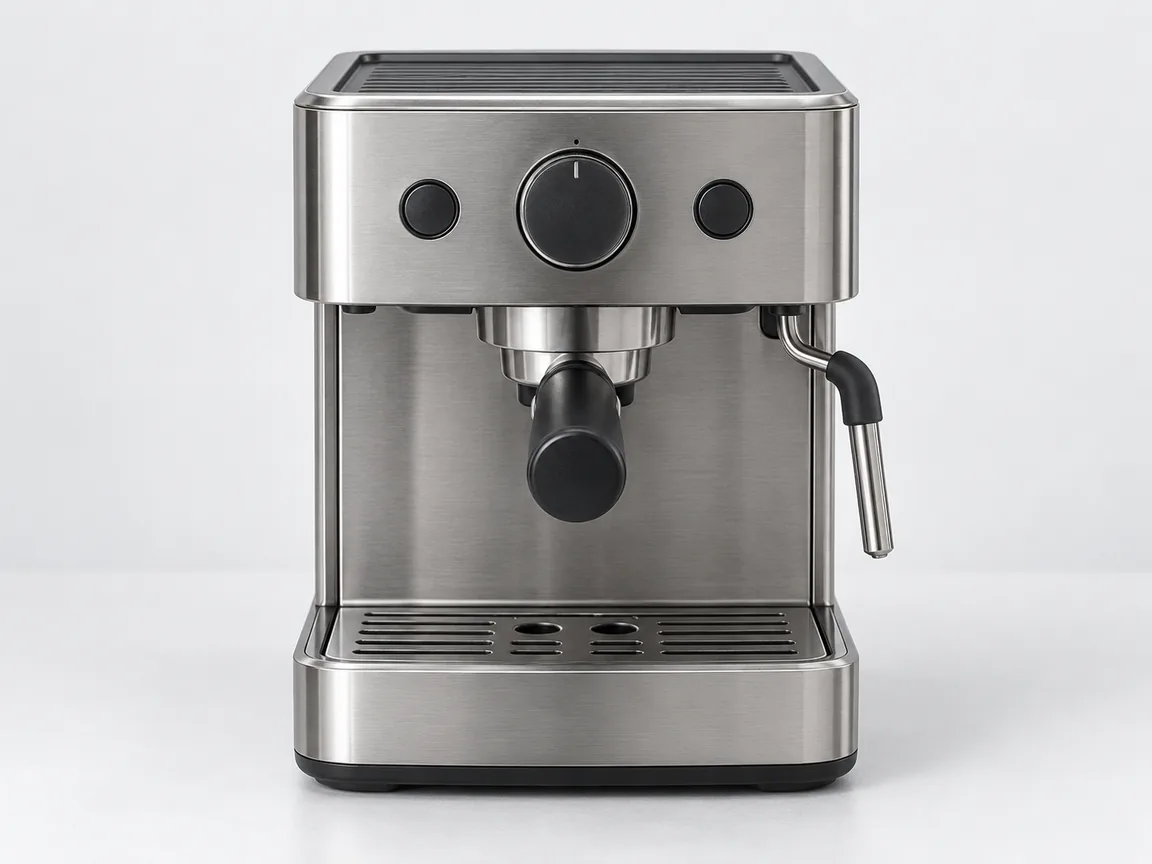
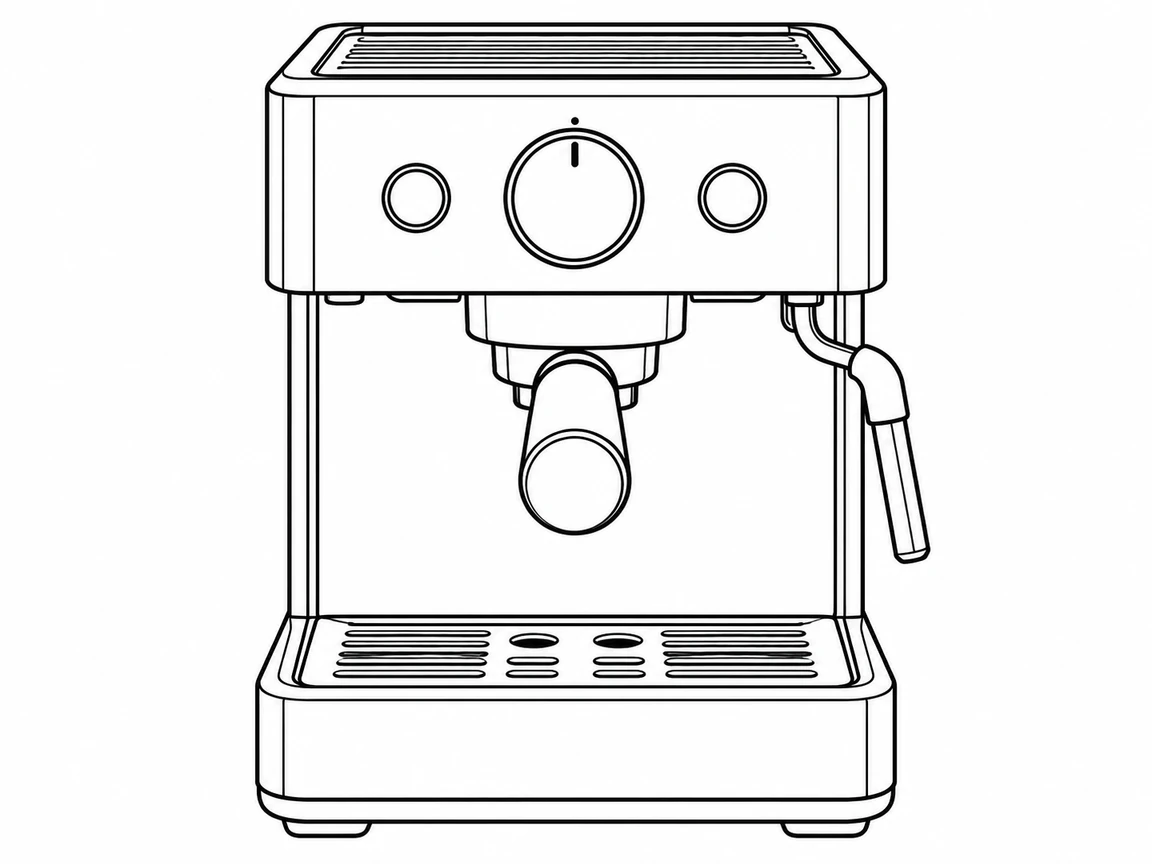
Ink line art
Clean outlines for coloring pages, product line drawings and simple tattoo references.
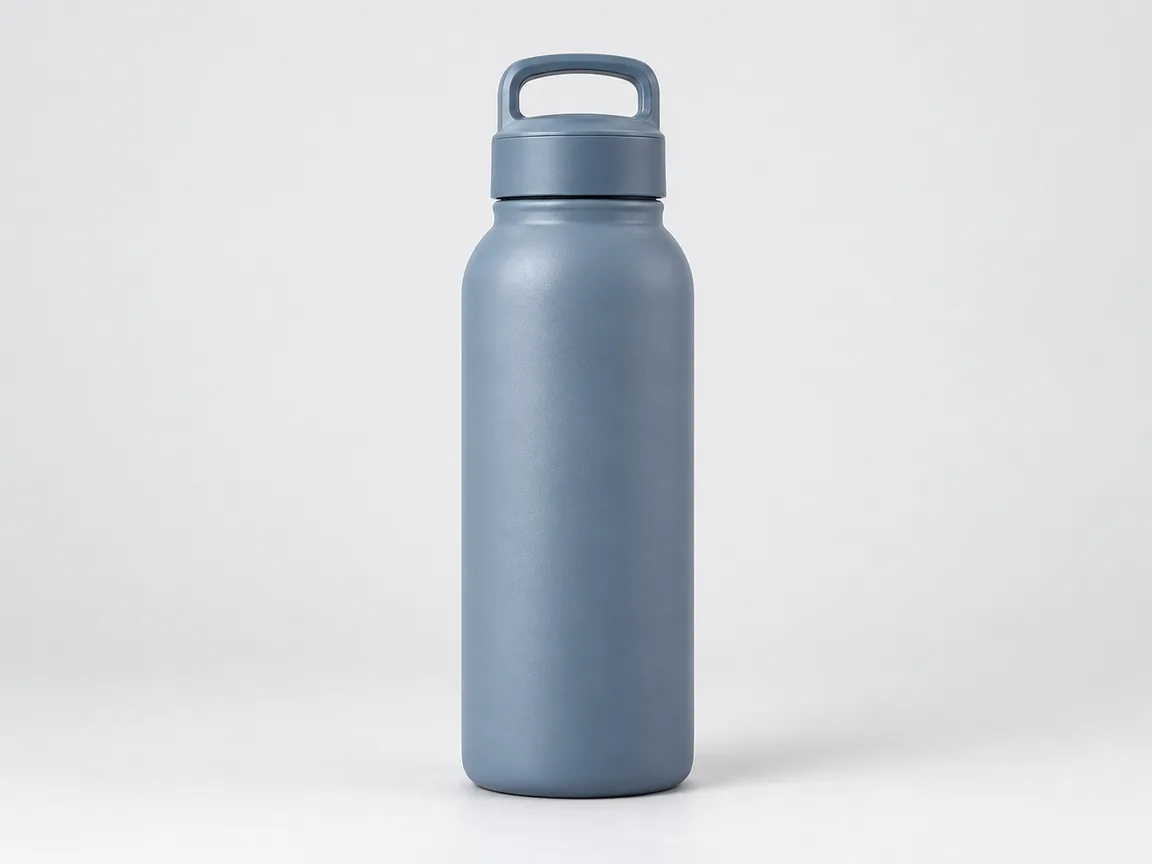
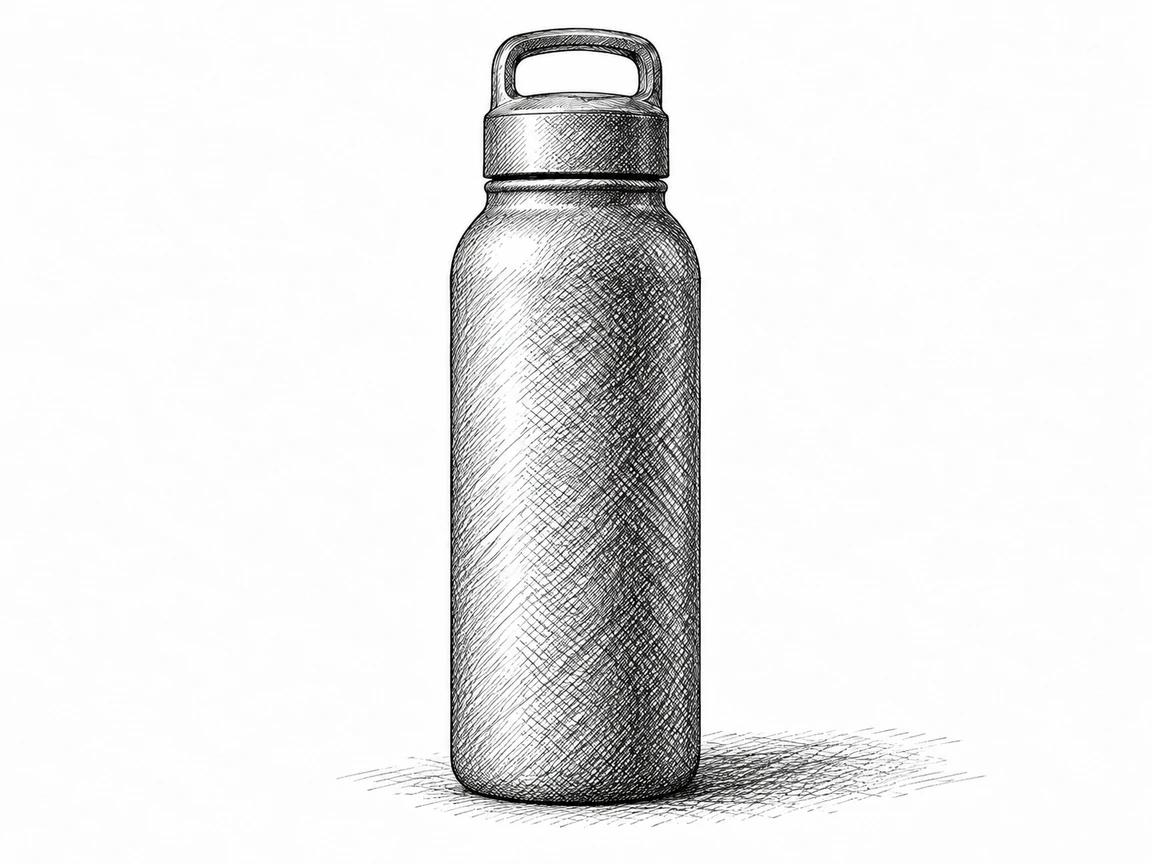
Pen hatching
Objects and still life with fine cross-hatching, like a pen study in a sketchbook.
How to Turn a Photo Into a Pencil Sketch Online
- Upload a clear photo in the online workbench. Crop unwanted objects first and choose a subject with visible edges.
- Choose Pencil and add optional details, or write a custom prompt such as "fine graphite hatching, light shadows, plain paper". Use View full prompt to read the style instruction or Edit as custom to change it.
- Confirm permission and generate in your browser; no drawing software installation is needed.
- Compare the drawing with the original, checking proportions, lettering and small objects before downloading.
Pencil uses shading and hatching to suggest tone; ink line art emphasizes contours with less shading. Charcoal asks for heavier tonal areas. Style instructions are read-only while selected; use Edit as custom to change them. They are not fixed filters or guaranteed drawing techniques.
The output is a raster image, not an exact trace, vector paths or a CAD file. AI generates a new interpretation, so details and line placement may change. A busy background can become dense strokes; use a clearer source rather than assuming a larger output will repair it.
The free version uses Standard 1K with a watermark. For a print, compare model options and credit costs before you pick a size. To enlarge an existing sketch, try the paid AI image upscaler and check fine lines and lettering afterward.
Which sketch output fits your task?
| Task | Use | Output |
|---|---|---|
| Drawing practice | Pencil with Subtle | Raster reference image |
| Coloring sheet | Ink line art with a plain background | Raster outlines; check for broken lines |
| Tattoo idea | Simple line art | Reference for a tattoo artist, not a stencil |
| Laser engraving or vector paths | Vector or machine software | Vector file (not offered by Imgraft) |
Image to sketch and photo to sketch FAQ
How do I turn a picture into a sketch?
Upload a clear photo, choose a drawing style or describe the marks you want, then generate and compare. Start with Pencil and Subtle if composition matters. Imgraft creates a raster interpretation of the photo rather than editable paths; inspect fine lines, lettering and small objects before saving or using it as a drawing reference.
Can I use image to sketch free without signing up?
Yes. Sketches use the same limited free allowance. Standard produces 1K output with a watermark; paid HD offers larger sizes without that watermark. Keep the browser session for your allowance, and download approved drawings before the image retention window ends.
Which is better for a photo sketch: pencil, charcoal or ink?
Choose pencil for fine hatching, charcoal for heavier tonal areas, or ink for distinct contours. Imgraft uses the selected style instruction with optional details; View full prompt shows the instruction and Edit as custom makes the combined text editable. It does not guarantee a physical drawing technique. A simple photo with a clear subject usually makes it easier to inspect which details survived the conversion.
Can I turn an image into a sketch for drawing practice?
Yes. Use a photo you own or have permission to use, request light graphite lines and compare the result with the original proportions. Generated strokes can simplify or invent details, so keep the source beside your drawing. Imgraft supplies a raster reference; it does not teach technique or certify an anatomically accurate study.
Can I make an outline sketch for coloring?
Request clean ink outlines, a plain background and minimal shading, starting from an uncluttered source. The result may still contain broken or extra contours; inspect and clean it before printing a coloring sheet. Imgraft produces raster images rather than closed vector paths, so it does not guarantee every region will fill cleanly.
Can I use a photo sketch as a tattoo reference?
A generated sketch can help discuss an idea with a professional tattoo artist when you have rights to the source. It is not a production stencil or advice about placement. Ask for simple line art, inspect the shapes and have the artist redraw details and assess what will work at the intended size.
Is an image to sketch output ready for laser engraving?
No. Imgraft outputs a raster image, not a calibrated engraving file or vector toolpath. A high-contrast sketch may be a starting reference, but you must prepare it in your machine's software, check line thickness and dimensions, and run a material test. Increasing output size does not establish machine compatibility or safe settings.
Photo-to-sketch quality, free exports and print resolution
Generation creates a new raster drawing; upscaling adds pixels to an existing image and does not recover exact missing detail. Printing also depends on the file's actual pixel dimensions, intended physical size, paper and printer. Free exports are 1K with an Imgraft watermark; paid HD generation supports up to 4K without it. Higher resolution does not guarantee cleaner lines or print quality. Check the downloaded file at your intended size and save it before expiry.