
Turn Photo Into Painting with AI

Turn a photo into a painting: upload it, start with Watercolor, and describe the brushwork you want. The result is a new AI-generated image; small details may change.Free 1K with watermark · No sign up · HD up to 4K

Edit an image

Style
Photo: image to image AI comparison of a realistic source photo and watercolor edit
Watercolor: image to image AI comparison of a realistic source photo and watercolor edit
PhotoWatercolor
02 · ONE PHOTO · FOUR MEDIA

Watercolor, oil painting and more from one cafe photo

AI-generated examples made from the same cafe source photo. Brushwork and small objects can change in a new image.

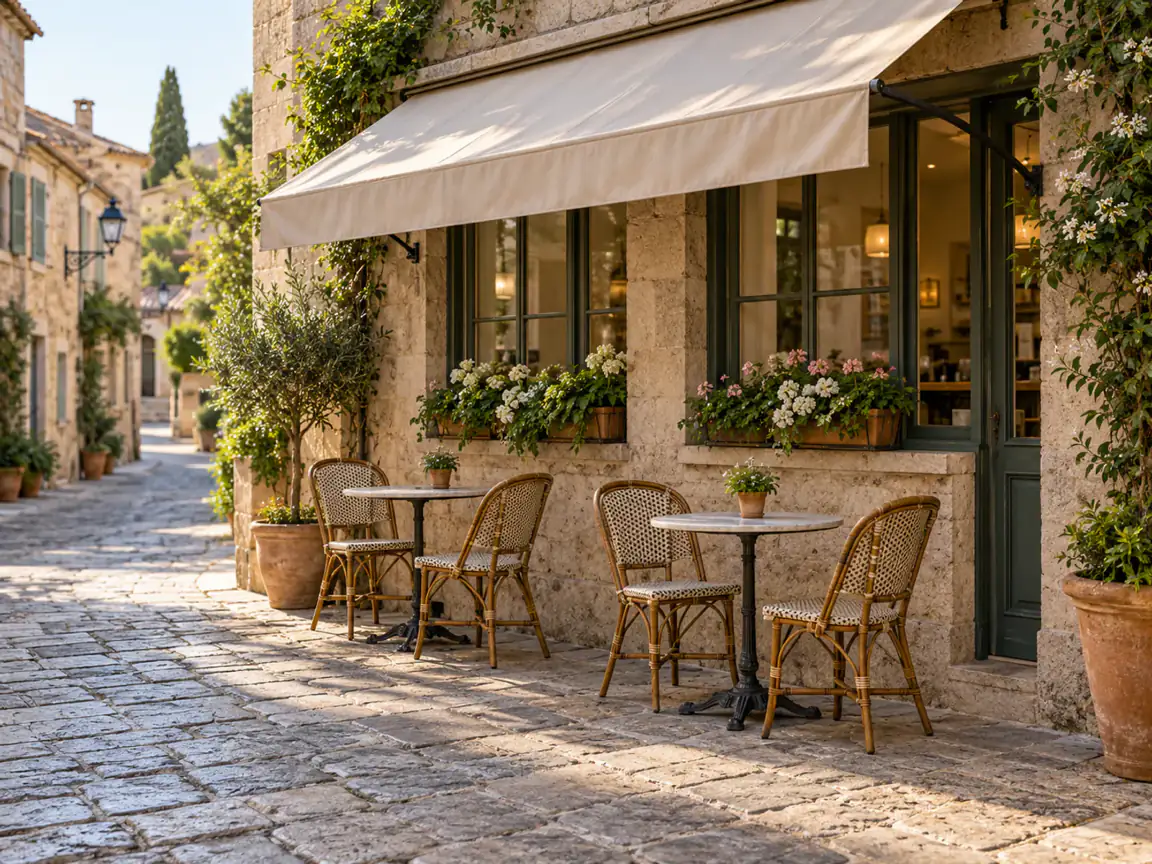
Original photo of a street cafe with two tables and four wicker chairs
Original photo

The awning, four chairs, flower boxes and cobbled street are the reference for every painting below.

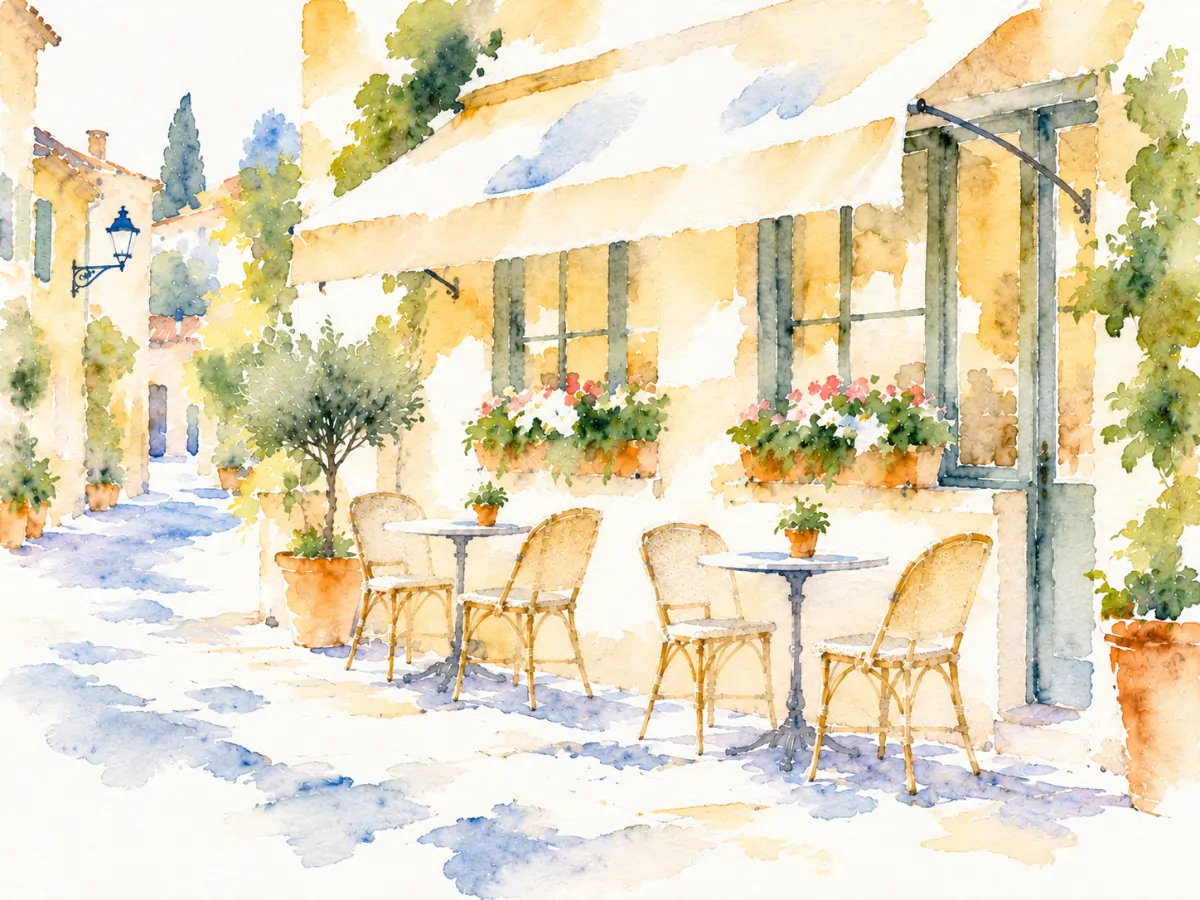
Watercolor painting generated from the same street cafe photograph
Watercolor

Transparent washes soften the stone facade and awning while the wicker chairs remain recognizable.

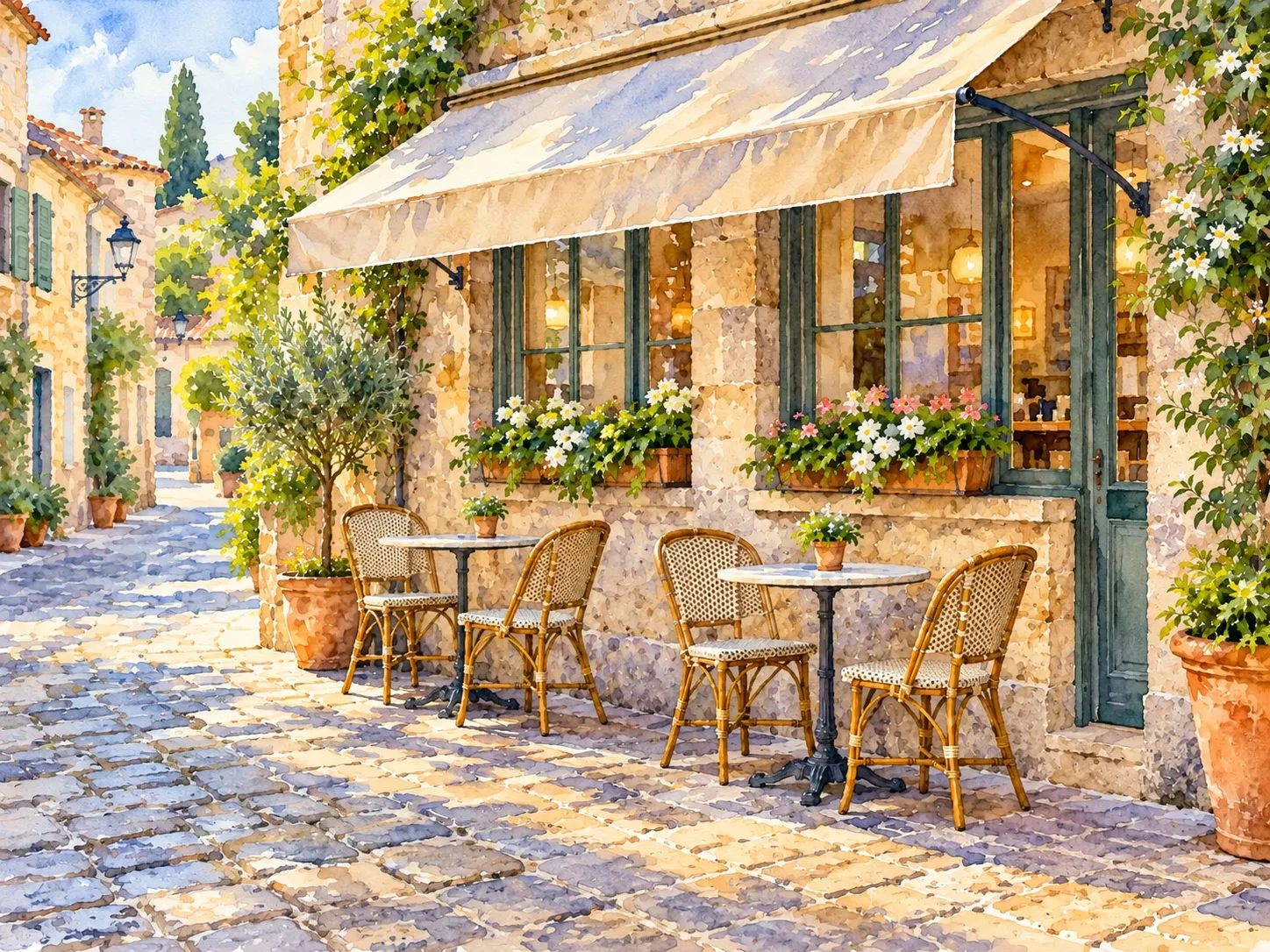
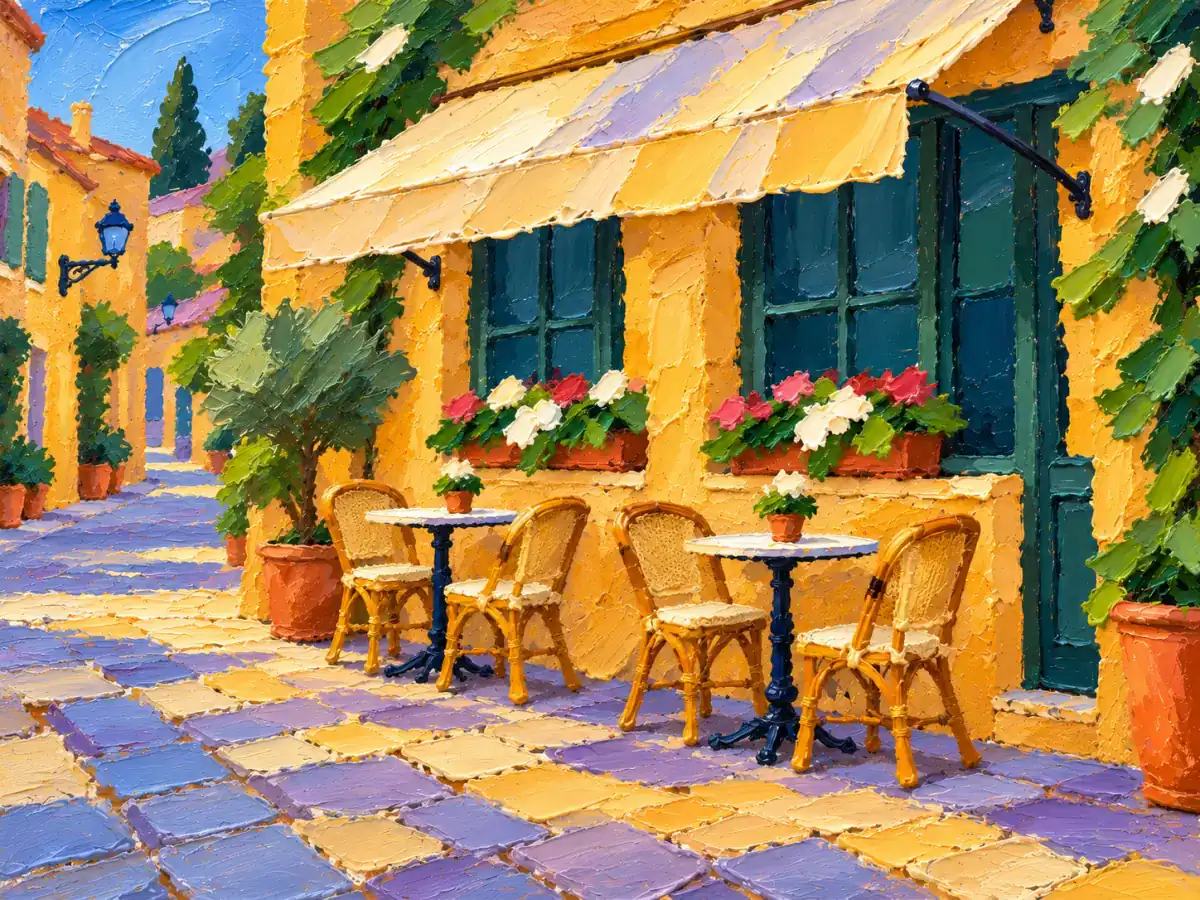
Oil painting painting generated from the same street cafe photograph
Oil painting

Thick, opaque strokes turn the wall and cobbles into raised-looking patches of color.

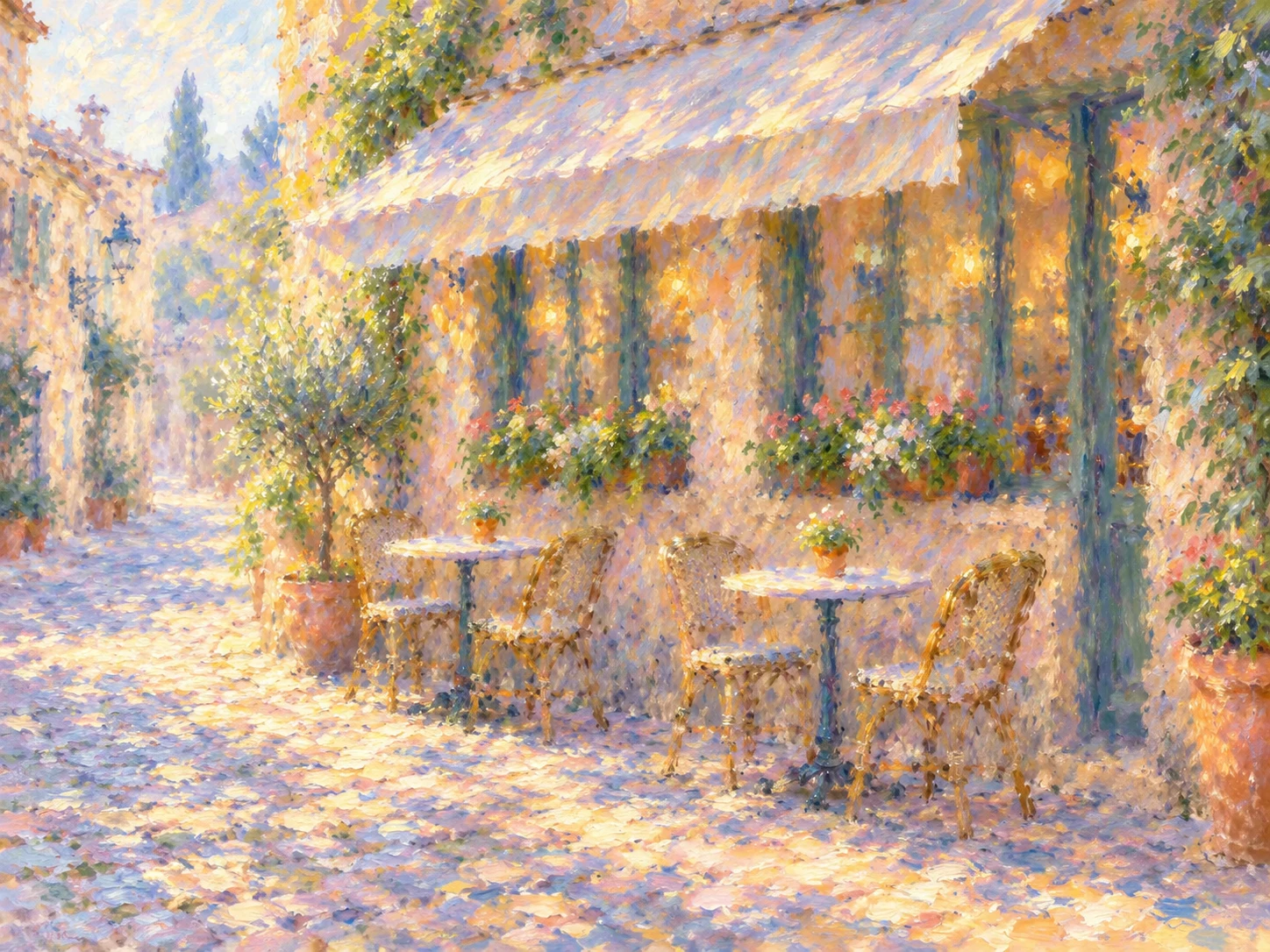
Impressionist painting generated from the same street cafe photograph
Impressionist

Broken strokes scatter warm light across the cobbles and flower boxes.

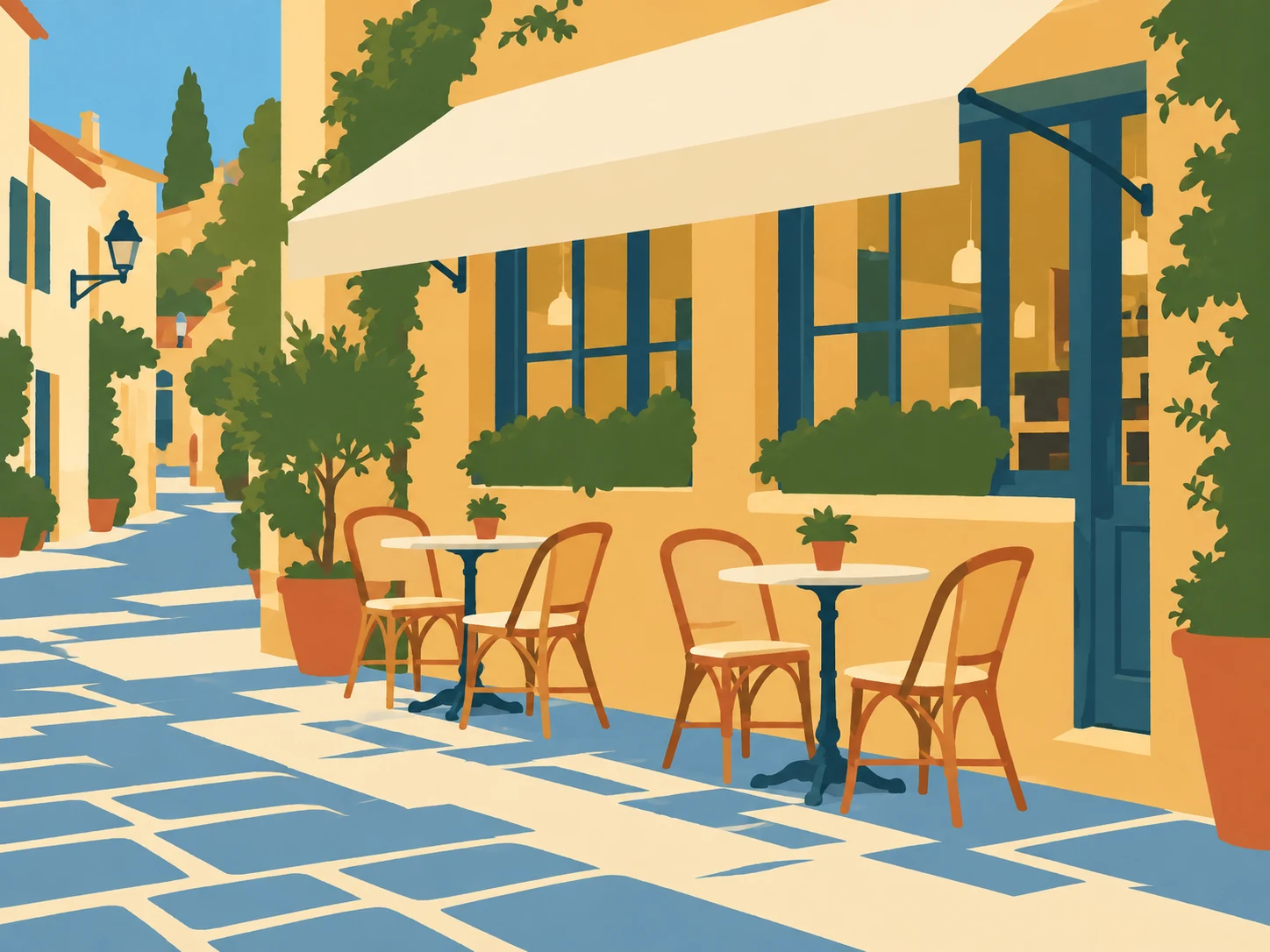
Gouache painting generated from the same street cafe photograph
Gouache

Matte, opaque shapes flatten the awning, windows and chairs into simpler color areas.

03 · MATCH THE PHOTO

Which painting medium suits your photo?

These are starting points to try. Compare any generated details that matter with your original.

Photo type, medium to try, reason and detail to inspect
Photo typeMedium to tryWhyCheck
LandscapeWatercolorA clear horizon leaves room for translucent sky and water washes.Fine branches and distant buildings may blur together.
PetImpressionistShort strokes can suggest fur and light around a clear silhouette.Check eyes, paws and markings against the source.
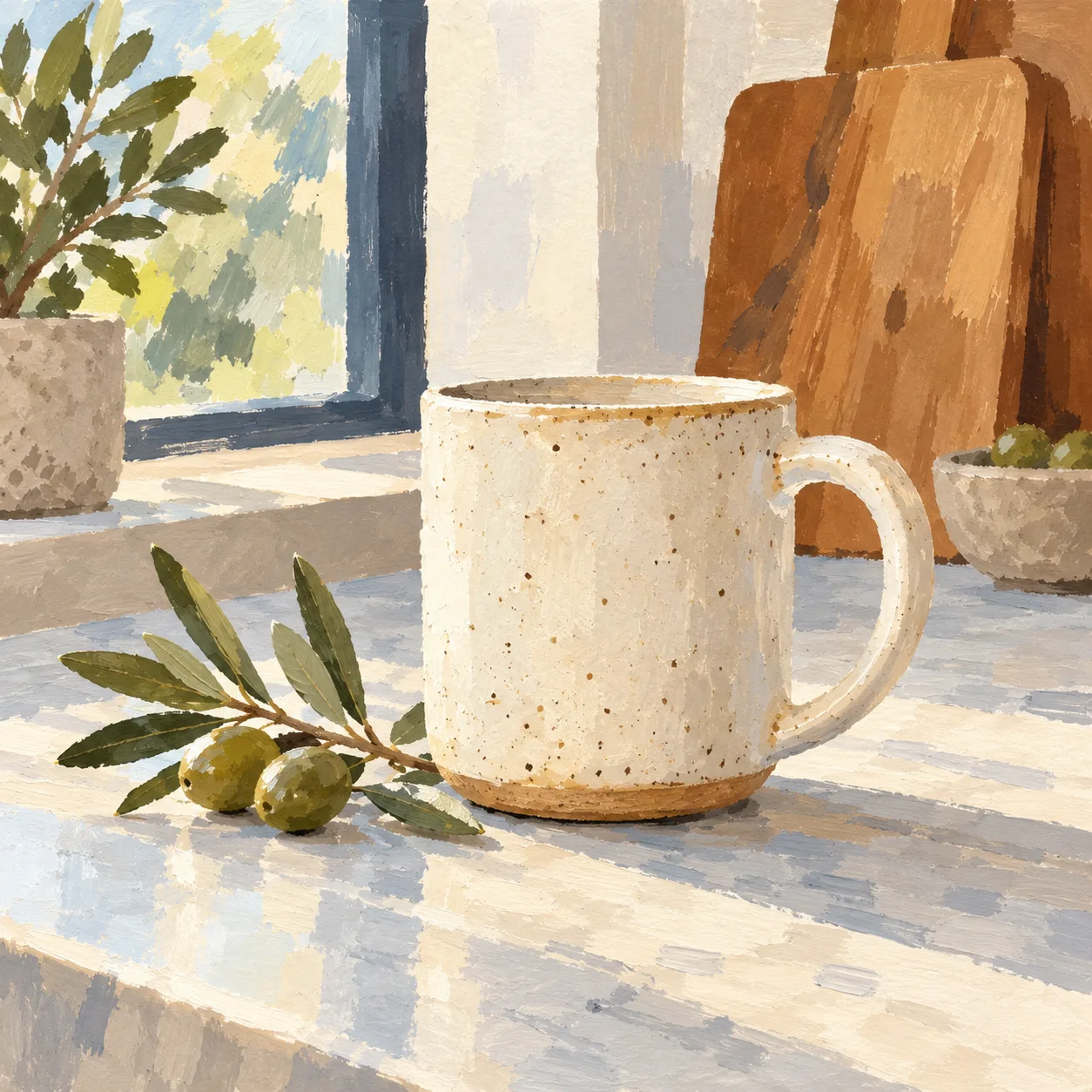
Still lifeGouacheOpaque matte shapes can separate a mug, fruit or vase from its background.Check handles, labels and narrow gaps.
Architecture or streetOil paintingDenser strokes can emphasize stone, doors and sunlit paving.Check window lines, signs and perspective.
Adult portraitWatercolorSoft washes can move attention toward overall light and clothing color.Facial features may change; compare identity carefully before sharing.
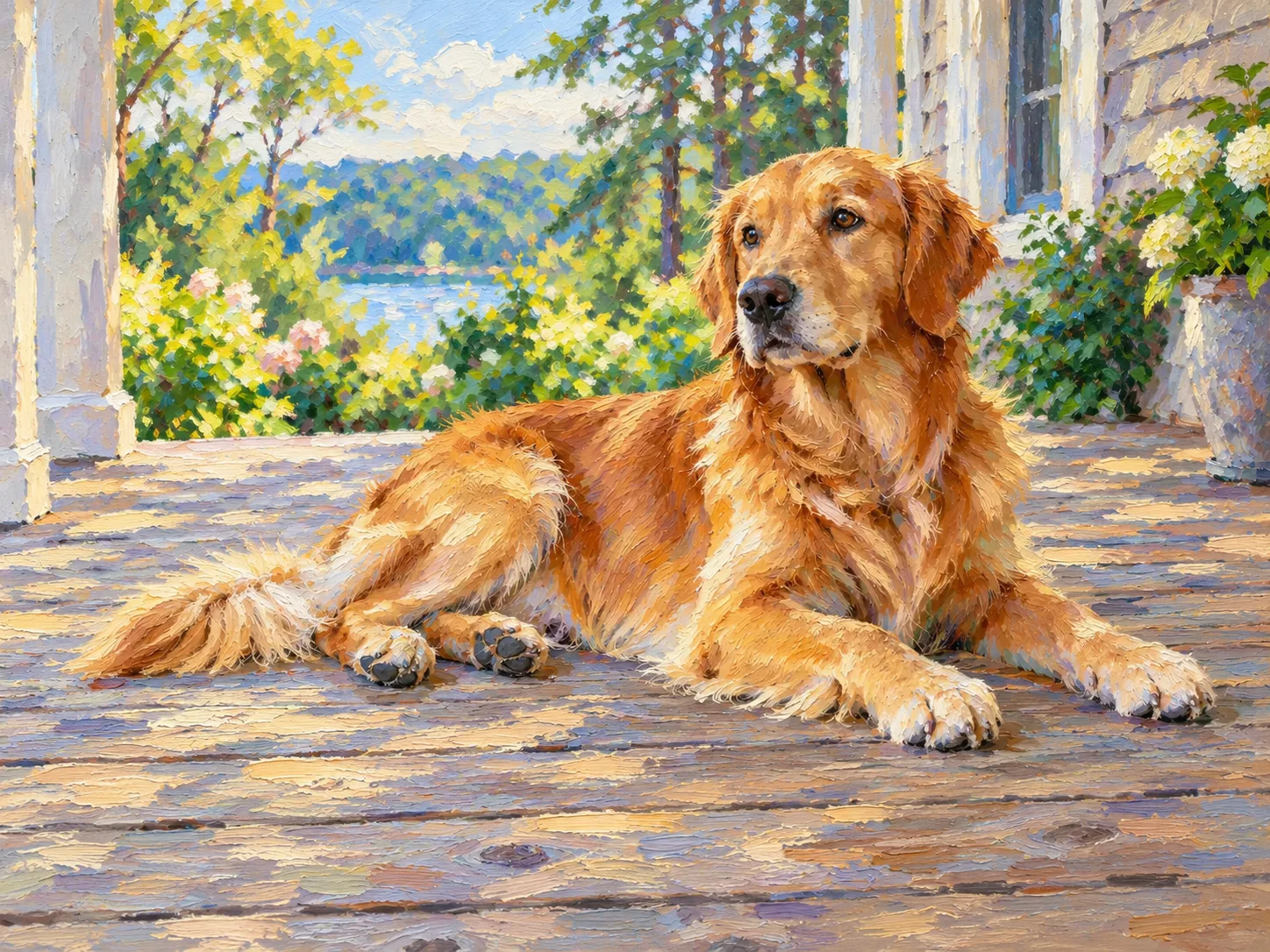
AI-generated impressionist painting of a golden retriever
Pet example · Impressionist. Check the eyes and paws against the source photo.
AI-generated gouache painting of a ceramic mug
Still-life example · Gouache. Check the handle and olive branch.
04 · PRINT SIZE

How large can you print a painting?

Standard 1K output has an Imgraft watermark. For a print or gift, choose HD up to 4K without that watermark and inspect the downloaded file before ordering.

Output labels do not give an exact width and height. Choose your downloaded image to calculate its size at 300 dpi and 150 dpi; this checks pixels only, not sharpness, paper or printer quality.

Free results are 1K with a watermark. Compare model options and credit costs before you choose a size. For an existing painting image that needs a larger output, use the paid AI image upscaler and inspect the result against the source.

05 · EDIT THE PROMPT

How can you change the painting prompt?

These are the instructions each preset uses. You can try one additional description in Add details (optional); it may change the result.

Watercolor

Preset: Turn this photo into a loose watercolor painting on cold-press paper, soft washes, visible paper texture. Keep the exact layout.

You can try adding: “Keep the awning pale cream; use diluted blue-gray washes in the cobbled shadows.”

Oil painting

Preset: Repaint this scene with thick oil brushstrokes and natural colors. Keep the same objects and layout.

You can try adding: “Use broad palette-knife marks on the wall and keep the two cafe tables visible.”

Impressionist

Preset: Repaint this scene with loose impressionist brushstrokes and dappled light. Keep the same objects.

You can try adding: “Let the late-afternoon light break into short strokes across the cobbles.”

Gouache poster

Preset: Repaint this scene as a flat gouache poster with bold shapes and a limited palette. Keep the exact layout. Use large flat blocks of opaque paint in five or six colors, visible brush edges and matte paper grain, with no photographic detail or smooth gradients.

You can try adding: “Simplify the flower boxes into matte color shapes; keep the chair silhouettes distinct.”

06 · FAQ

Photo to painting questions

How to turn a photo into a painting online

Upload your photo, leave Watercolor selected or choose another Painting style, add optional details, confirm permission and generate. Compare the new image with the original before downloading.

Will a painted portrait preserve the face exactly?

No. The model generates a new image, and facial features can change. Use a photo you have permission to edit and inspect the result carefully before sharing it.

Can I turn a photo into watercolor for free?

Yes. Watercolor is the starting style on this page, and limited free use is available without signing up. Free Standard output is 1K with a watermark; paid HD supports up to 4K without it. Free use may be unavailable at busy times; safety rules still apply.

What is the best painting style for pet photo edits?

Start with Impressionist: short strokes can suggest fur and light around a clear silhouette. Use a sharp photo with one pet and a simple background, then check the eyes, paws and markings against your source.

Photo to gouache painting or photo to impressionist painting: which should I try?

Try gouache for still life, such as a mug, fruit or vase: matte, opaque shapes keep objects separate. Try Impressionist when light and movement matter more than edges. Both are instructions for a newly generated image, so exact brush marks can vary.

Can I print a painting made from my photo?

Yes, if the file has enough pixels for your print size. Free results are 1K with a watermark; paid HD supports up to 4K without it. Check the downloaded file's pixel dimensions and inspect details before ordering a print.

Updated · By the Imgraft team