

AI Background Changer: Put Your Photo in a New Scene
Imgraft is an AI background changer for product and portrait photos. Upload a photo, describe the new scene and compare the result with your original.Free to try · No sign up · Product and portrait photos
No images in this browser yet. Your recent results will appear here.
Product photo background styles
Each preset is the exact prompt the workbench uses. Load one to put its sample photo and prompt into the tool above, then swap in your own photo.
Studio product
Marketplace listings that need a clean, neutral backdrop and a soft contact shadow.
Place this object on a clean studio backdrop with soft side lighting and a gentle contact shadow.
Marble counter
Fragrance, jewelry and beauty shots that need a polished surface and window light.
Place this product on a white marble counter with soft window light and a subtle reflection.
Pastel podium
Skincare and small cosmetics for social posts and launch graphics.
Place this product on a pastel podium with clean studio light and a soft shadow.
Moss and stone
Water bottles and outdoor gear that belong in a natural setting.
Place this product on mossy stone in a forest with soft natural light.
Kitchen lifestyle
Appliances and kitchenware shown on a bright counter in everyday use.
Place this product in a bright home kitchen with natural morning light. Keep the product unchanged.
Make a photo background white
Add a white background to a product or portrait photo with a prompt. Check the result against the original before using it.
To make a background white, describe the change and ask to preserve the subject. This can be useful for product listings or ID photo preparation. Check the marketplace or issuing authority's requirements: a generated image may not be accepted as an official ID photo, and the subject, edges, lettering or shadows can change.
The preset below loads a sample product photo and its prompt, replacing the current source. If you already have an image or prompt in the tool, confirm the replacement first. Swap in your own authorized photo before generating.
Pure white background
Product photos and portraits that need a plain white background.
Replace the background with pure white. Preserve the subject, its shape, details and framing; keep a natural contact shadow where appropriate.
Product photo background ideas by use
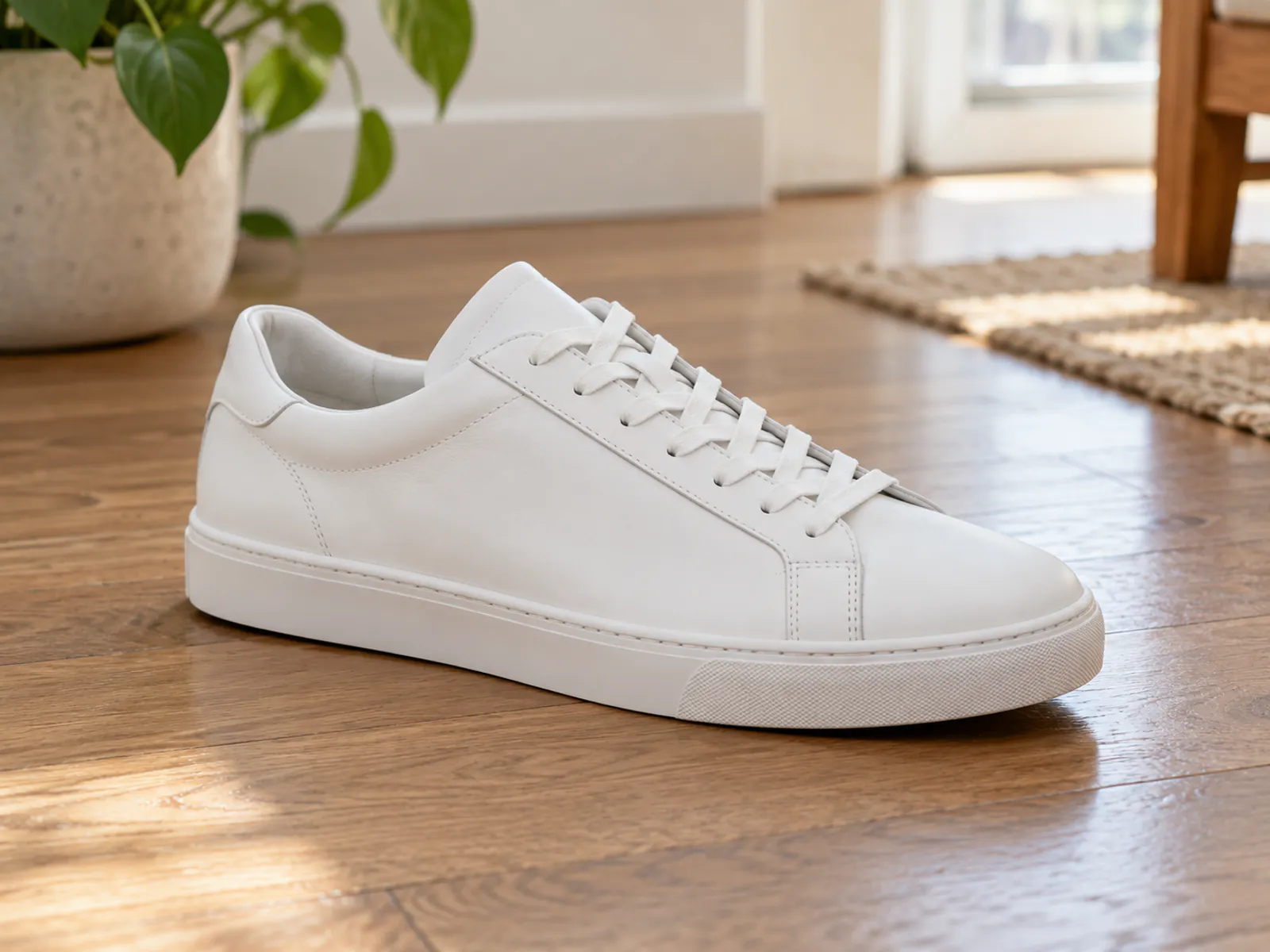
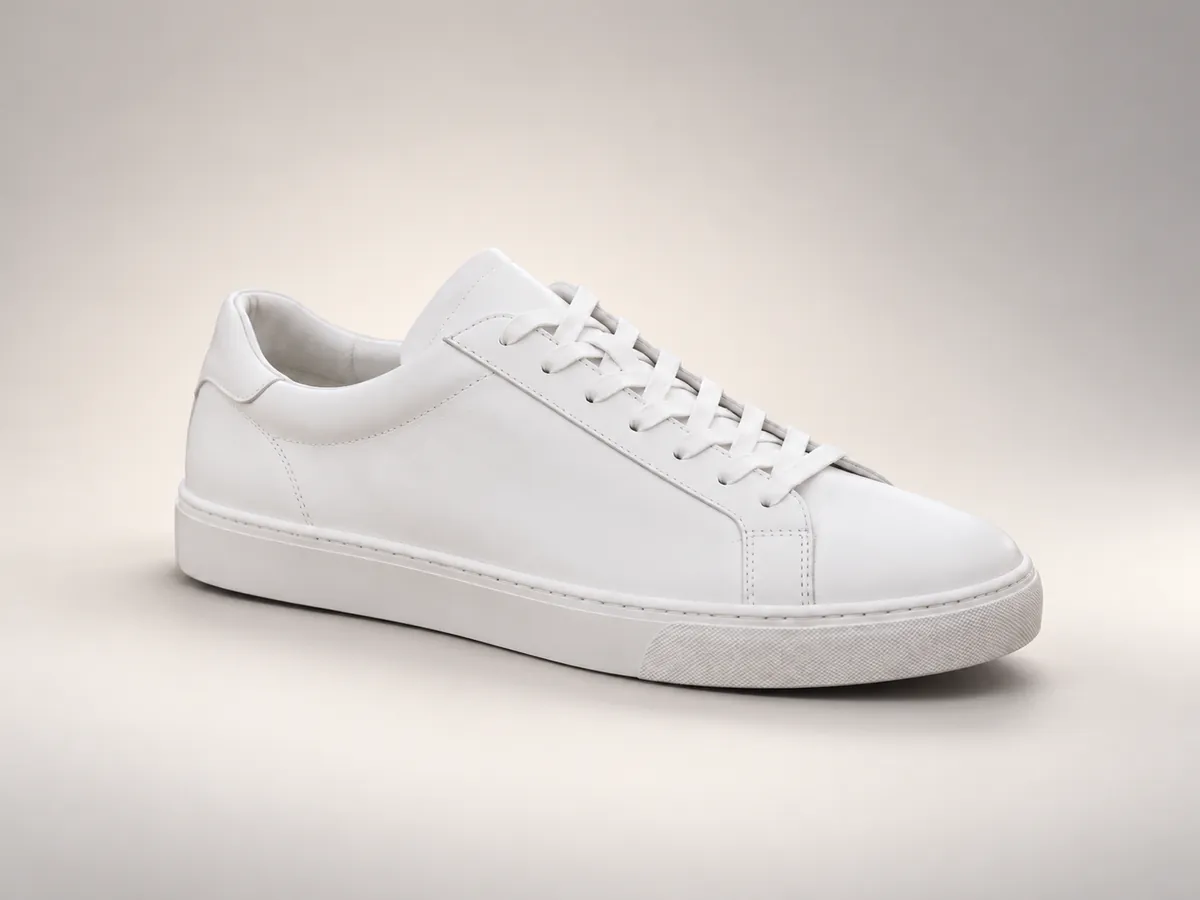
Real examples made with the presets above. Drag the seam to compare each source with its result.
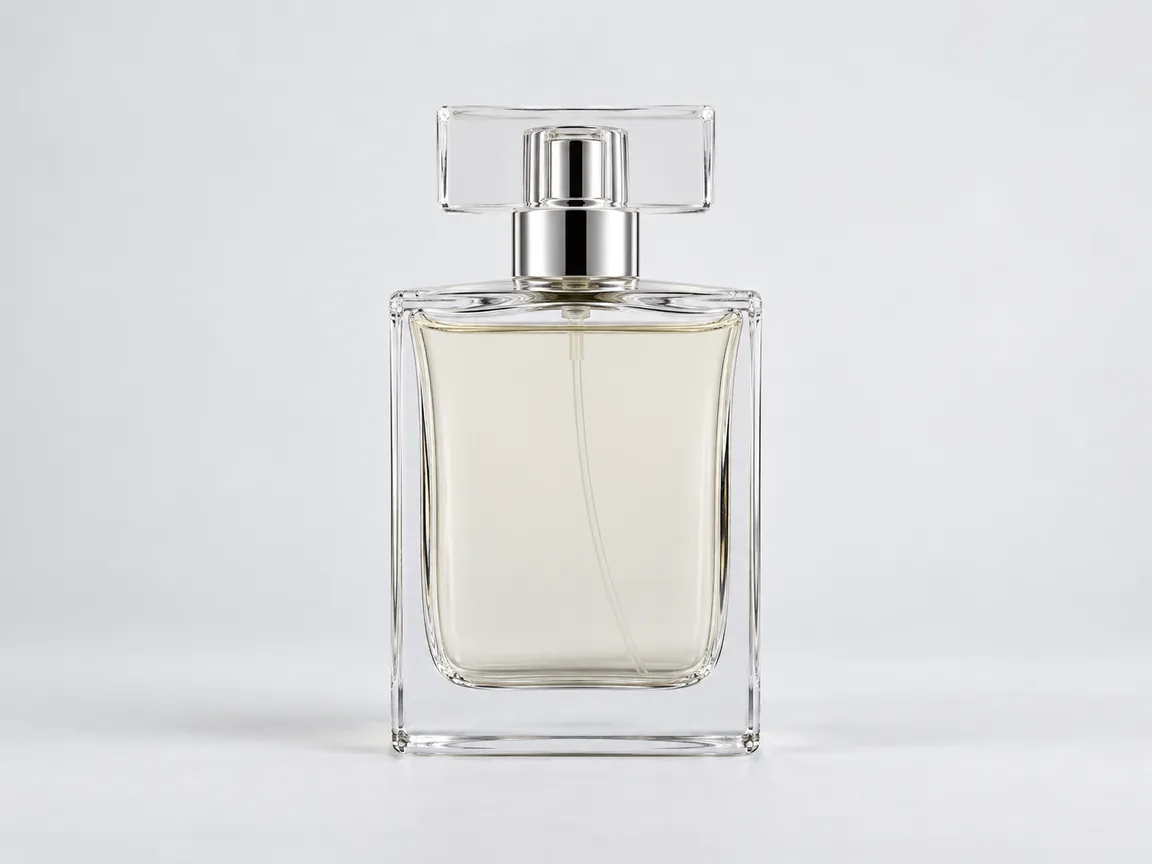
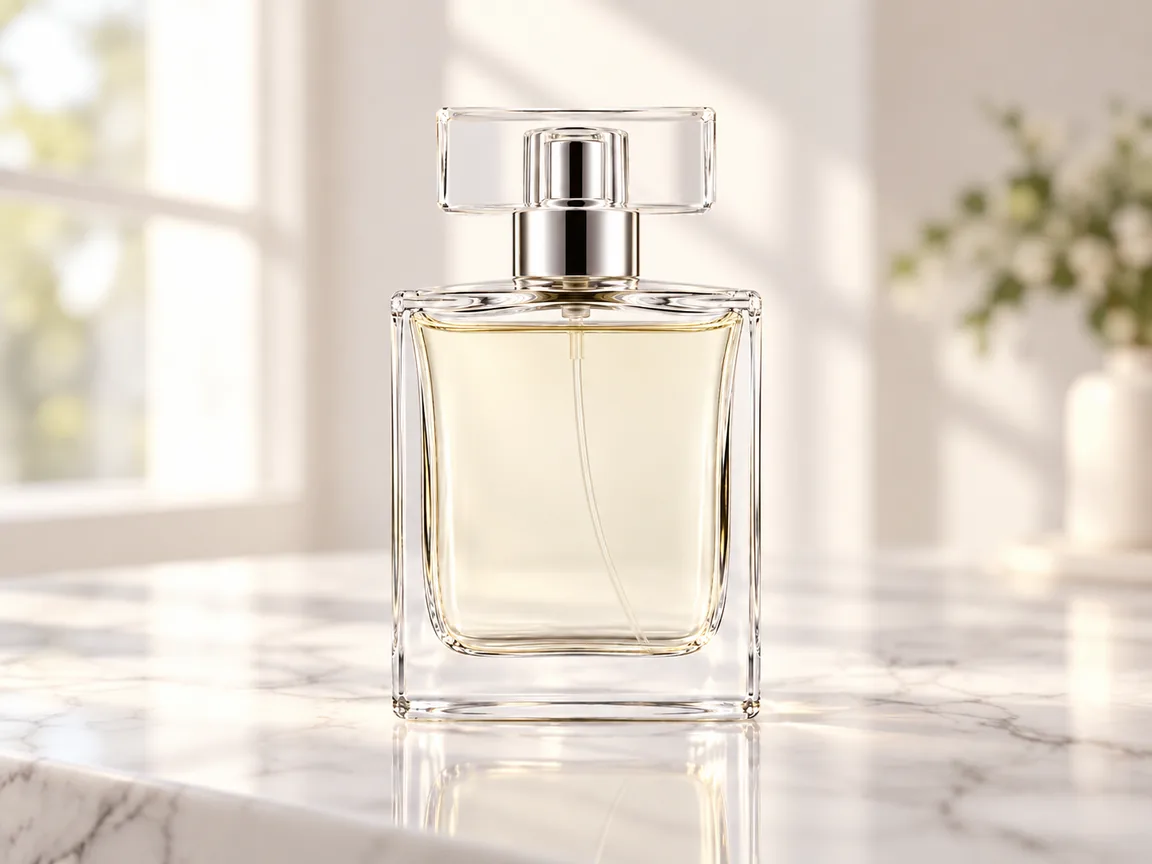
Marble counter
Fragrance, jewelry and beauty shots that need a polished surface and window light.
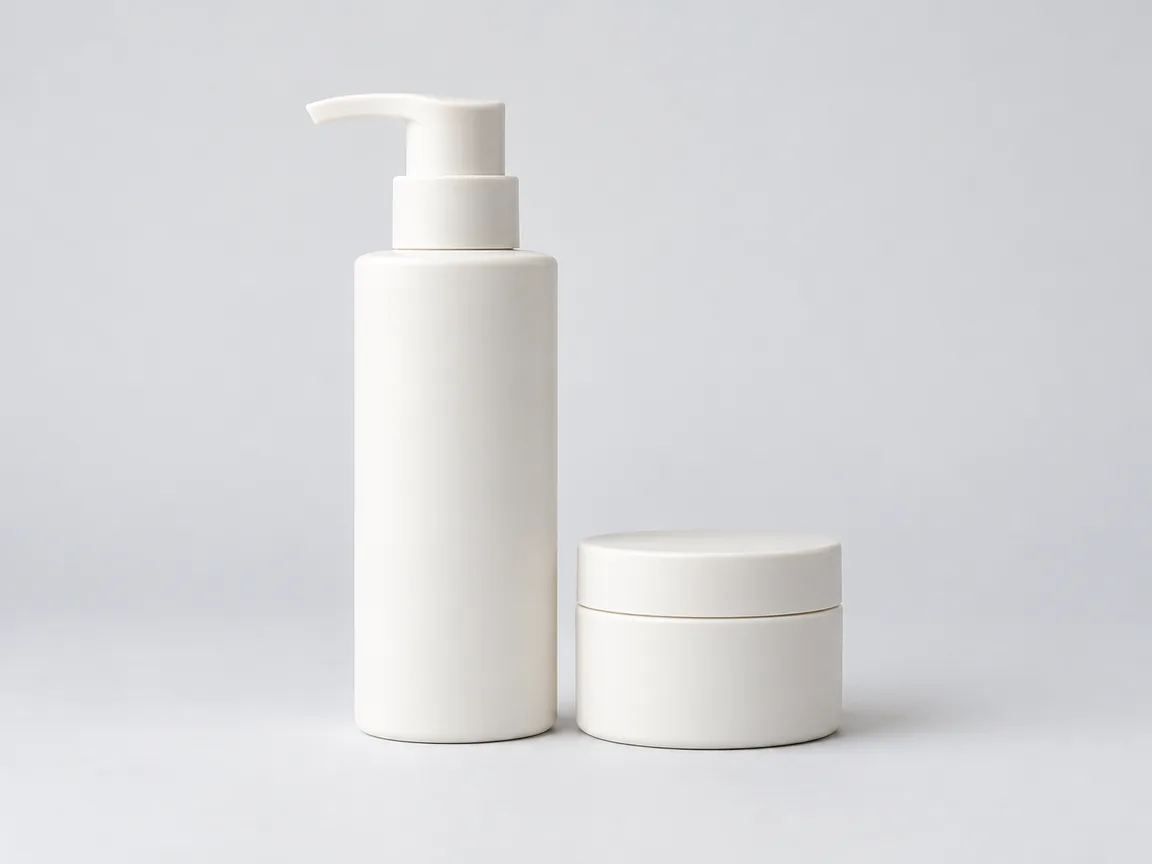
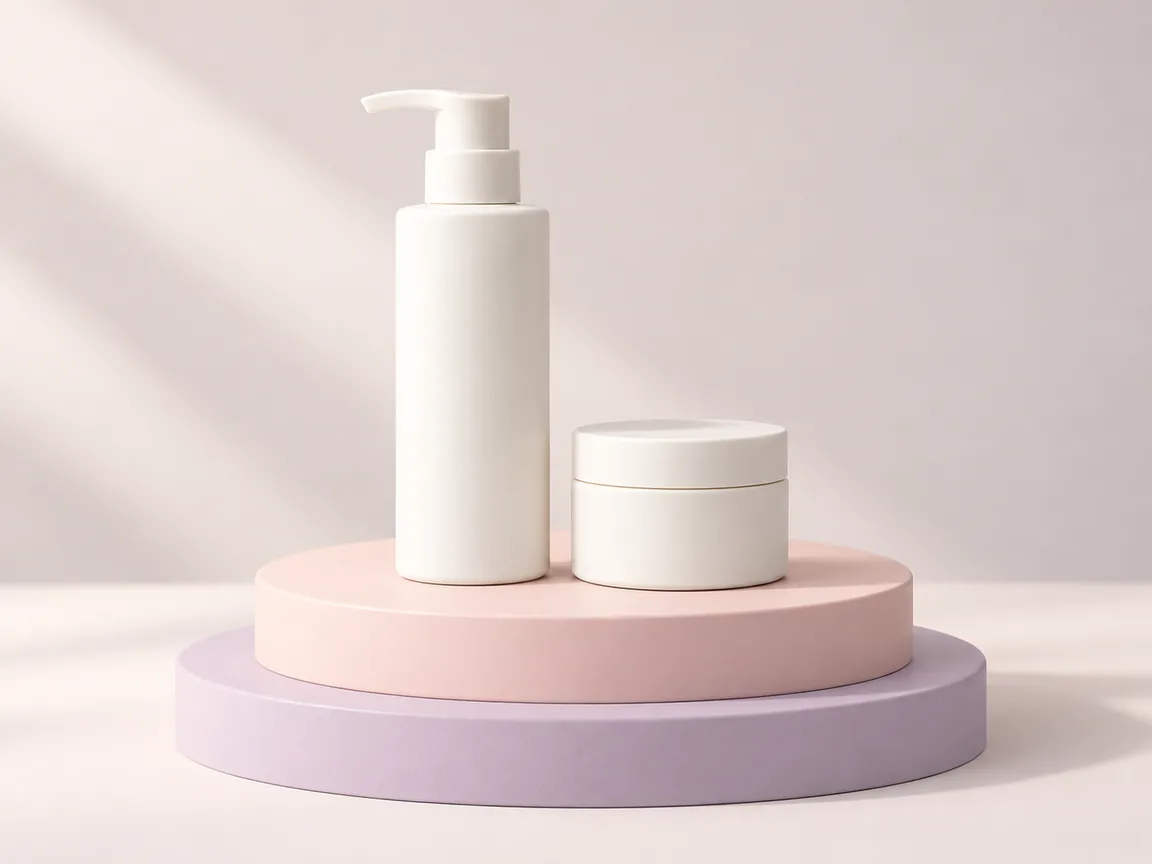
Pastel podium
Skincare and small cosmetics for social posts and launch graphics.
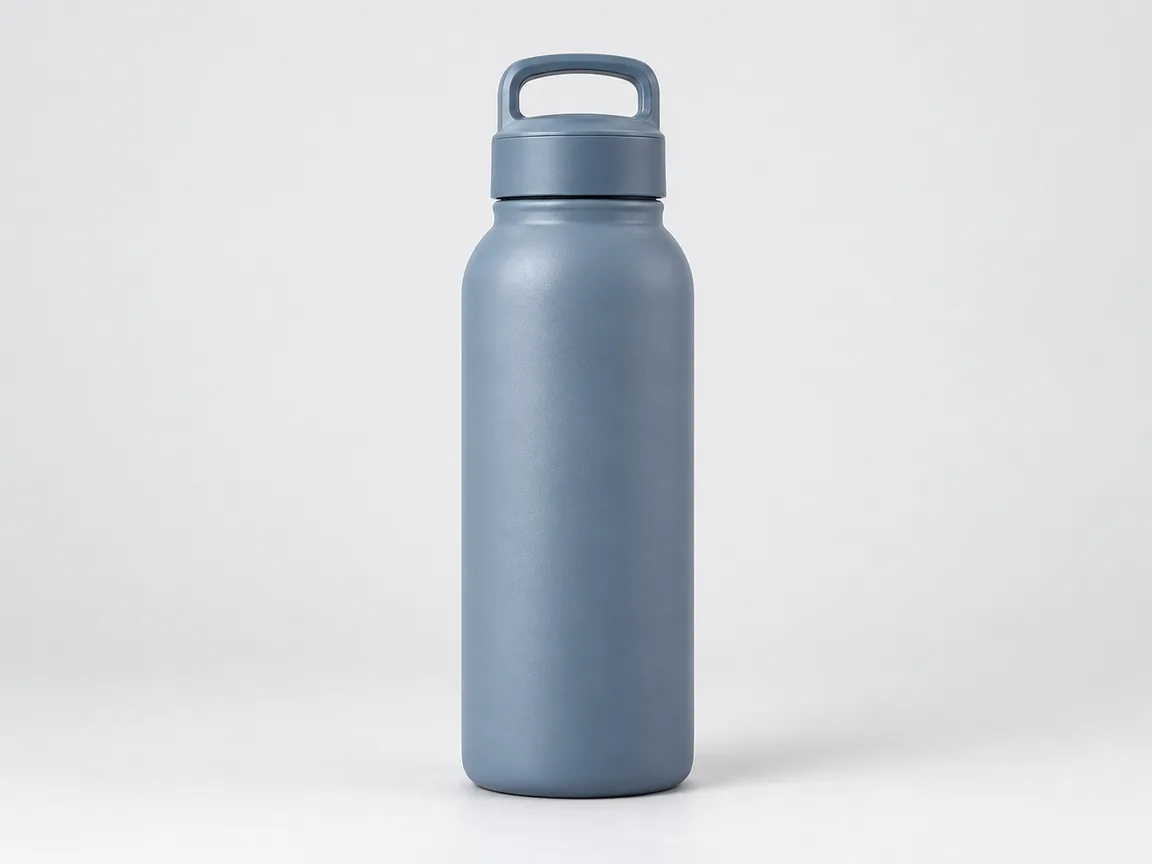
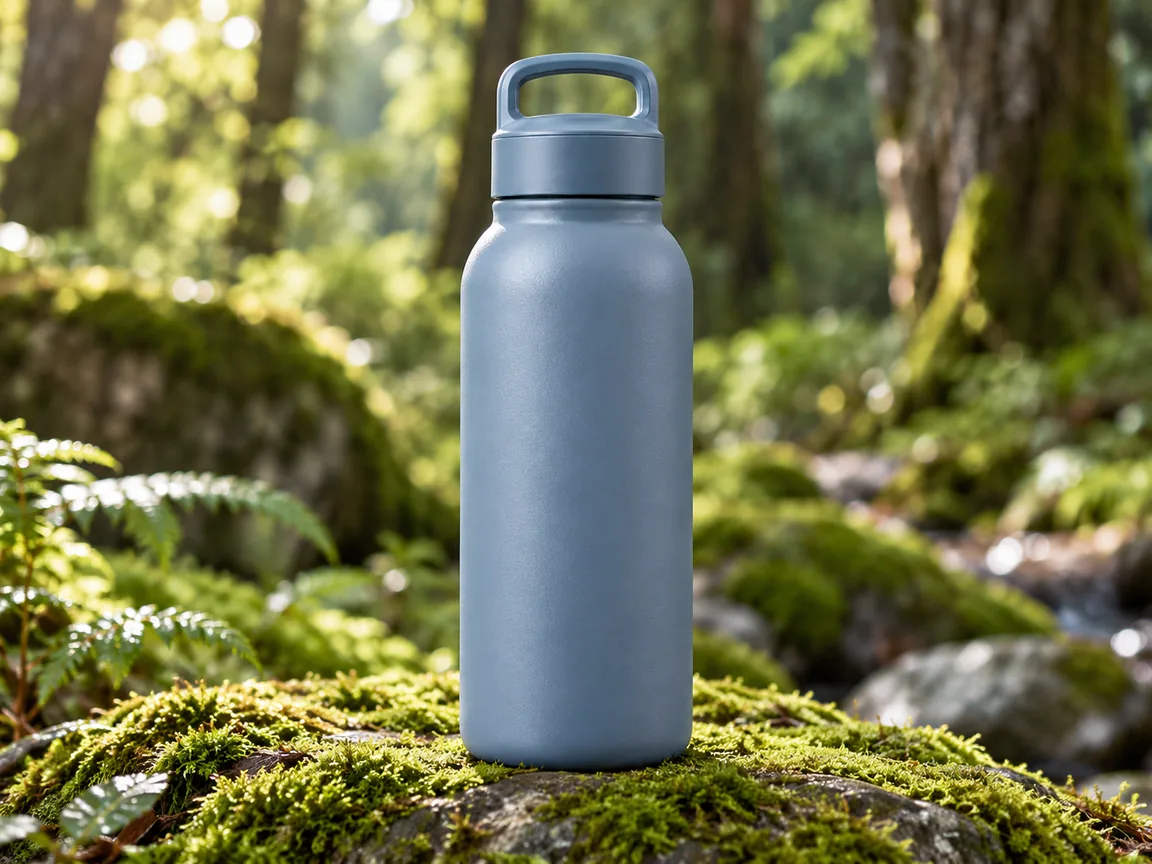
Moss and stone
Water bottles and outdoor gear that belong in a natural setting.
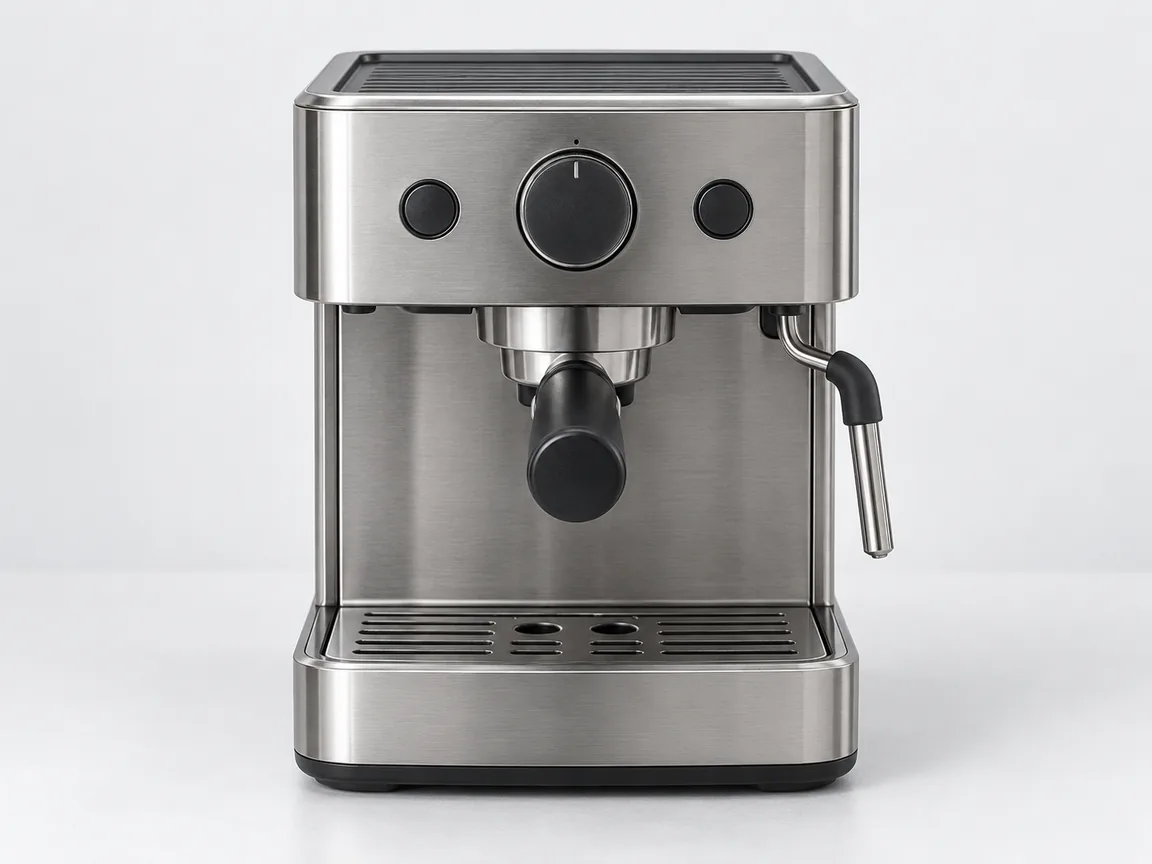
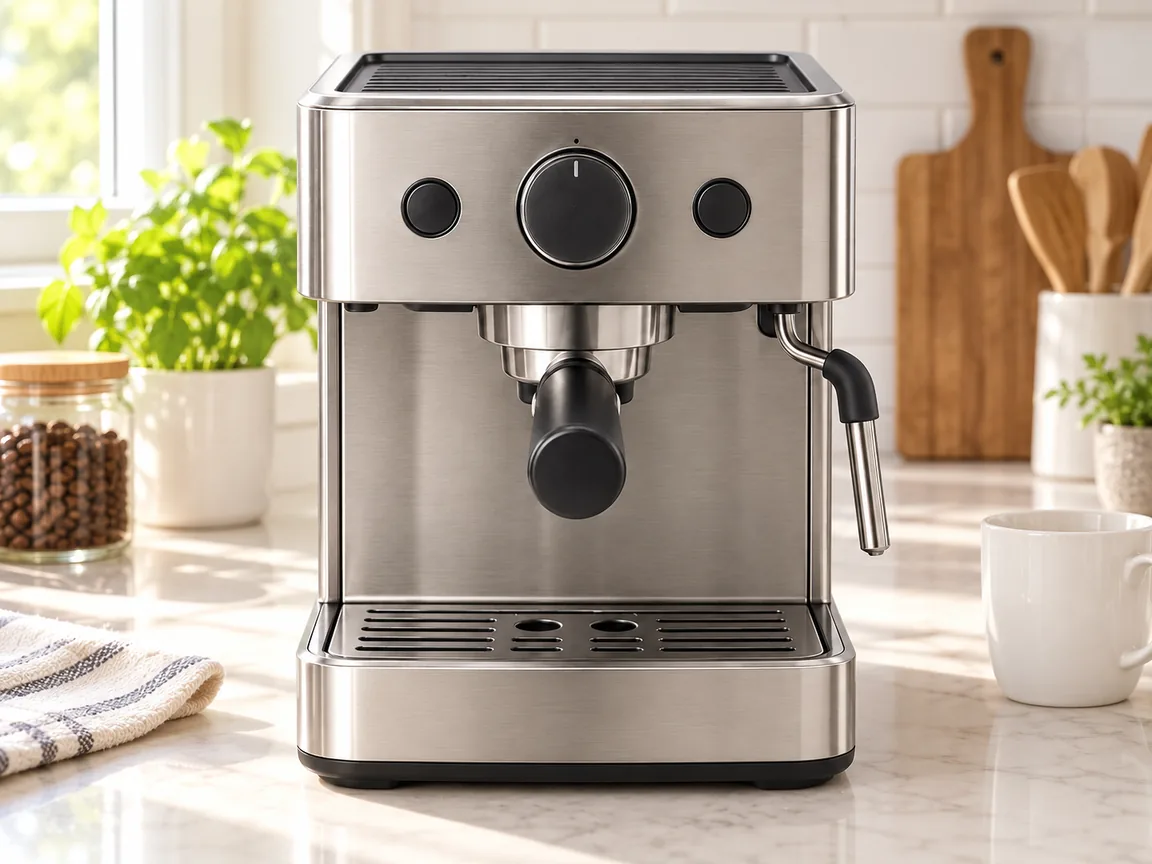
Kitchen lifestyle
Appliances and kitchenware shown on a bright counter in everyday use.
Change background of photo: how to get a convincing result
Imgraft generates a finished scene rather than a transparent cutout. Product details, faces and lettering can change, so inspect the result before publishing.
Upload a sharp product photo with the whole subject in frame. To edit photo background details, pick Studio product or describe the surface, backdrop and light you want. To change picture background colors or light, name them and say which side the light comes from; a plain source makes product edges easier to inspect than a cluttered shelf.
Prompt example: "Place the bottle on a pale stone counter beside a softly lit kitchen window. Keep the bottle shape, label and cap unchanged; add a soft contact shadow with light from the left." This is an instruction, not a guarantee of preservation.
Check labels
compare lettering, logos and small print against the original.
Check shape
compare the outline, cap, edges, proportions and reflections with your source.
Check shadows
inspect the contact shadow and light direction so the product does not appear to float. Keep the original for listings that require exact product details.
Free results are 1K with a small watermark. For a listing photo, compare model options and credit costs before you choose a size. If the source is too small for your intended use, the AI image upscaler offers paid enhancement; compare its result with the original.
Background changer vs background remover
| Task | Use | Output |
|---|---|---|
| Marketplace or social scene | AI background changer | Finished image with a new setting |
| Transparent cutout for your own layout | Background remover | Transparent PNG (not offered by Imgraft) |
| Many photos in the same style | Batch editor | Consistent set (not offered by Imgraft) |
| Exact label or pixel correction | Conventional photo editor | Manual, precise edit |
AI background changer FAQ
How can I make a photo background white?
Upload a photo you may edit and describe a pure white background, or load the Pure white background preset. Check subject edges, details and shadows; generated images may not meet marketplace or official ID requirements.
How do I change a picture background?
Upload a photo you own or have permission to edit. Choose a background preset or describe the new scene. Generate the image, then compare the subject, edges and shadows with your original photo.
Can I make a Christmas photo from my own picture?
Yes. Upload an adult portrait or product photo you own or have permission to edit, then load a Christmas living room, snowy holiday street or red and gold studio preset. Replace the sample with your picture and ask to change only the background. Check the face, clothing, product details and shadows against your original before sharing; generated details can change.
How do I change the background of a photo with AI?
Upload a clear product photo and select Studio product or describe the surface, backdrop and light. State what should stay unchanged, such as the bottle shape and label. Generate, then compare the product, edges, lettering and shadow with your source. Keep the original for uses that require exact product details.
Will the AI background changer keep my product unchanged?
It tries to keep the subject while replacing the scene, but a generated image can still alter small text, logos, stitching or reflections. Compare the product carefully against your original and keep the source for listings where exact details matter. Imgraft does not guarantee a pixel-identical subject.
Can I change a photo background free without signing up?
Yes. Background edits use the same limited free allowance. Standard generation produces 1K output with a small watermark; paid HD generation offers 2K and 4K downloads without it. Free use may be unavailable at busy times.
What is the best product photo background?
Simple surfaces with a clear light direction are easiest to inspect: a white studio sweep, marble counter, pastel podium, mossy stone or a bright kitchen. Describe the light and shadow you want. Busy scenes can compete with the product and are more likely to change its edges.
Can I change the background of a portrait?
Only for an adult photo you own or have permission to use. Ask for the background to change while the person, face, hair and clothing stay the same. Face swaps, impersonation and misleading edits of real people are prohibited, and every request passes input and output review.
Background remover vs background changer: which do I need?
Use a background remover when you need a transparent cutout. Use an AI background changer for a finished image with a new setting. A batch editor applies a workflow across multiple photos; check whether it supports the consistency you need. Imgraft generates scenes one image at a time and does not provide batch editing or transparent cutouts, or guarantee that product labels, edges and reflections stay identical.
What resolution can I download a new background in?
Free results are 1K with a watermark. Paid HD results can be downloaded up to 4K without it, at 1 credit at 1K, 2 credits at 2K, 3 credits at 4K. Higher resolution adds pixels; it does not restore detail that is missing from a blurry source.
Can I use AI background photos on marketplace listings?
Check each marketplace's image rules first; some require a plain white background or forbid misleading edits. Disclose AI editing where required, keep the product accurate and do not add props that imply included items. You are responsible for how the final image is used.