
AI Image Editor No Sign Up
Use this AI image editor with no sign up required: upload your image, describe one change and compare the generated result with your source. Limited free use is available; free 1K results have a watermark.
No images in this browser yet. Your recent results will appear here.
How to give the editor a useful instruction
Start with one clear photo. Name the object to change, the new appearance and what should remain recognizable. For a product photo, try “Put the sneaker on a plain studio background; keep its shape and camera angle.”
Upload only material you can edit. The workbench checks the request and image before generation and reviews the output. A written instruction guides a new image; it cannot lock exact pixels, labels or faces. To draft words from a reference, get a prompt from an image and correct it before editing. For a detailed reference-image guide, read how img2img works. For the allowance, see free image to image editing.
What changed in this product photo
This example shows a sneaker photo moved onto a studio background. Compare the outline and laces before using a result for a listing.
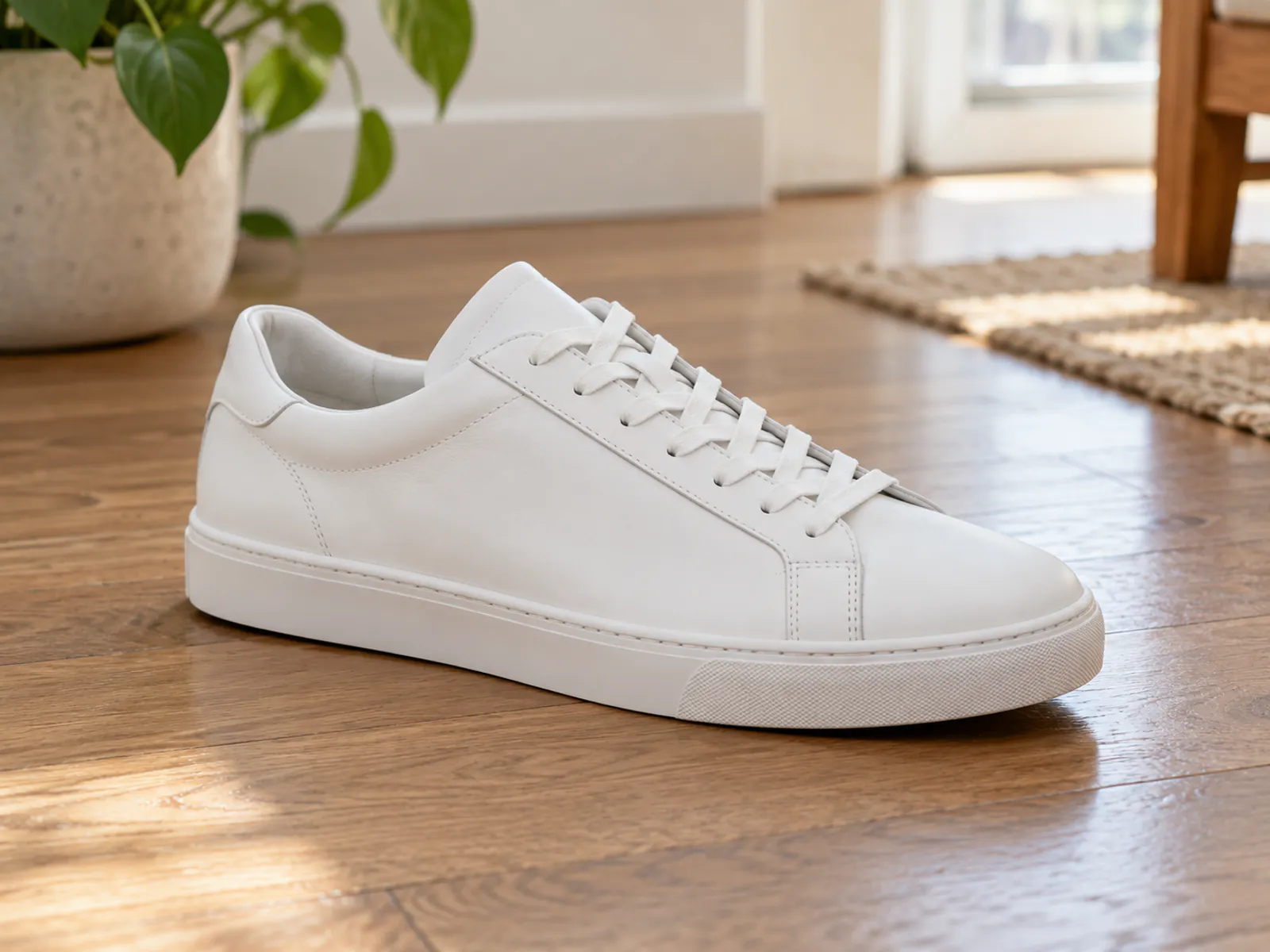
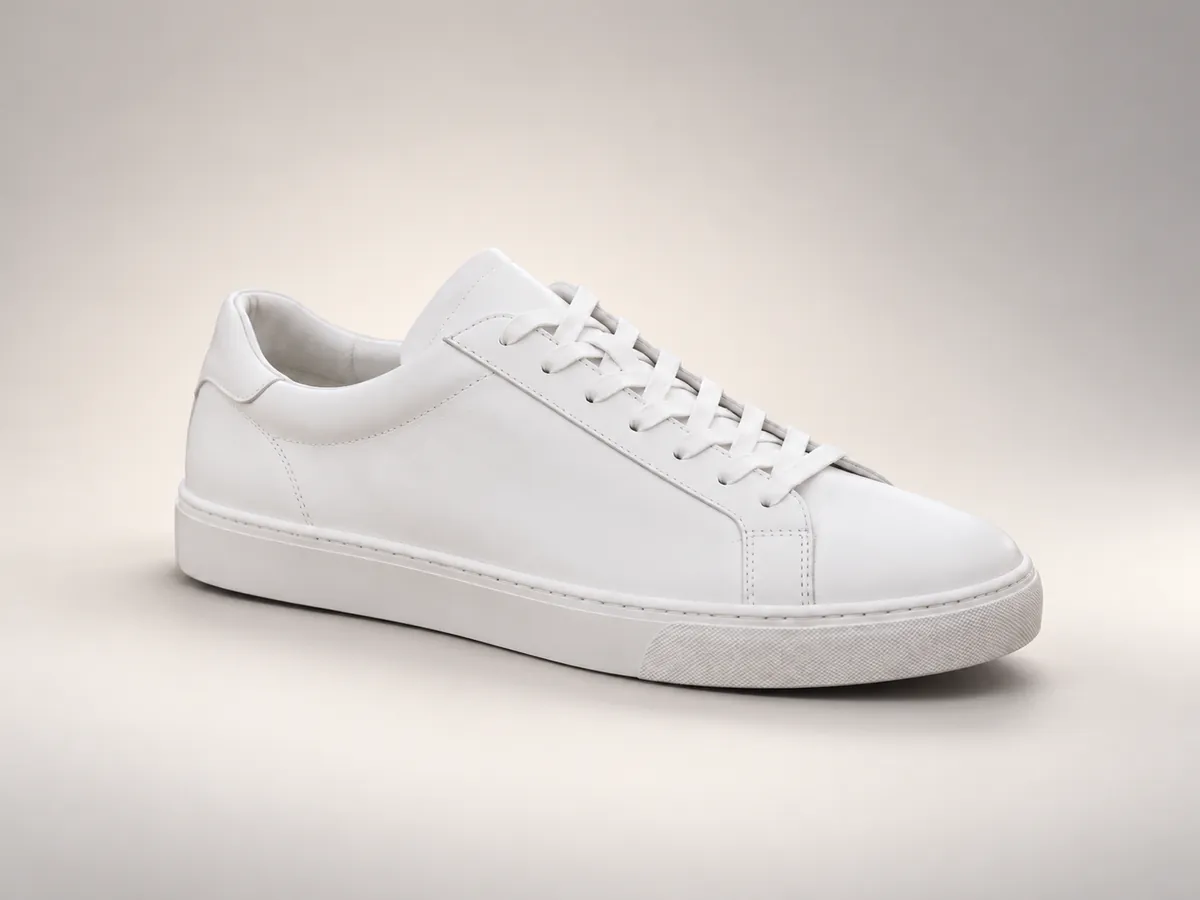
The prompt asks for a studio setting around the sneaker. Inspect the product shape, colors, laces and shadows against the original. For a different task, try changing a photo background.
AI image editor examples
Real examples made in the same workbench. Drag the seam to compare each source with its result.
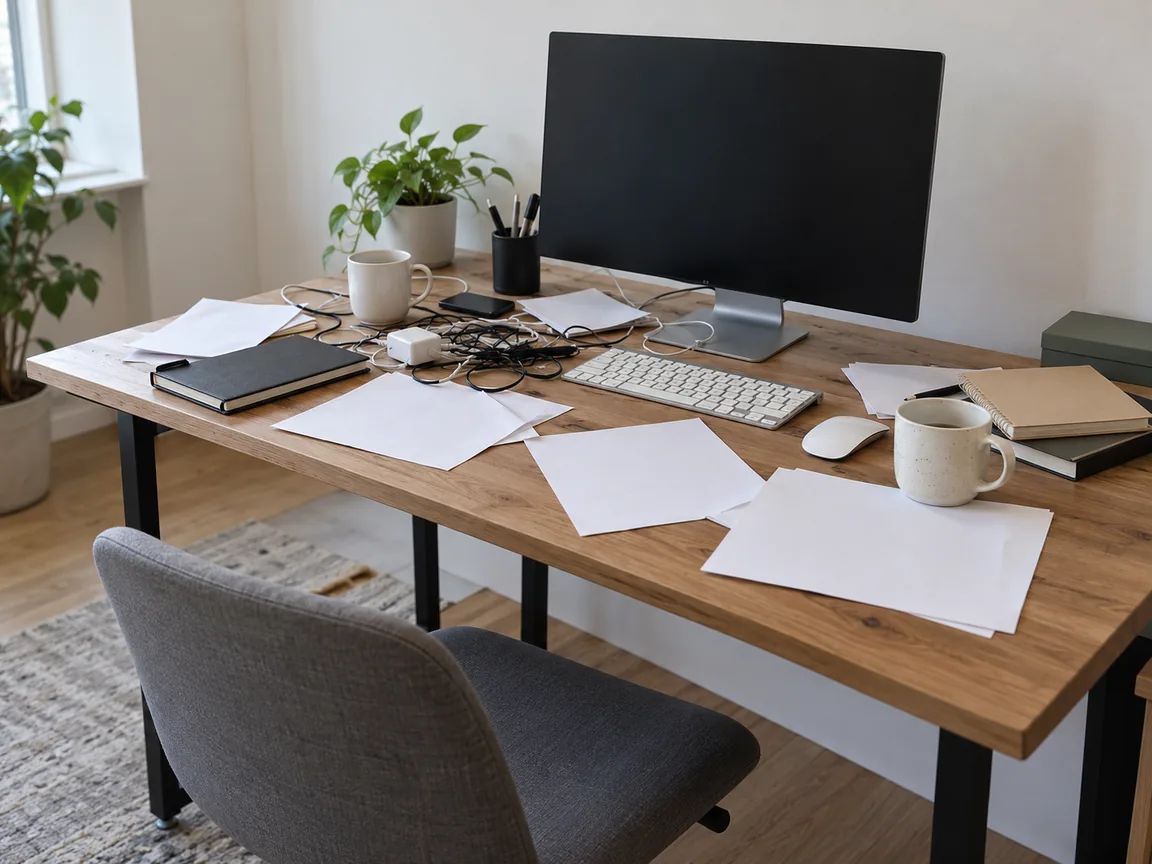
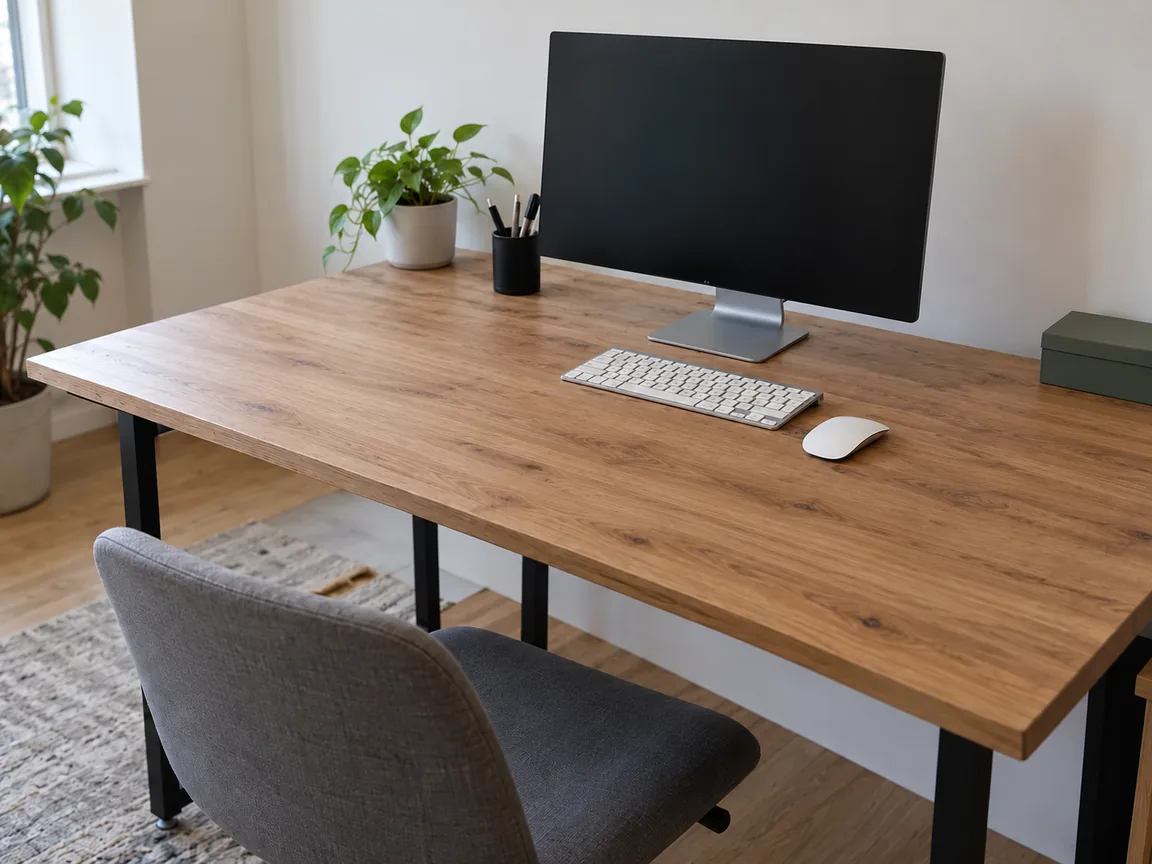
Remove clutter
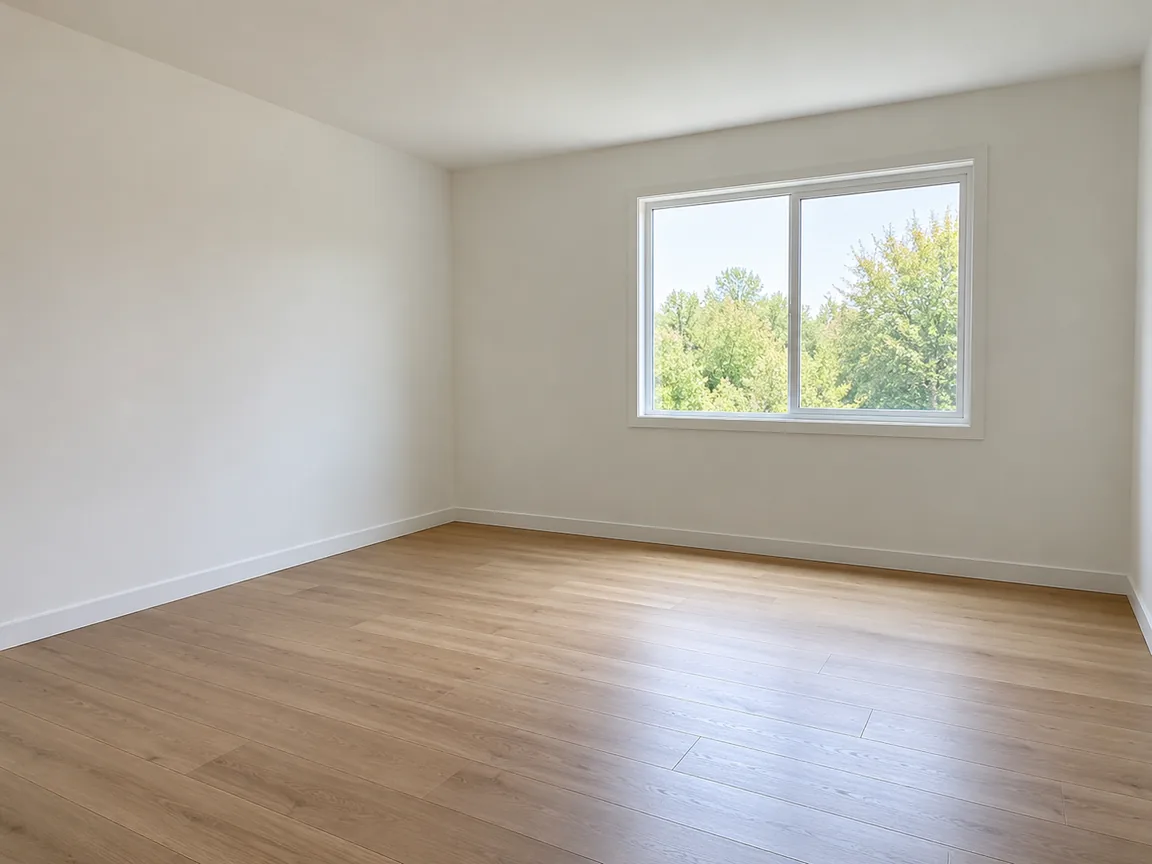
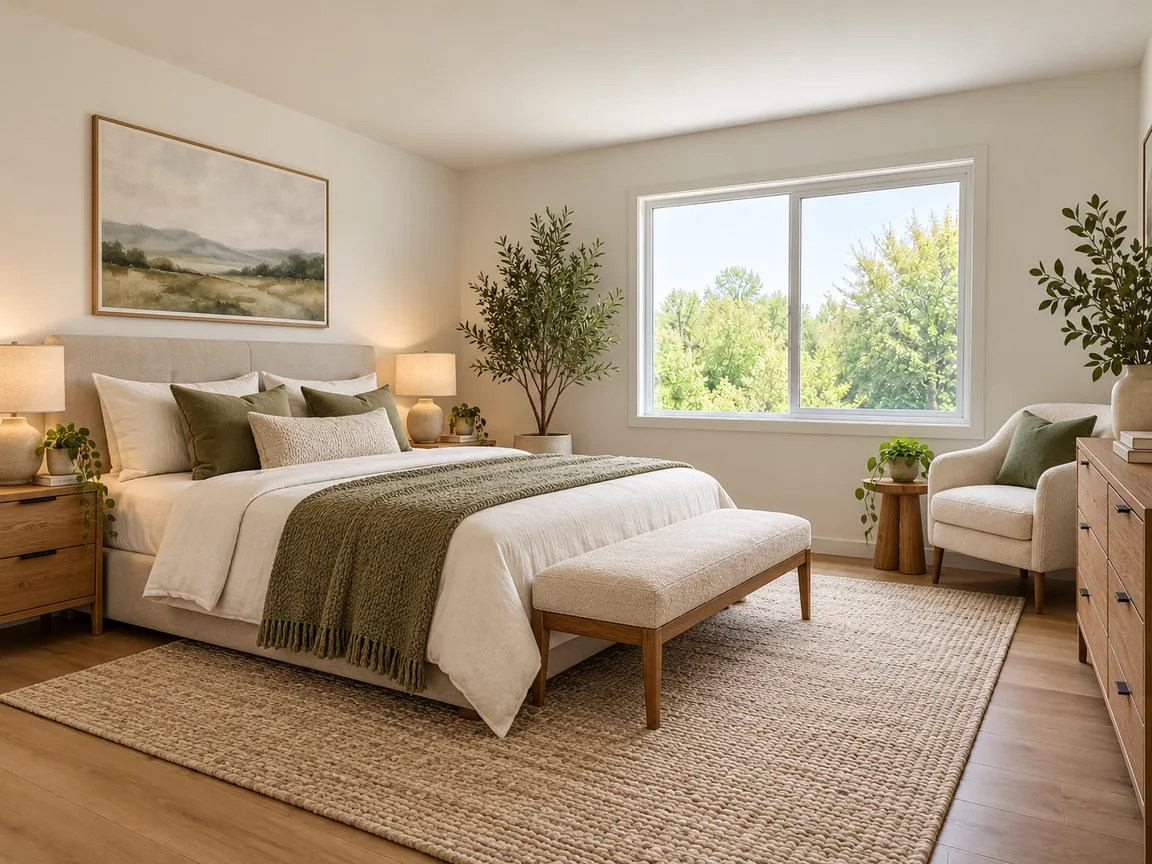
Furnish empty room
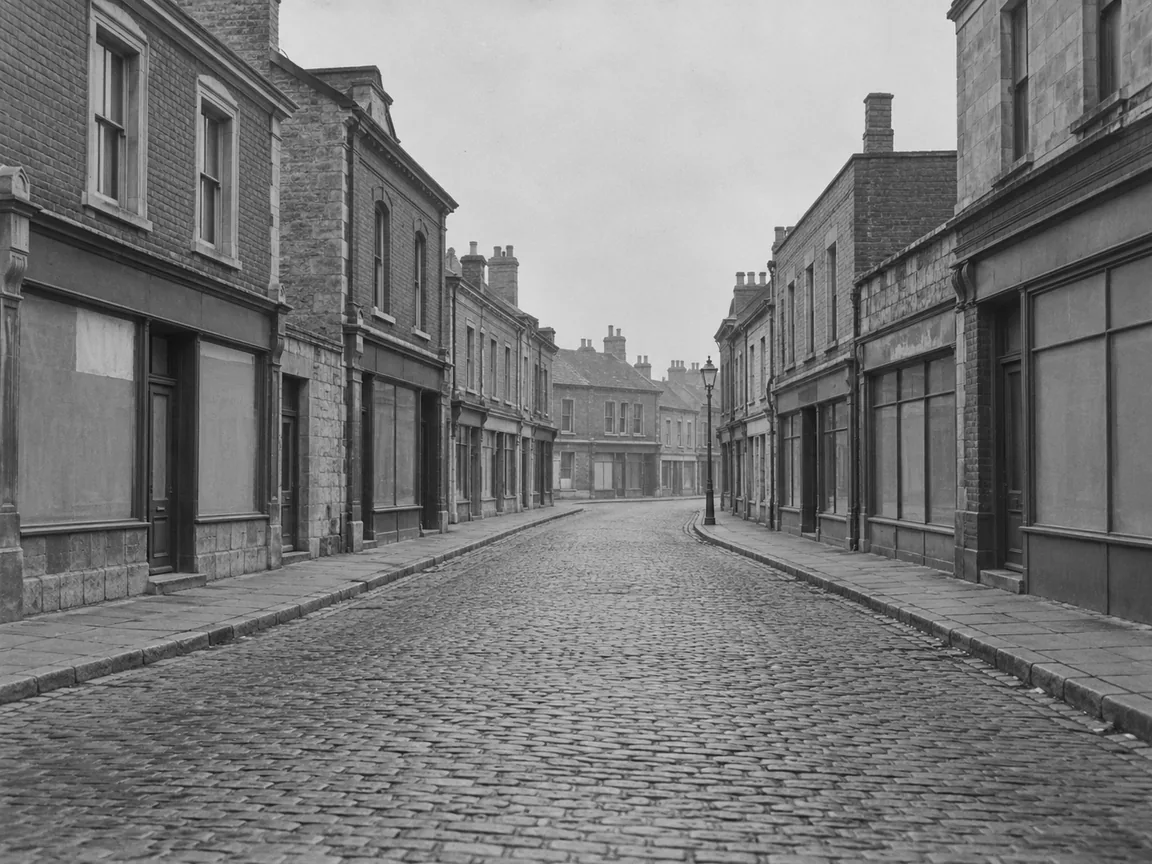
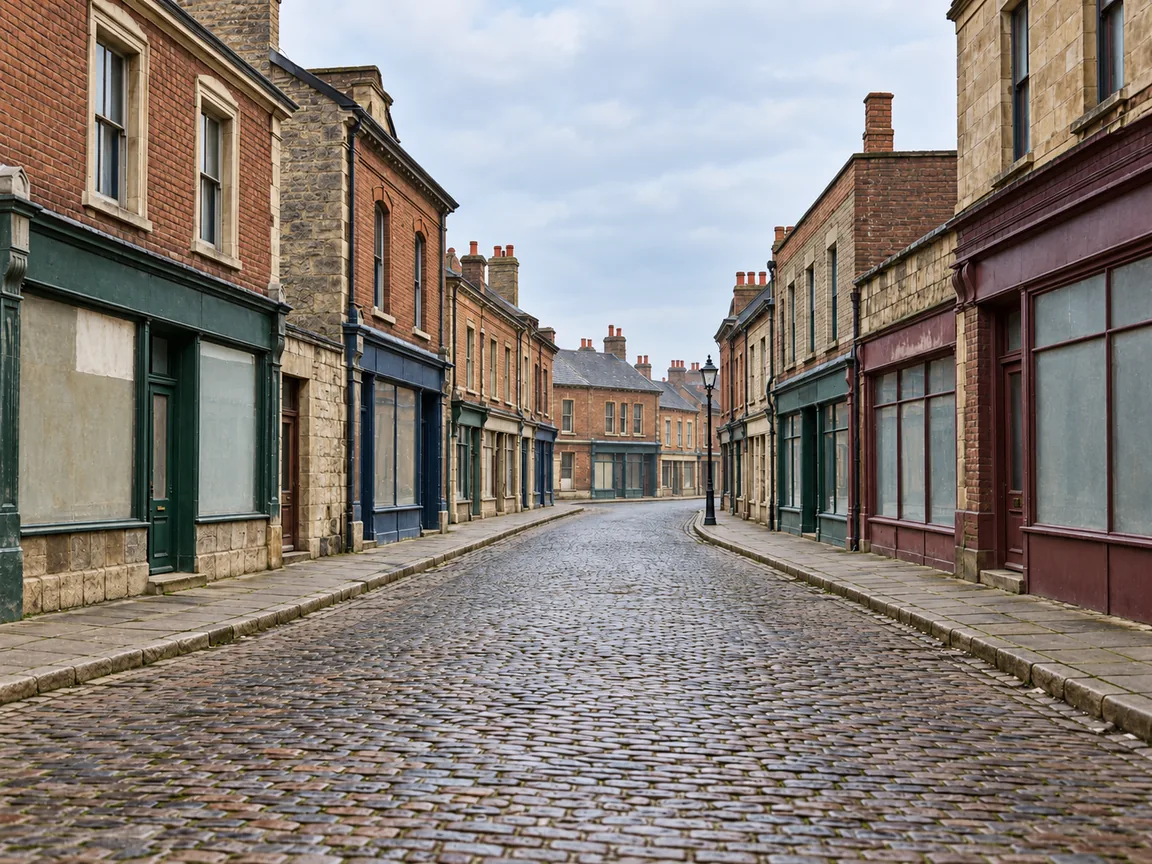
Colorize B&W
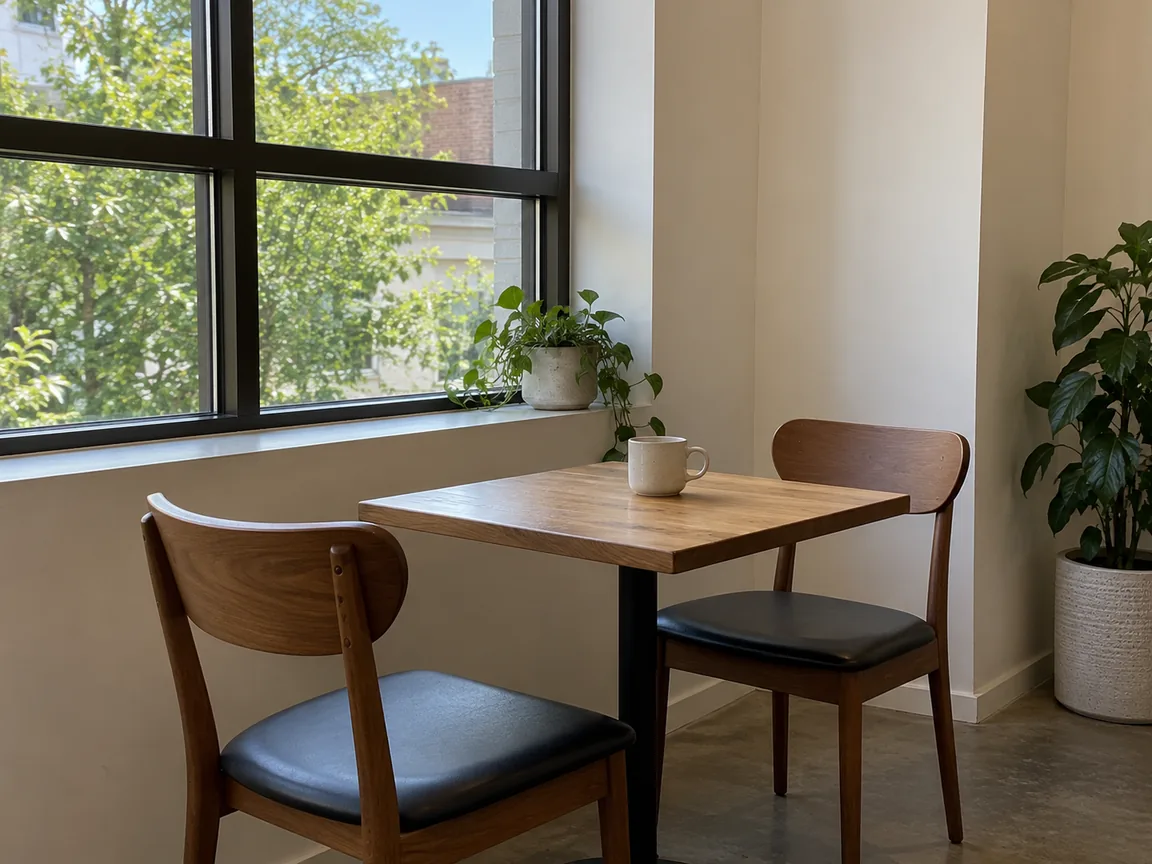
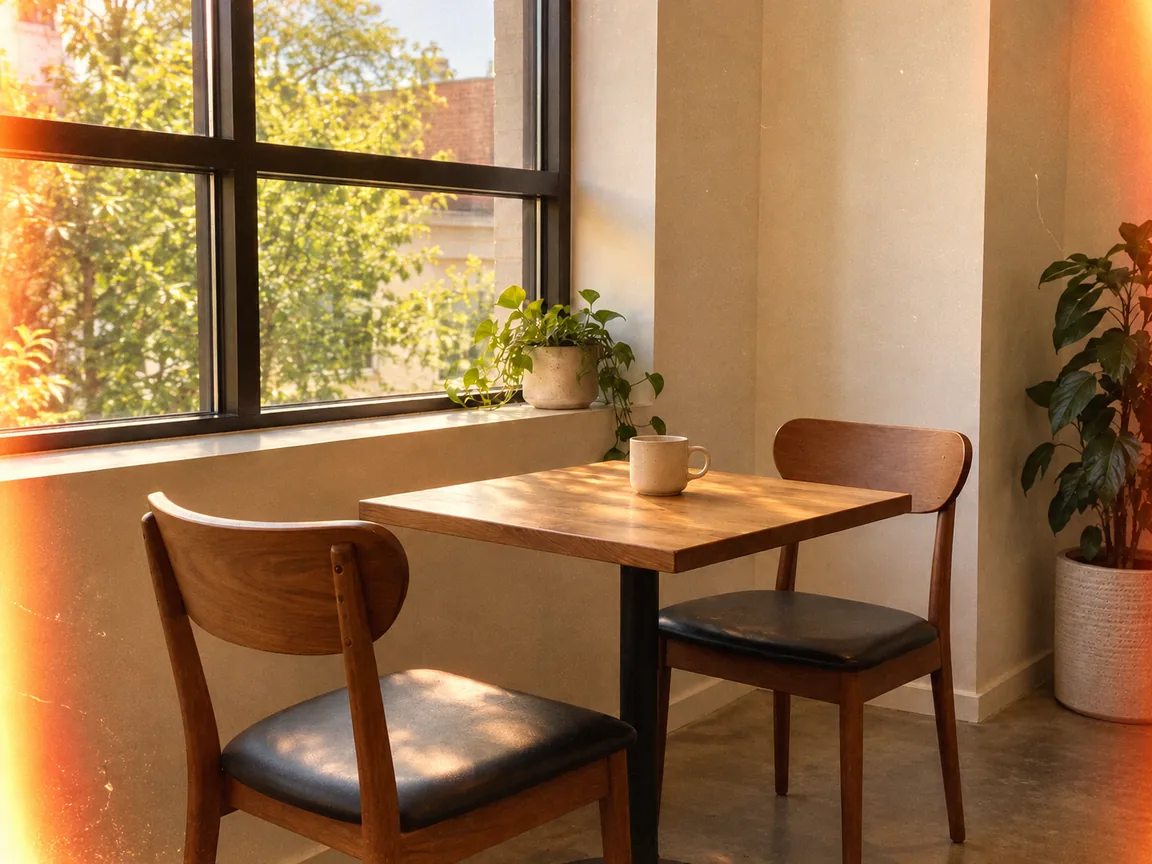
35mm film
Which Imgraft tool fits your edit?
| Task | Use |
|---|---|
| New scene behind a product | AI background changer |
| New outfit on an adult photo | AI clothes changer |
| Larger version of an image | AI image upscaler |
| A prompt from a picture | Image to prompt |
AI image editor with prompt: common questions
Can I use the AI image editor without signing up?
Yes. If you want an AI photo editor with no sign up required, Imgraft offers limited free use. Free 1K results have an Imgraft watermark. Free use may be unavailable at busy times.
How do I edit an image with a prompt?
Upload an image you are allowed to edit, describe the change in the workbench, confirm permission and generate. Compare the result with the original before downloading. A prompt guides a new image rather than changing exact pixels.
Can the editor preserve every detail?
No. Generated faces, lettering and small objects can change even when a prompt asks to preserve them. Use a conventional editor for exact pixel changes or text.
What can I change with the AI image editor?
Common edits include removing clutter, furnishing an empty room, colorizing an old photo and adding a film look. Upload an image you are allowed to edit and describe the change.
Does the AI image editor add a watermark?
Free 1K results have an Imgraft watermark. Paid HD supports up to 4K without it and uses credits.
When should I use another Imgraft tool?
Use the AI background changer for a new scene behind a product, the AI clothes changer for a new outfit on an adult photo, and the AI image upscaler for a larger version of an image.