
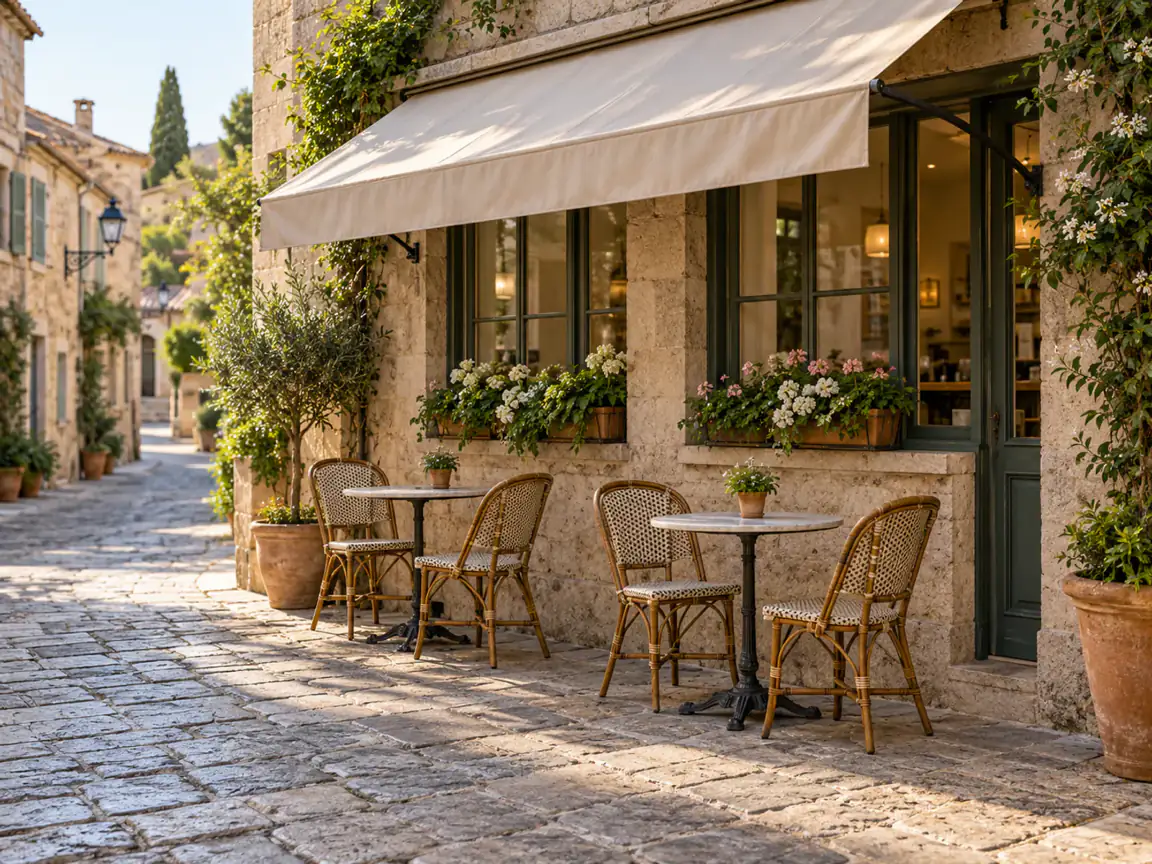
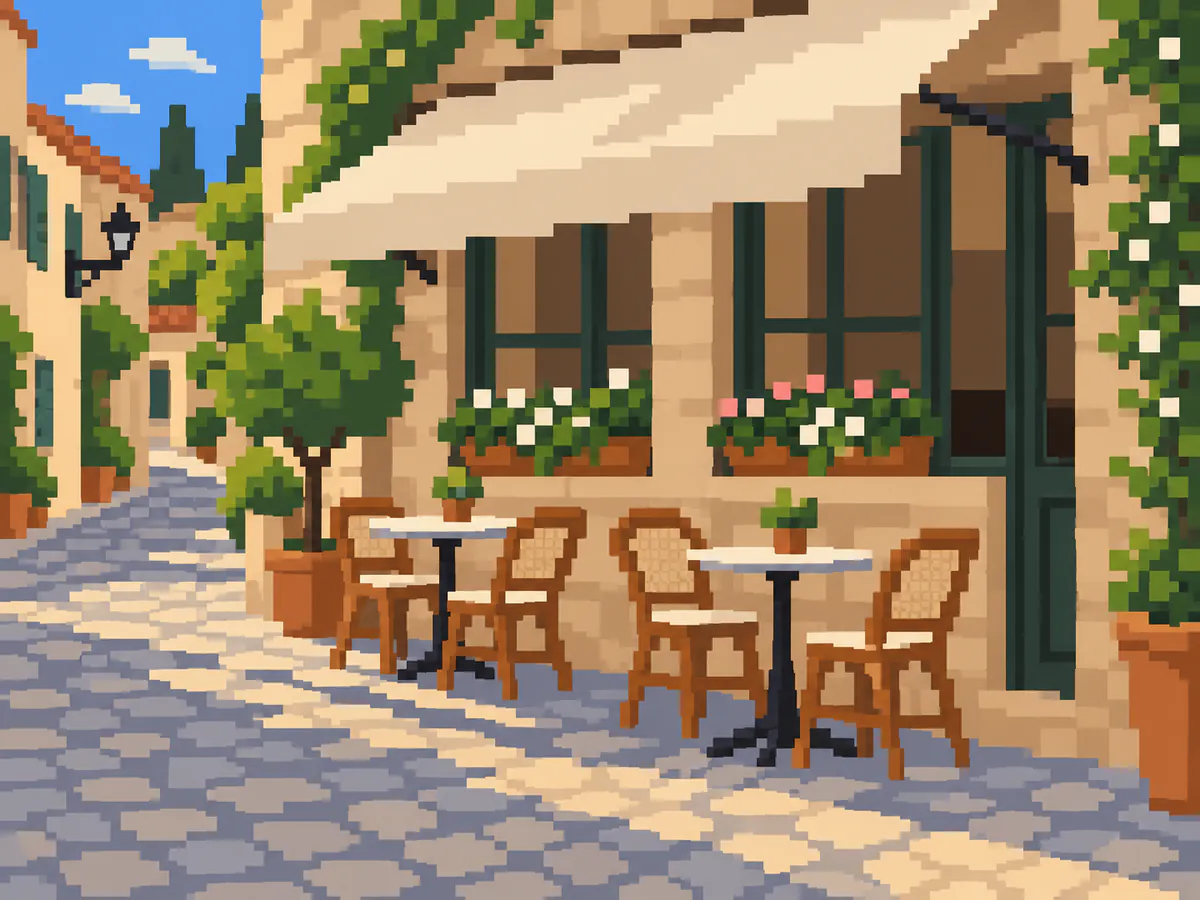
Street corner
Broad walls and a readable street layout leave room for coarse color blocks.
Give a pet, product or street photo a pixel-style treatment. Start with Pixel art and describe the colors you want.Free 1K with watermark · No sign up · HD up to 4K
No images in this browser yet. Your recent results will appear here.
Compare each source with its pixel-style interpretation. AI-generated examples; details can change. These pairs show a visual direction, not an exact grid or a guaranteed result.
Broad walls and a readable street layout leave room for coarse color blocks.
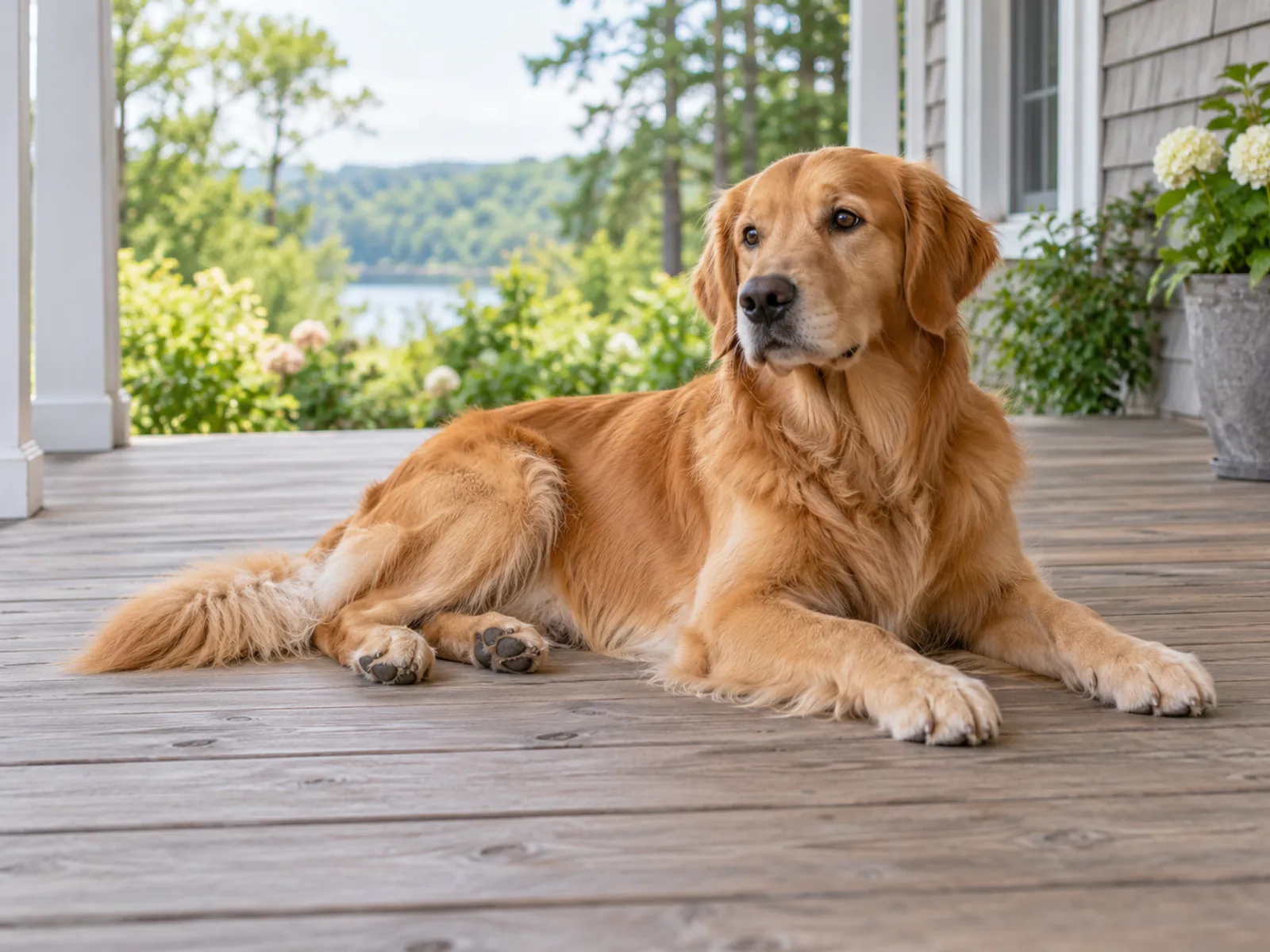
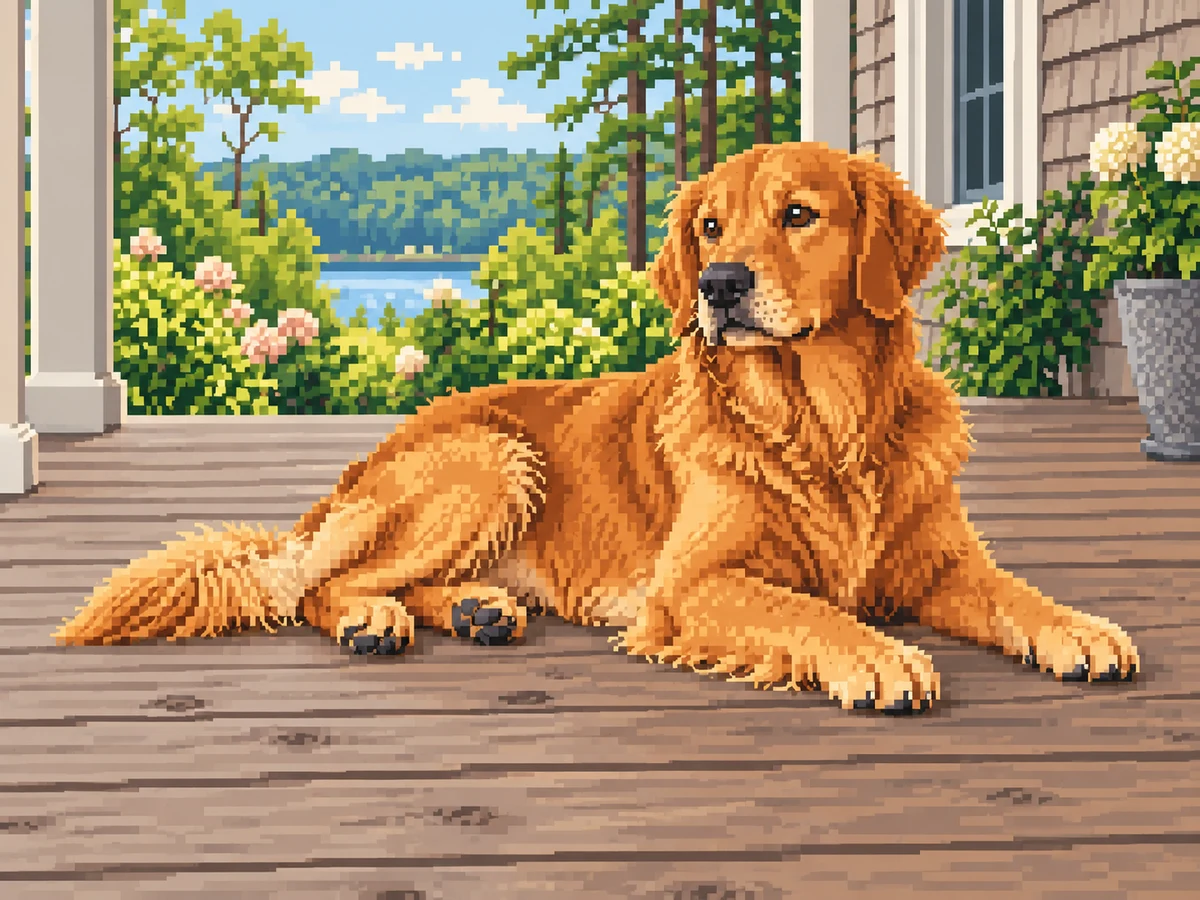
One pet with a clear silhouette. Check the eyes, paws and outline against the source.
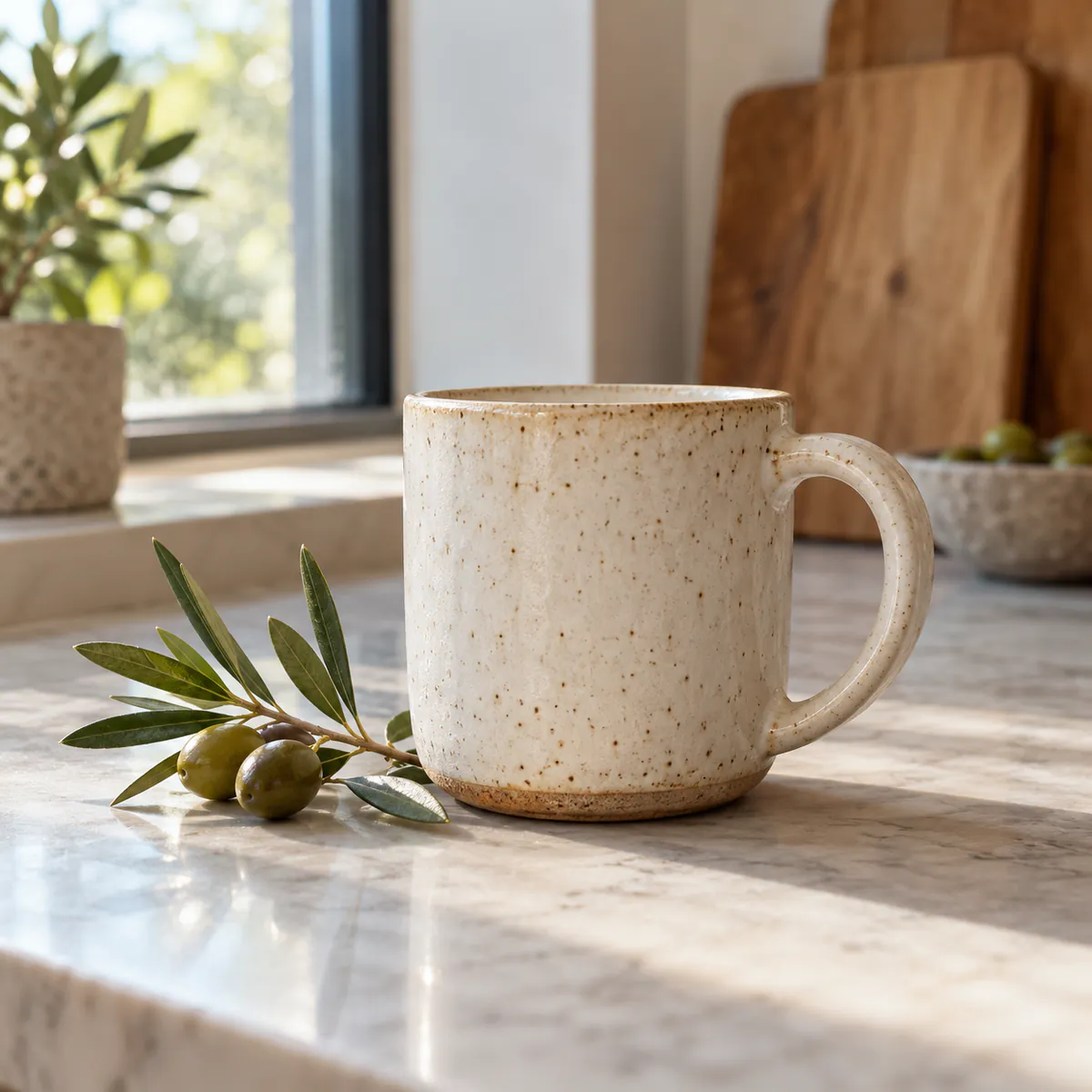
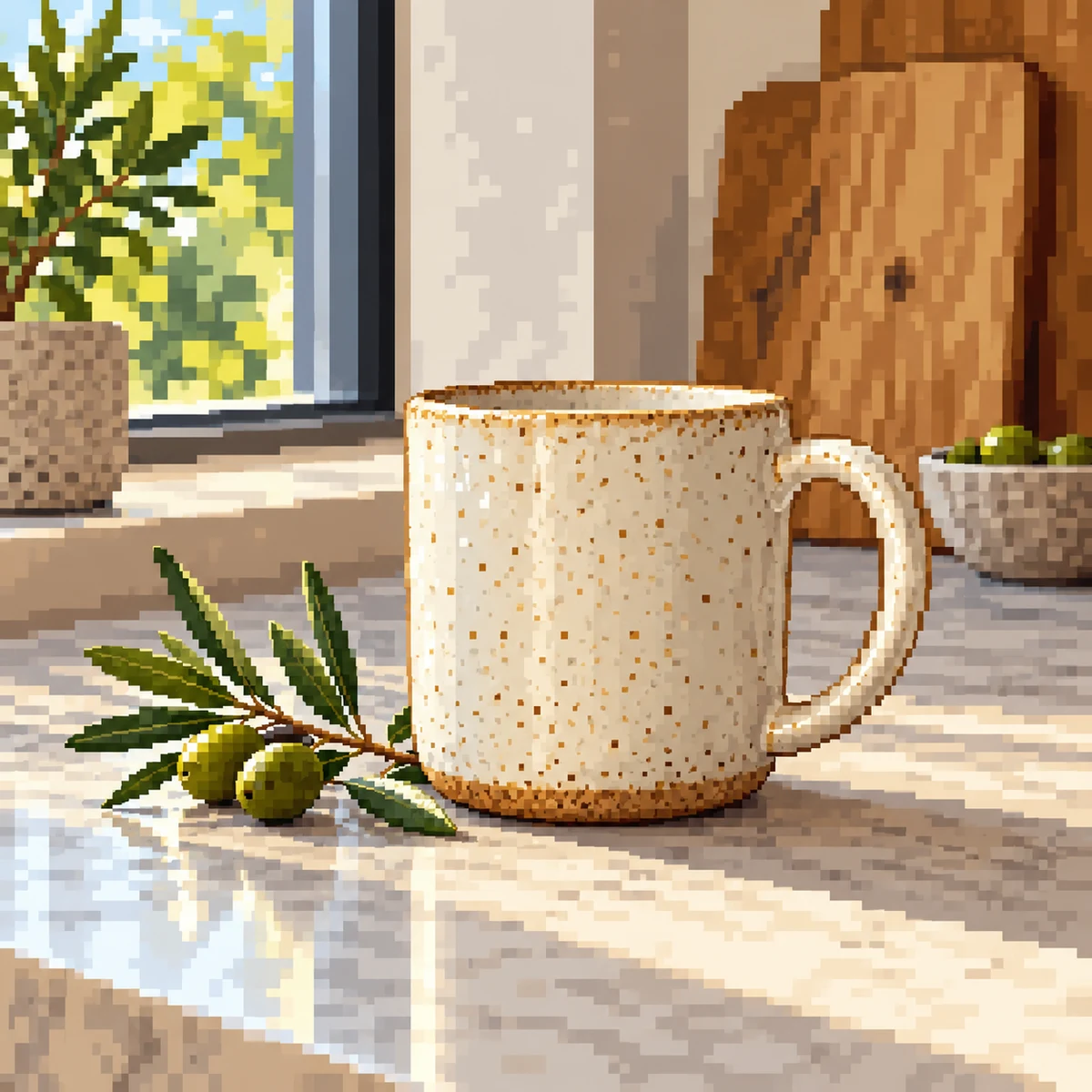
A simple mug shape translates into stepped edges. Fine ceramic speckles become larger color clusters.
A pet, a single product or a street corner with a clear silhouette is a useful starting point. Simple backgrounds leave more room for the subject. Use a sharp source rather than a tiny thumbnail; extra output size cannot recover missing detail.
Pixel art asks for a 16-bit look with stepped edges, a limited palette and visible pixel clusters. Try "muted greens and warm browns, coarse pixels" in "Add details (optional)". These are instructions for generation; exact colors and cluster sizes can vary.
Free Standard output is 1K with a watermark. HD supports up to 4K without it. Output resolution describes the raster dimensions, not the number of cells in a pixel grid.
The result is a pixel-style image, not a precisely aligned pixel grid, sprite sheet or production-ready game asset. Lettering, faces and object details may change. Use a pixel editor to set exact cell sizes, clean individual pixels and prepare game assets.
Free results are 1K with a watermark. Compare model options and credit costs before you choose a size.
Pixel art preset: Render this scene as detailed 16-bit pixel art. Keep the objects and perspective.
| Task | Use | Output |
|---|---|---|
| A pixel look for a photo | Imgraft Pixel art preset | Generated raster image |
| Exact cell size or palette | Pixel editor | Hand-controlled pixel grid |
| Game sprites | Pixel editor | Sprite sheet (not offered by Imgraft) |
Upload your photo in the workbench and keep Pixel art selected. Add palette or pixel-cluster instructions in "Add details (optional)" if needed, confirm permission and generate. Compare the result before downloading.
Start with one clear subject, a readable silhouette and a simple background. Pets, products and street scenes can work well. Crop clutter and use a sharp source; tiny faces and lettering can lose detail.
The preset requests a 16-bit look. Use "Add details (optional)" to describe a palette, coarse pixels or finer clusters. The model interprets these instructions and does not guarantee exact palette values or cell dimensions.
Limited free use is available without signing up. Free Standard output is 1K with a watermark. Paid HD supports up to 4K without it. Free use may be unavailable at busy times.
It is a generated pixel-style raster image, not an exact pixel grid or sprite sheet. Use a pixel editor to align the grid, edit individual cells and prepare game assets. Review the silhouette, colors and details against your source.