

AI New Year Photo Generator

The AI New Year photo generator adds confetti, distant fireworks or a decorated tabletop to an existing photo. In the New Year photo editor, choose a scene, add any details, then generate.

Change background

Style
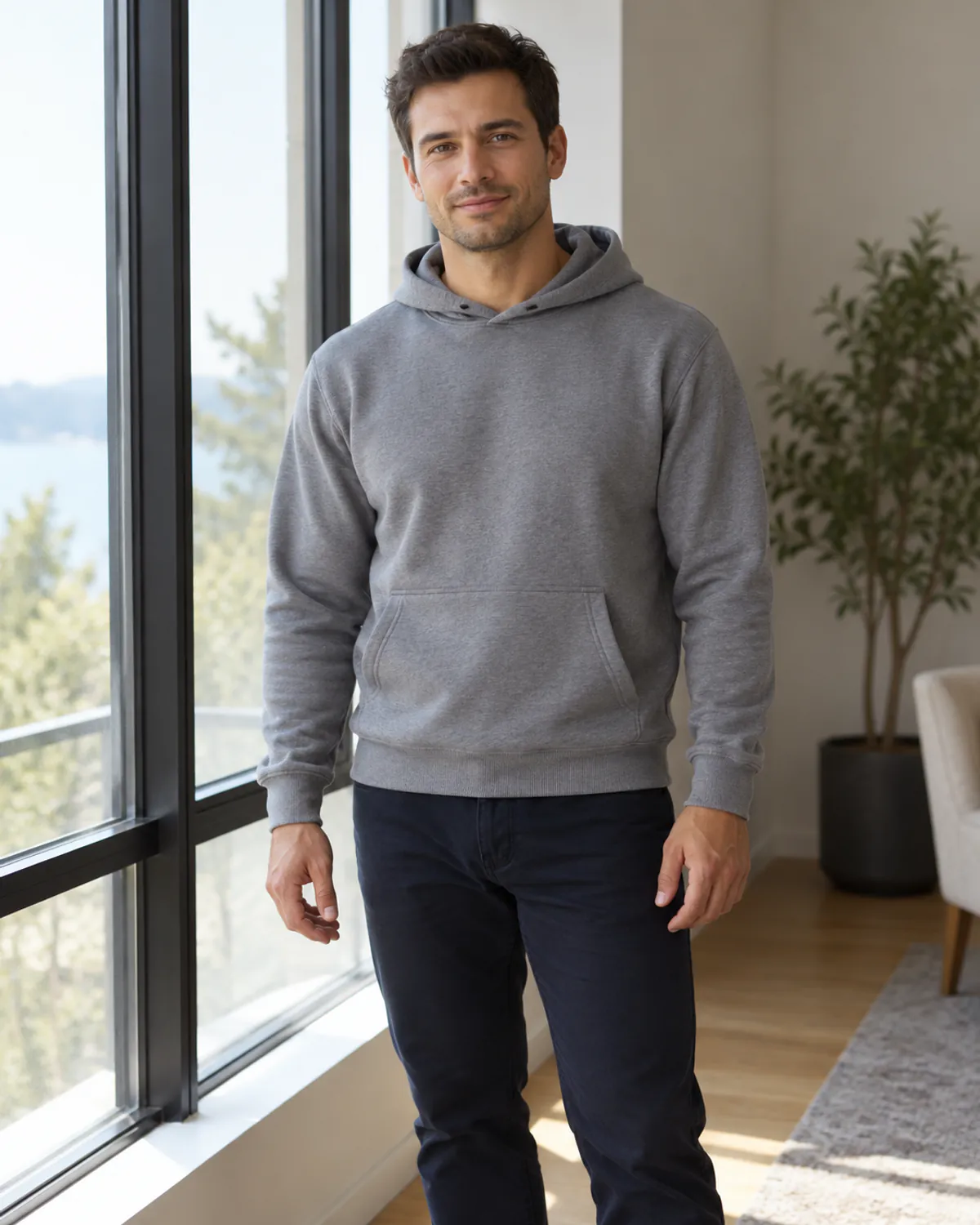
Photo: image to image AI comparison of a realistic source photo and gold confetti studio edit
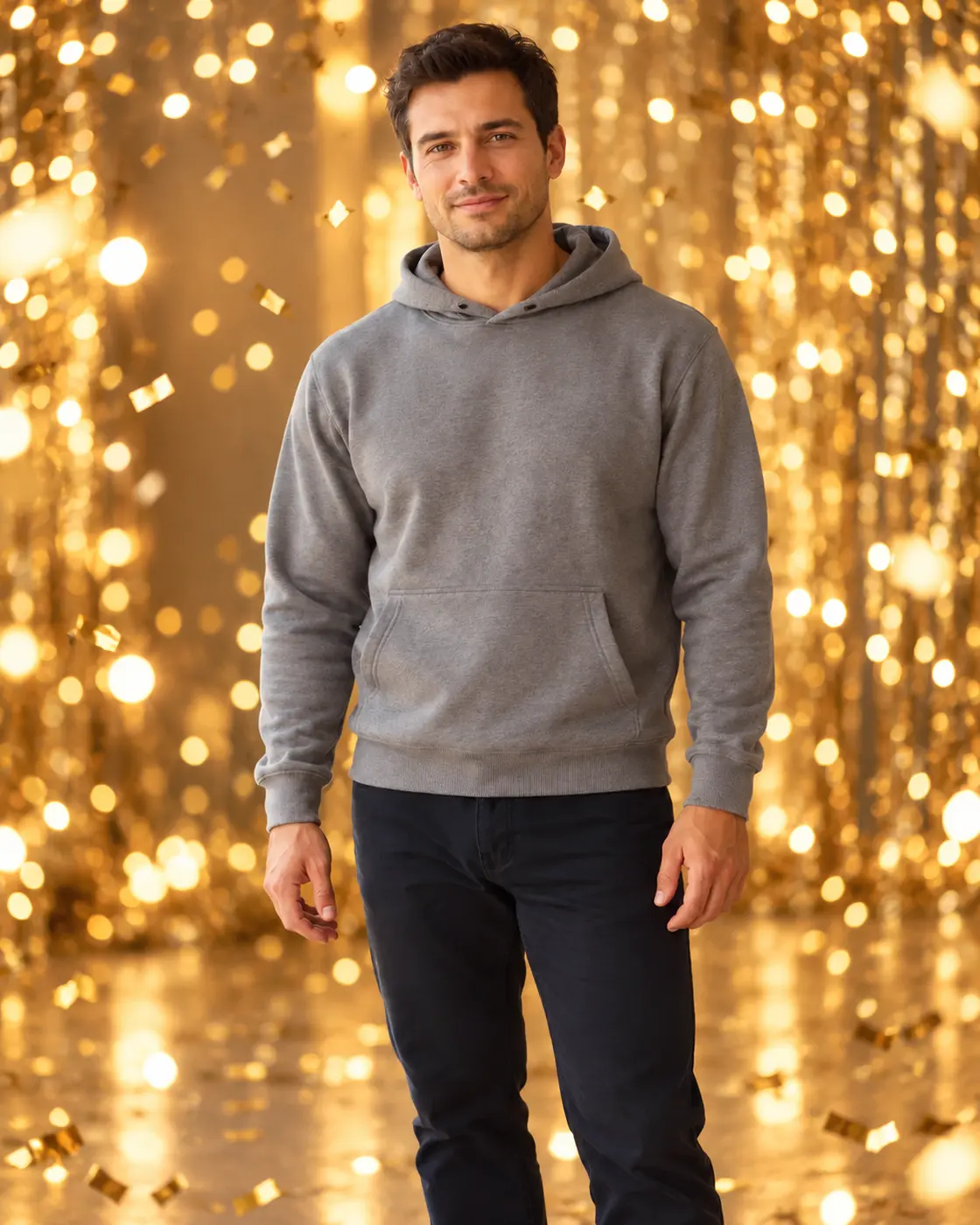
Gold confetti studio: image to image AI comparison of a realistic source photo and gold confetti studio edit
PhotoGold confetti studio
02 · PHOTO SETTINGS

Choose a New Year photo background

Choose a confetti photo background for a portrait with warm studio light, or add a fireworks background to a photo taken in softer evening light. Distant fireworks leave the face and silhouette easier to see. With image to image editing, the source photo supplies the subject and composition.

Original: New Year photo background: Gold confetti studio
Result: New Year photo background: Gold confetti studio
OriginalResult

Gold confetti studio

Adult portrait. Warm gold confetti behind one adult. A simple portrait leaves room for the decorations without crowding the face.

Preset prompt: Replace ONLY the background with an elegant New Year celebration studio, warm champagne-gold bokeh and sparse metallic gold paper confetti at different depths. No balloons with text or numerals. Preserve the main subject's exact appearance, shape, colors, position, crop and camera perspective. Real lens photography, believable warm matching light; no new people.

Replaces your source image
Original: New Year photo background: City fireworks
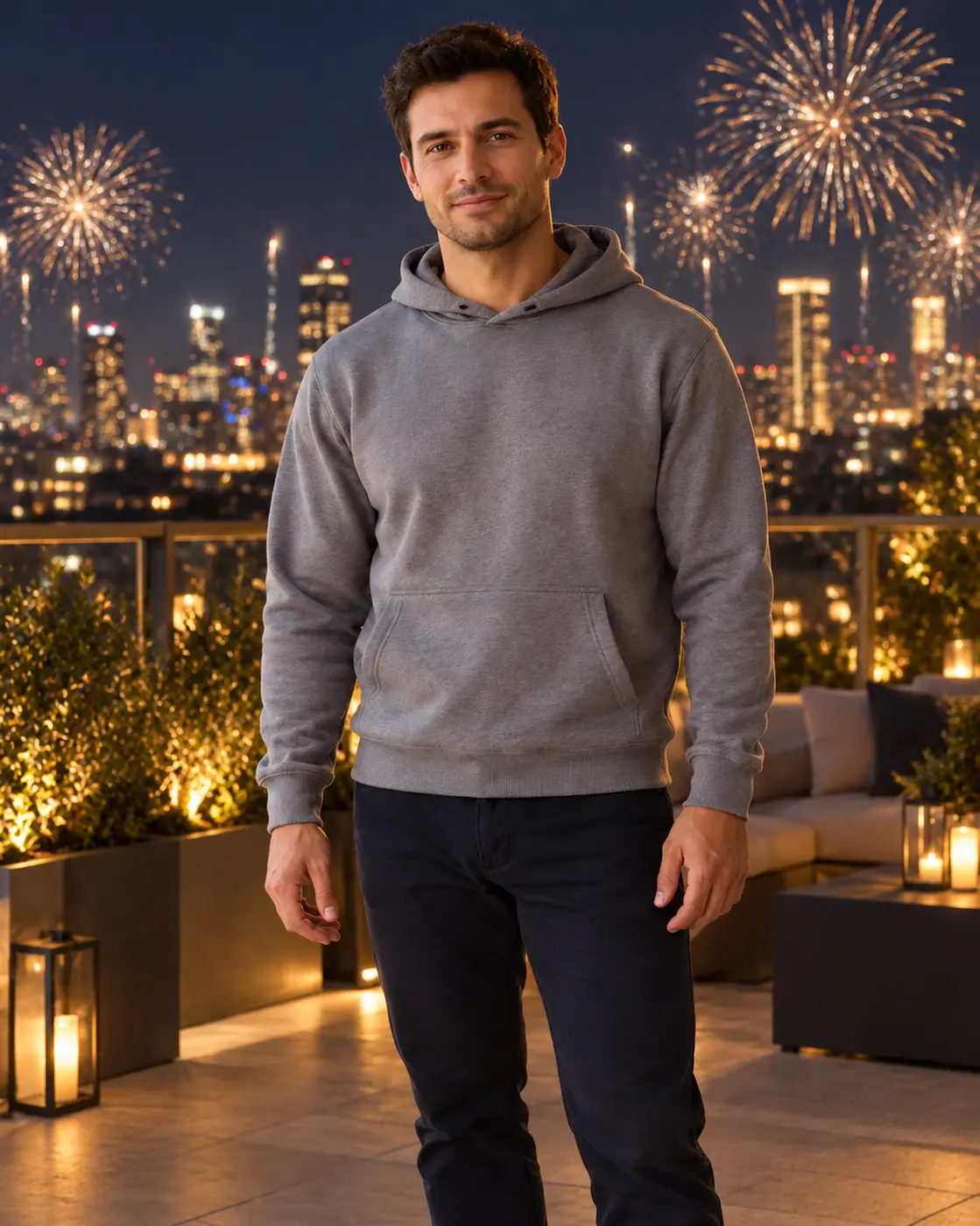
Result: New Year photo background: City fireworks
OriginalResult

City fireworks

Adult portrait. Distant city fireworks suit a portrait taken in softer evening light. Keep the display behind the subject.

Preset prompt: Replace ONLY the background with a sophisticated city rooftop at night, a distant unbranded skyline and realistic gold and silver fireworks far behind the subject. Preserve the main subject's exact appearance, shape, colors, position, crop and camera perspective. Believable subtle ambient edge lighting, not a silhouette; no new people.

Replaces your source image

Original: New Year photo background: New Year product studio
Result: New Year photo background: New Year product studio
OriginalResult

New Year product studio

Product photo. A dark tabletop with ribbons and confetti for a small product. Leave the rim and handle clear of props.

Preset prompt: Replace ONLY the background with a tasteful party studio setting, a deep navy backdrop, warm metallic gold and silver ribbons and sparse confetti that stay clear of the subject, understated bokeh in the distance. Preserve the main subject's exact appearance, shape, colors, position, crop and camera perspective. Soft contact shadow, premium photography. No added text.

Replaces your source image
03 · YOUR SOURCE

Make a New Year product photo without covering the details

For a mug, bottle or accessory, the product studio provides a place to start. The scene provides a tabletop, ribbons and scattered confetti. Keep the full object inside the frame and ask for a contact shadow so it does not appear to float.

A source with lighting close to the intended scene needs less relighting. A night backdrop can require a substantial lighting change if the source was taken in bright daylight. Faces, clothing and outlines can change during generation. A request to preserve them cannot guarantee identical details.

Add the exact year, names and greeting in a separate layout editor after generation. Generated lettering can contain mistakes. We edit still images and do not make annual recap videos or provide editable typography and print bleed.

For other settings, try the AI background changer. To change an outfit, use the clothes changer.

Free results are 1K with a watermark. Compare model options and credit costs before you choose a size.

New Year photo prompts: keep the task specific

  1. Upload a clear photo you have permission to edit. Choose a source whose lighting can suit the intended setting.
  2. Choose confetti, city fireworks or the product studio. State what should change, and name the clothing, pose or product shape to keep.
  3. Confirm permission and generate. Compare the subject and product details with the source; add precise text afterward.

Background presets do not preview party clothes. Use the separate clothes changer for supported adult outfit edits, keeping the fireworks scene as a background task.

A simple silhouette leaves room for fireworks and a separate greeting. Free output and usage limits are covered in free editing rules.

04 · FAQ

New Year photo questions

Will the fireworks cover the person in my New Year photo?

The city preset requests distant fireworks behind the person. Generation can still alter hair, hands or lighting, so the instruction cannot guarantee an unobstructed subject.

Can I use a daytime photo for a New Year night scene?

Yes, but a night backdrop may require substantial relighting. A source taken in softer evening light needs less of a change than one taken in bright sun.

Can the New Year editor write the exact year?

Exact lettering is not guaranteed. Add the year, names or greeting afterward in a separate text or layout editor.

Does the New Year page make an annual recap video?

No. We edit still images from an existing source photo.

Can I keep my original outfit in a New Year scene?

You can request the original outfit in Add details (optional), but exact preservation is not guaranteed. Clothing and facial details can still change.

Are New Year edits a separate subscription?

No. New Year edits follow the same account rules as other tools. Selecting a style keeps your source and optional details; loading an example replaces the source. Neither action generates an image, spends credits or changes your plan.

Updated · By the Imgraft team