

Remove Object from Photo with AI
Remove an object from a photo by describing what to remove and where it appears. The background is generated again, so inspect the entire result against the source.


Remove Object from Photo with AI prompts
Load a sample and its instruction, then replace it with your own authorized picture.
Remove a person
For an unwanted person in a photo you may edit.
Remove the person on the left and regenerate the background, keeping the rest of the scene as close as possible.
Remove a bucket
For an object in an outdoor scene.
Remove the bucket and reconstruct the ground and background behind it.
Remove an apple
For an object on a tabletop.
Remove the apple and reconstruct the surface behind it while keeping the other objects as close as possible.
Remove Object from Photo with AI examples
These illustrative AI-generated examples show possible results; details can differ from the source.
Remove a person
Compare the regenerated background around the person.
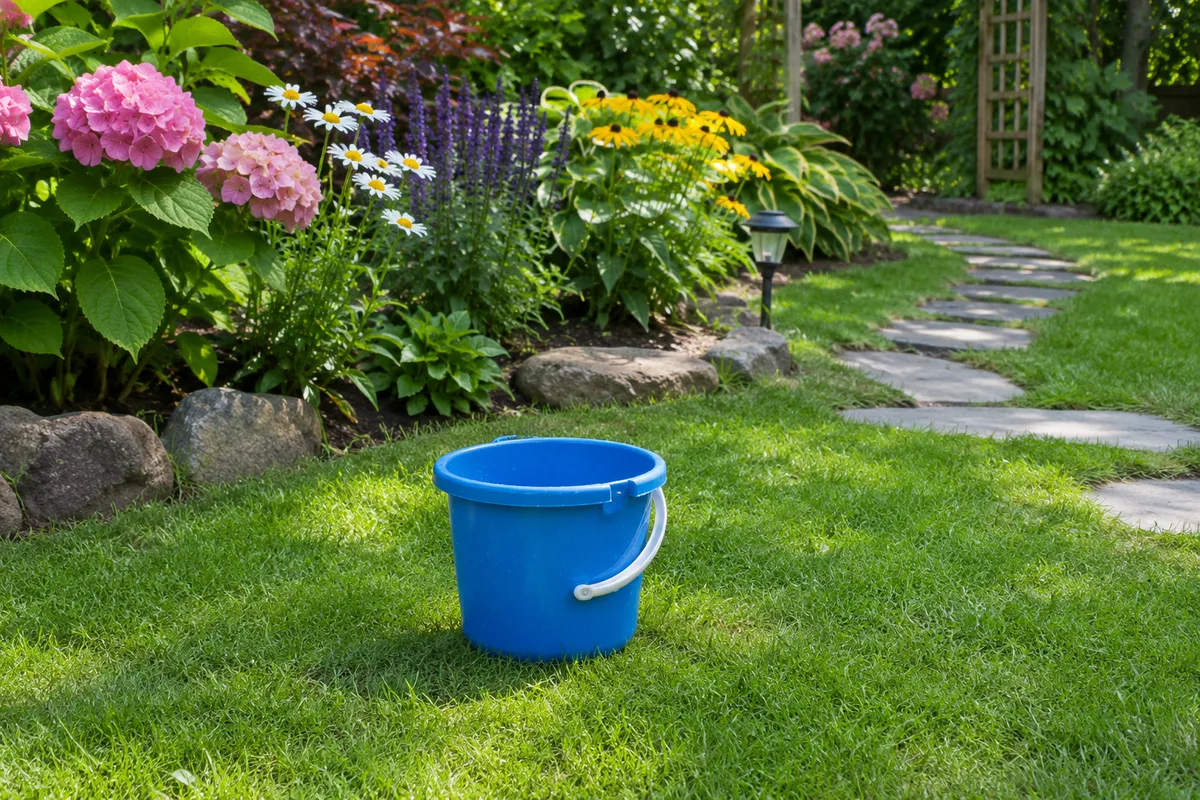
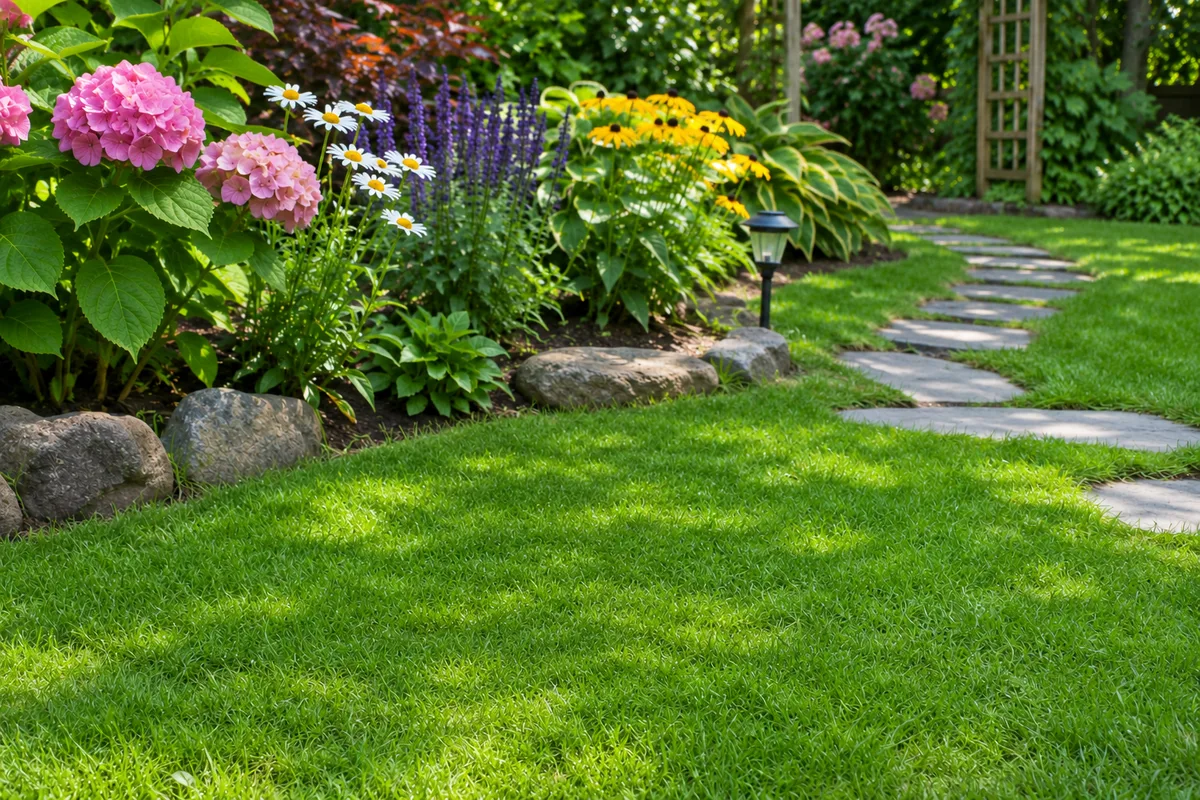
Remove a bucket
Inspect the ground and nearby scene for changed details.


Remove an apple
Check the reconstructed surface and the mug beside it.
How to remove object from photo
- Upload a photo you own or have permission to edit.
- Describe the object and position, such as “remove the person on the left.”
- Confirm permission and generate the image.
- Compare the background, edges and other objects before downloading.
What to check in the result
The editor uses a written instruction and has no brush or mask. The background behind an object is generated again; edges, lighting, texture or other objects can change.
Keep the source and review the whole image, particularly faces and product details. Use an appropriate conventional editor when precise control of a selected area is necessary.
After removing an object, explore other changes with the image to image AI.
Related tools: Remove text from an image
Remove Object from Photo with AI questions
How do I remove an object from a photo?
Upload a photo you may edit, describe the object and where it is, then generate and compare the result.
Can I remove a person from a photo?
Yes. Describe the person and their location, for example “remove the person on the left,” and check the generated background.
Is there a brush for object removal?
No. The tool uses written instructions rather than a brush or mask.
What happens to the background after object removal?
The model regenerates the area and may also change nearby lighting, textures or objects.
Can I remove people from photos online free?
Limited free use is available; free results have a watermark. Availability and safety rules apply.
Will other objects stay exactly the same?
Not necessarily. Compare the entire result to the original, especially important faces, labels and edges.