
Image to Cartoon: Turn a Photo into Comic Art
Turn an image to cartoon art by uploading a photo and choosing the Comic ink style. The generated picture uses bold outlines and halftone shading; faces, lettering and small objects can change.
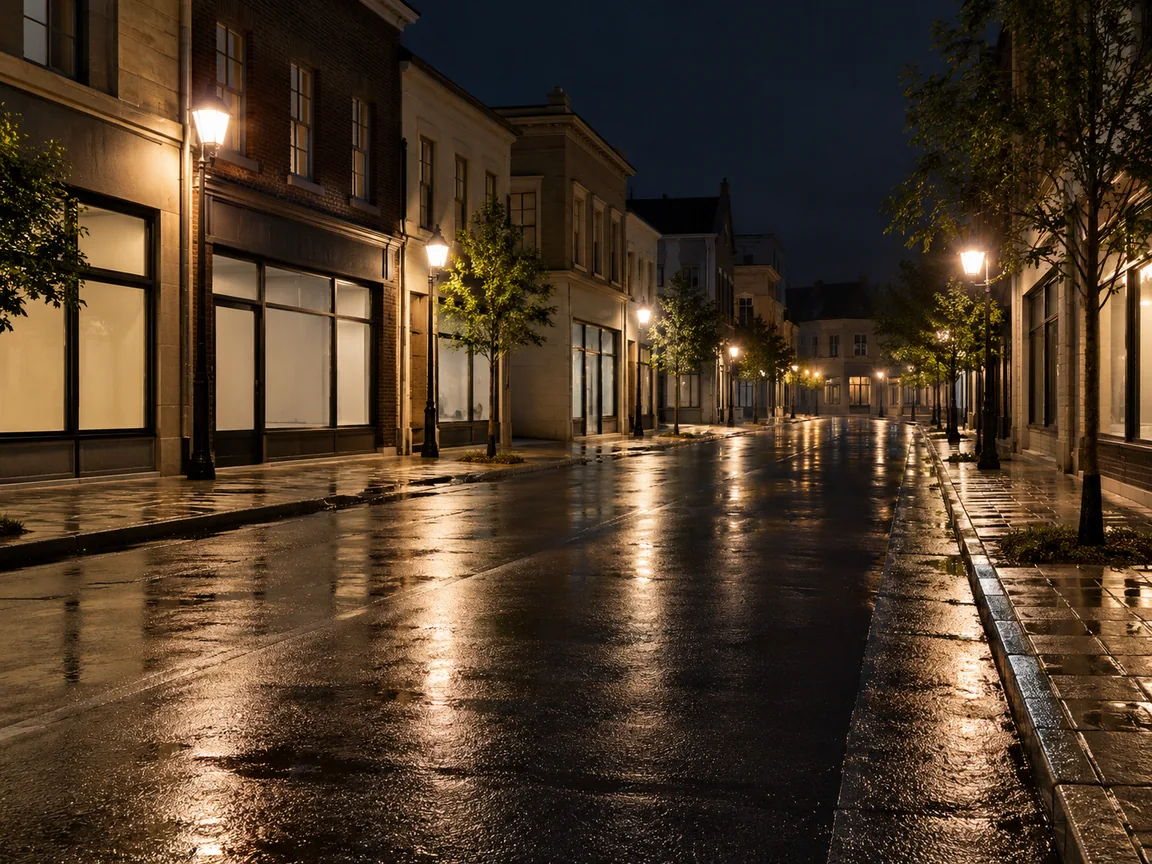
Four ways to turn an image into cartoon art
Compare how each style treats lines, shadows and color. Start with the style that matches the part of the photograph you want viewers to notice.
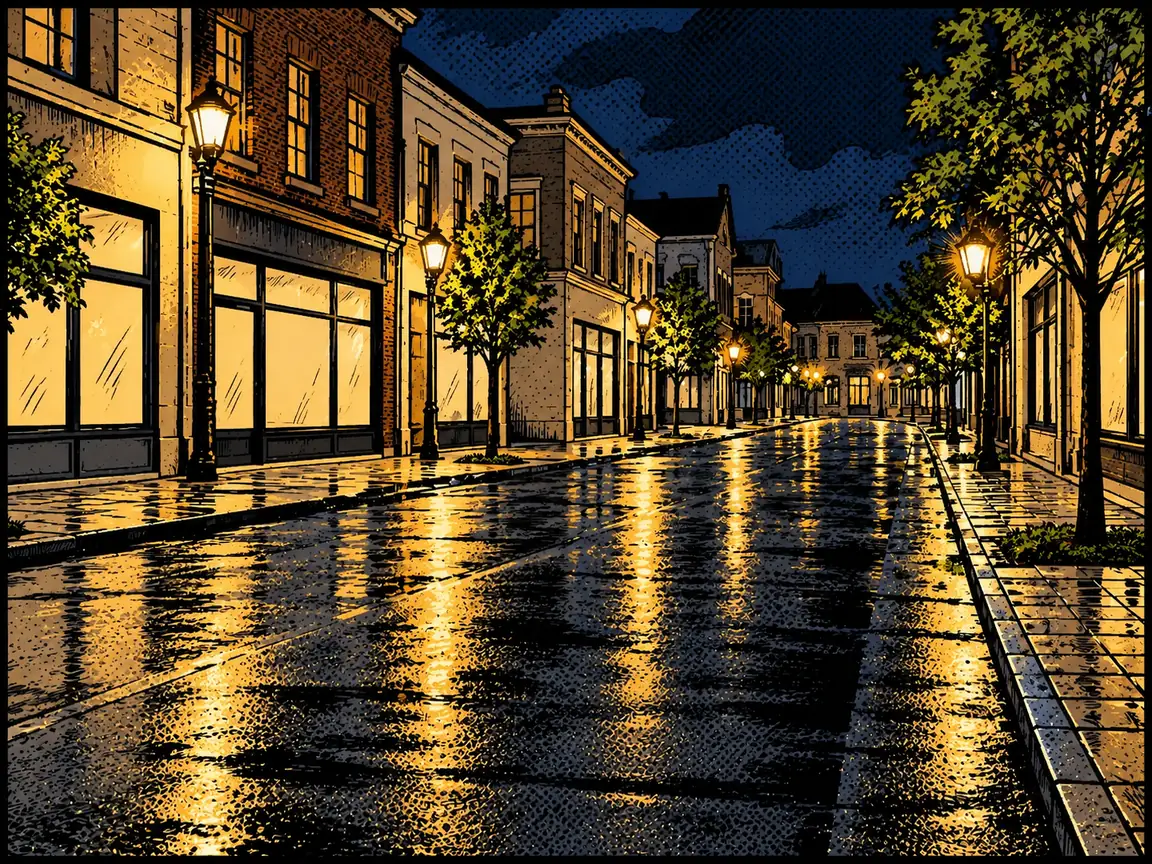
Comic ink
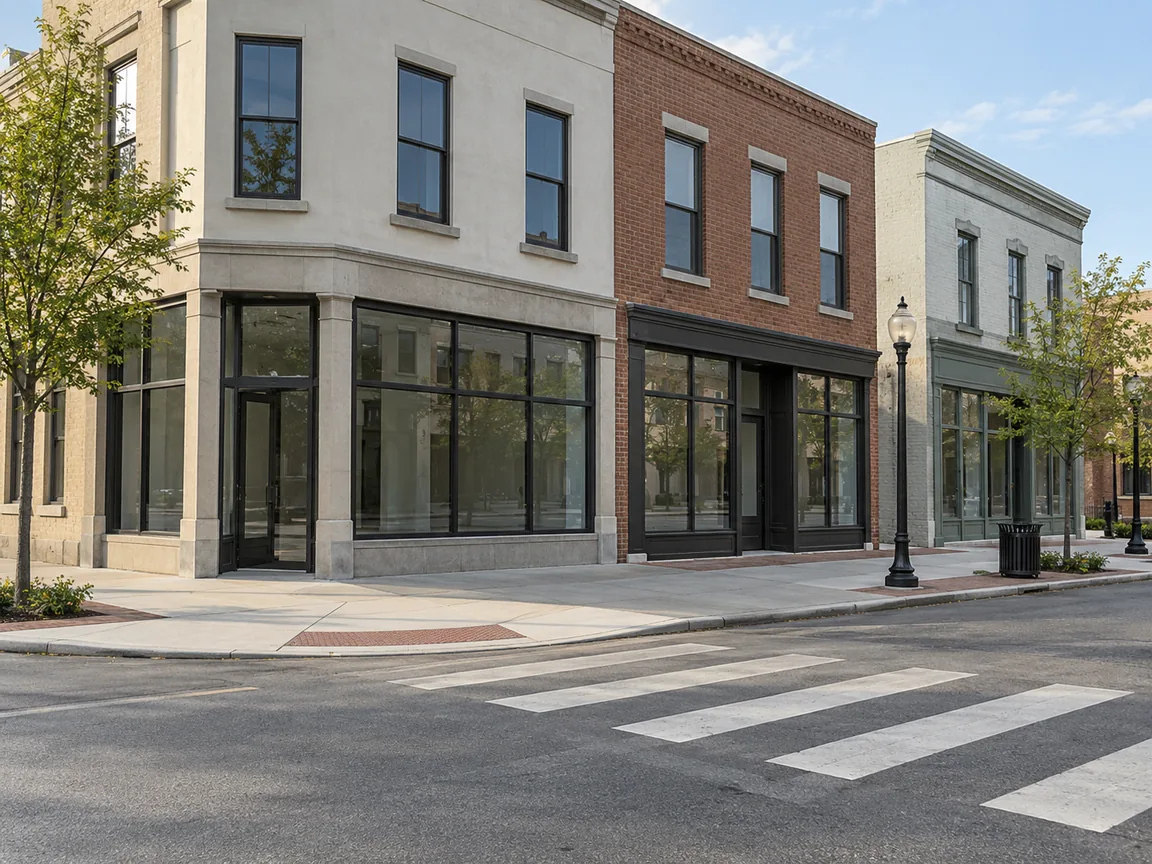
Follow the lit windows and the pavement into the distance. Strong black contours define the façades, while printed dots carry part of the shading. On a portrait, ask for lighter dots around the eyes and glasses so the lines stay legible.
Prompt used “Redraw this scene as a comic panel with bold ink outlines and halftone shading. Keep the composition.”
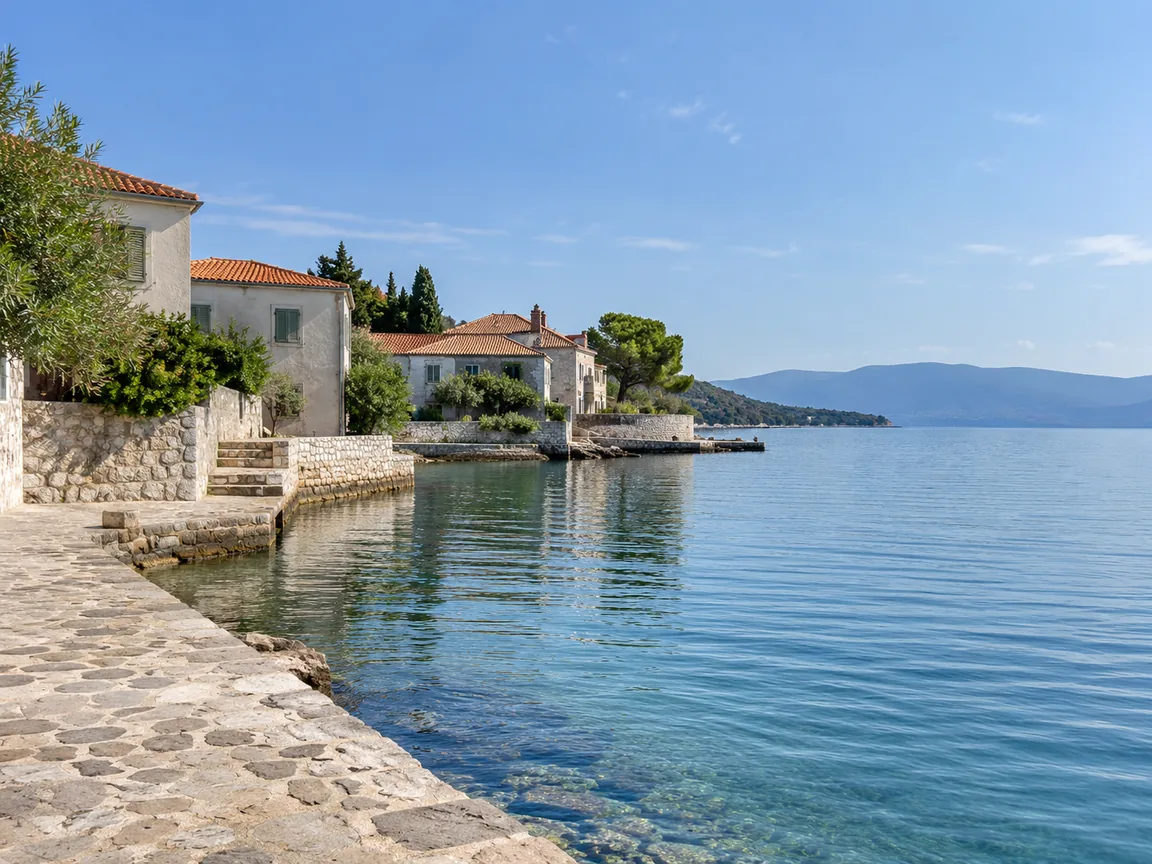
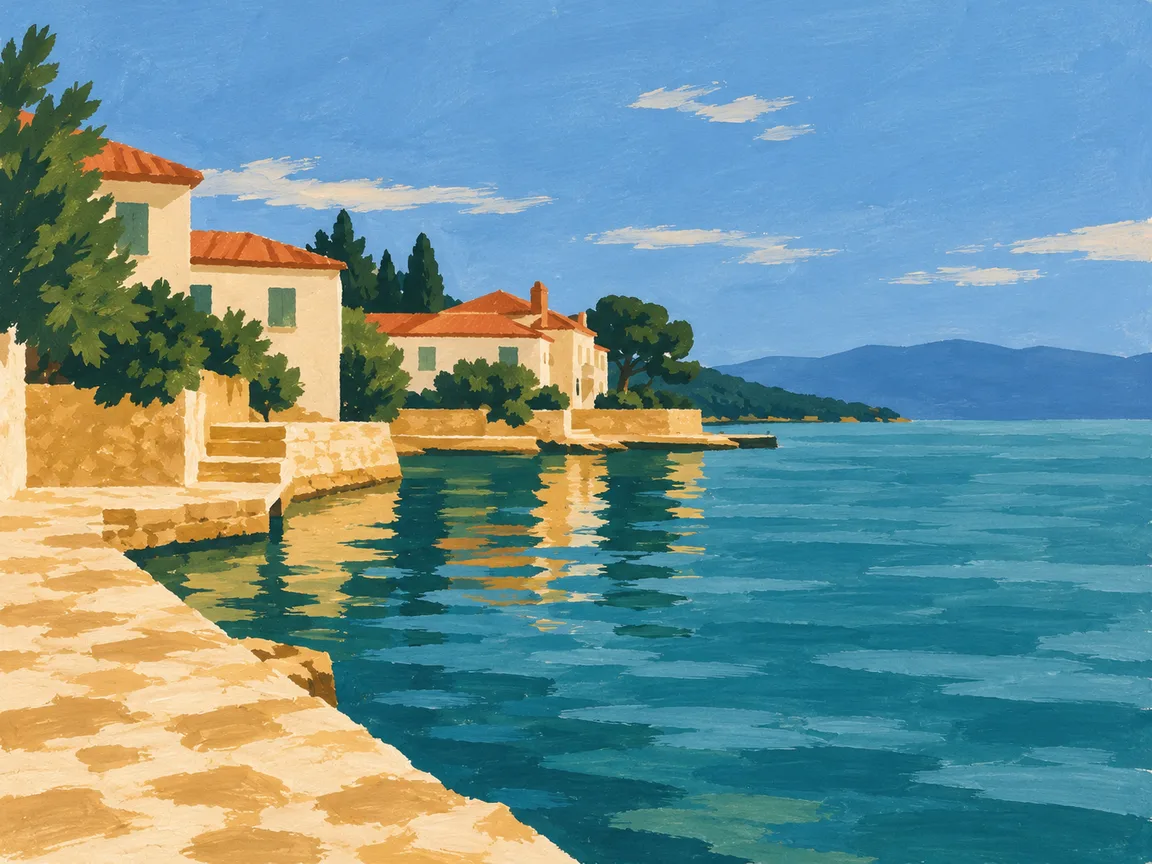
Gouache poster
Choose this if you want opaque blocks of color and softened brush edges without heavy black outlines. In the full asset edit, six pigment colors separate houses, water and sky. Keep the shoreline diagonal and house silhouettes as anchors.
Opening prompt “Repaint this scene as a flat gouache poster with bold shapes and a limited palette. Keep the exact layout.”
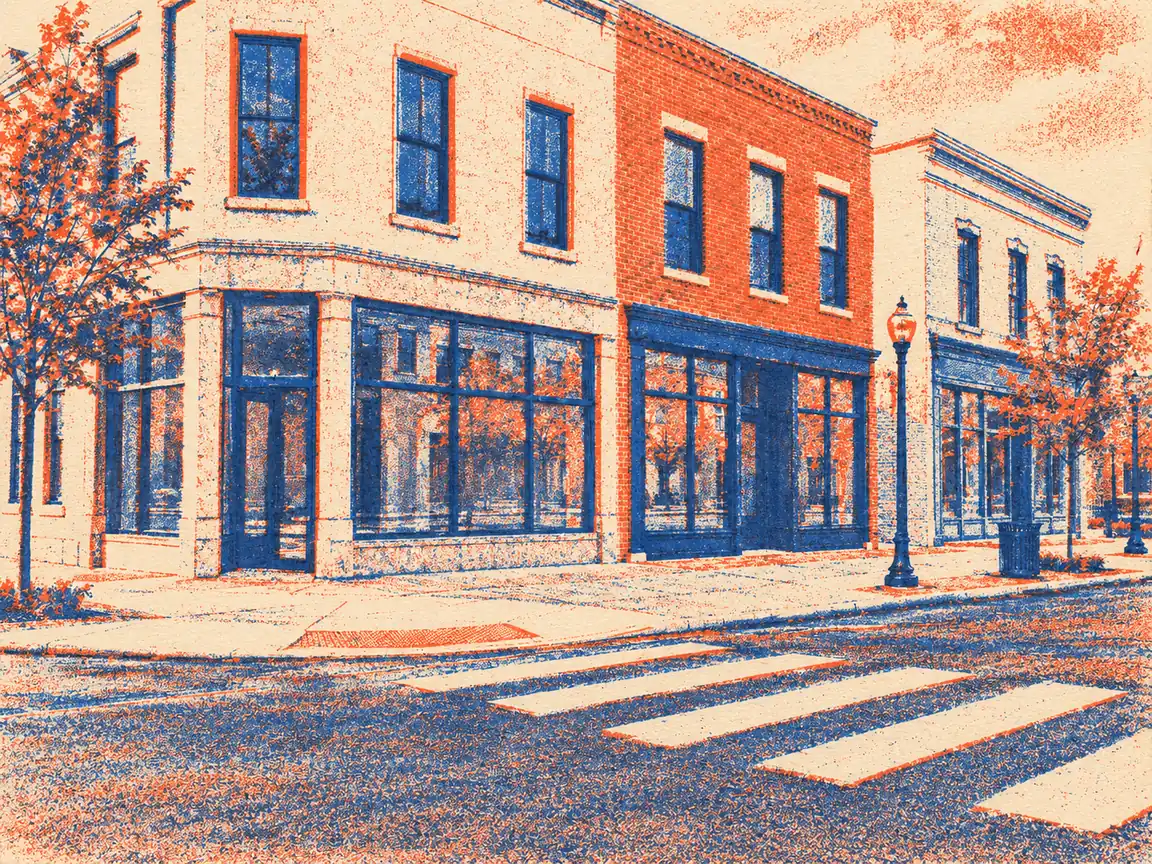
Risograph print
At full size, look for visible ink grain and a slight offset between colored edges. Let the two inks separate the subject from the background. Fine lettering and adjacent details can merge where both colors overlap.
Prompt used “Turn this photo into a two-color risograph print with grainy ink and slight misregistration. Keep the composition.”
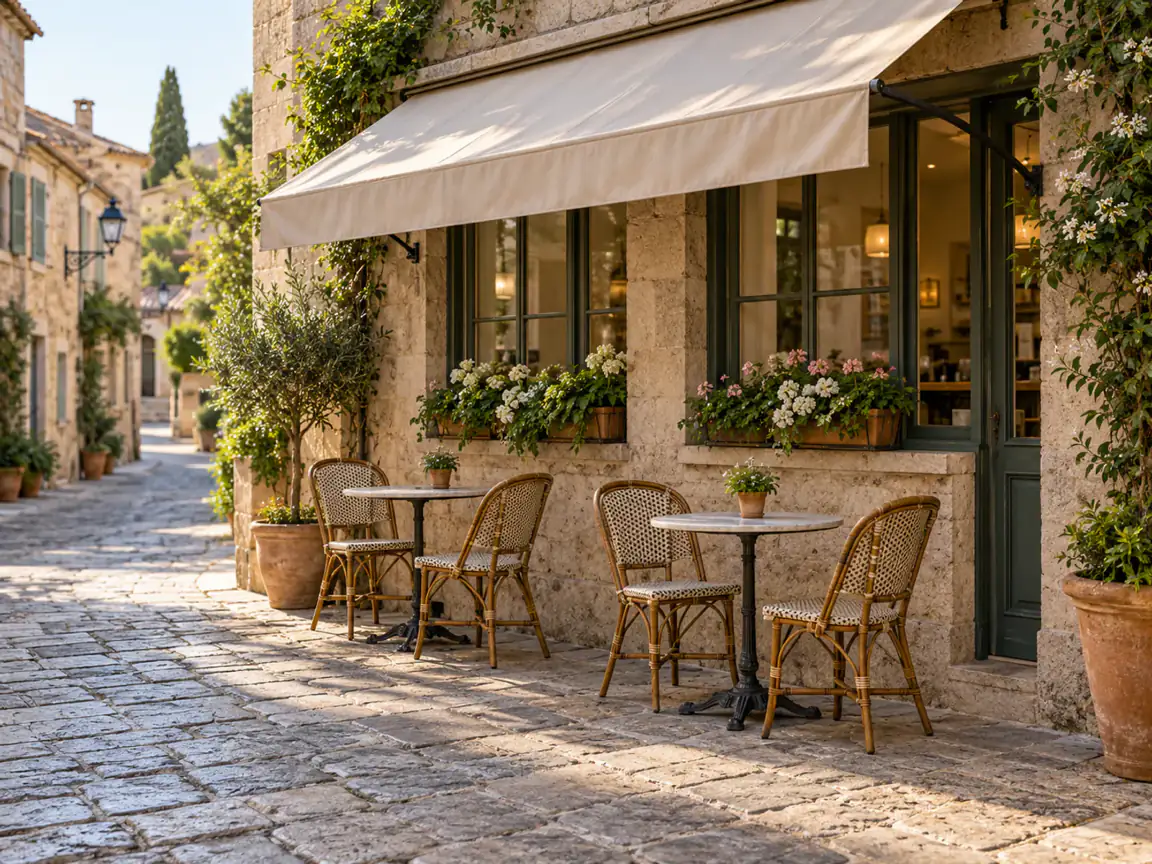
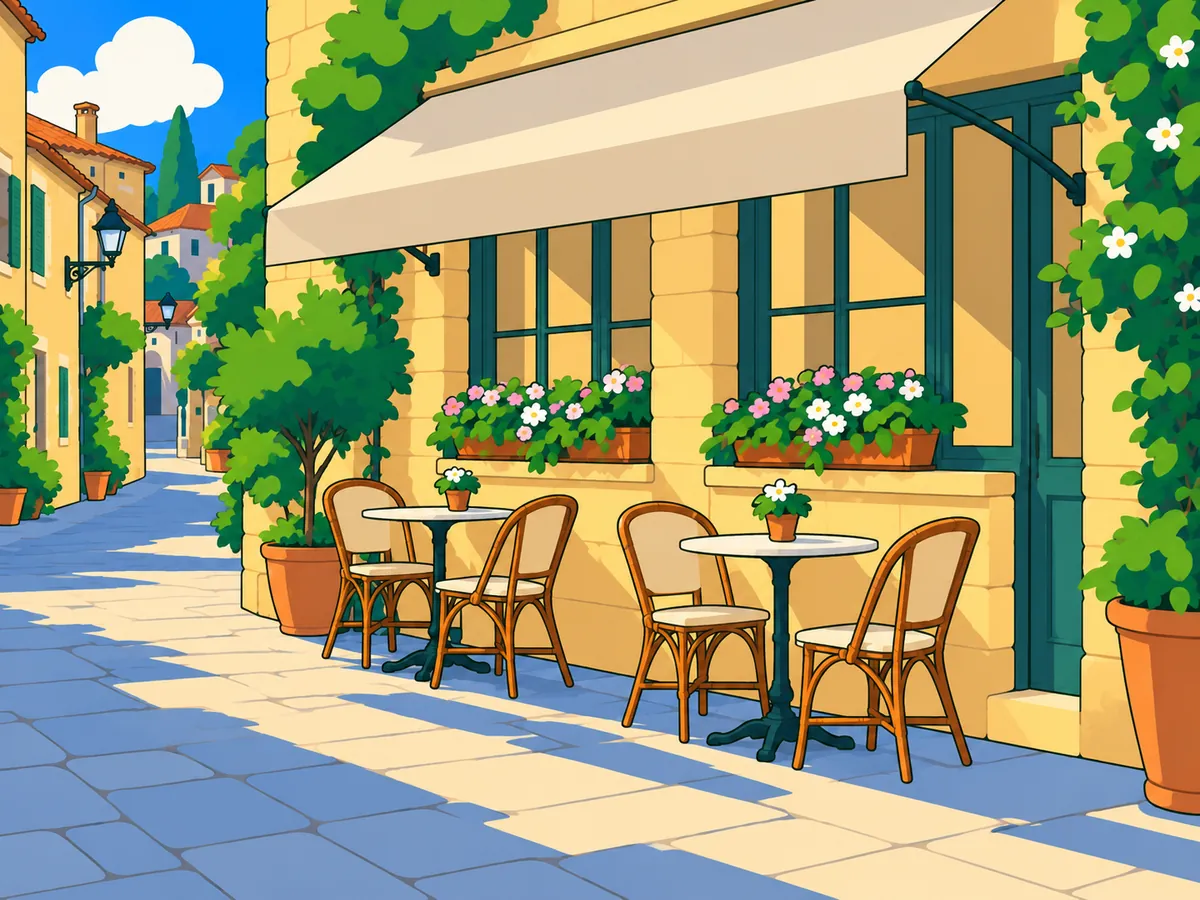
Anime background
Use the animation-background preset for scenery. Name the façade, awning and tables before you ask for flat colors and painted shadows. The café edit went through several passes. Check perspective and furniture positions when you try a similar edit.
Preset prompt “Paint this scene as a hand-drawn animated film background, without people. Keep the exact composition.”
How to turn image to cartoon art
- Upload a photo you own or have permission to edit. A clear subject with an uncluttered background is easier to compare.
- Leave Comic ink selected. Add optional details such as lighter shading or a simpler background.
- Confirm permission and generate with the image workbench.
- Compare faces, outlines and lettering with the source. Download the version you approve and keep your original.
Which photos work well as cartoons?
Zoom into the source before uploading. If you can trace the main silhouette with your eye, the style has a clear shape to work with. Small faces and letters are harder to preserve when the whole scene is redrawn.
| Source | What to expect | What to try |
|---|---|---|
| Clear single-person portrait | Glasses, hair and shoulders are easy to compare. | Crop to a half-length view and leave space around the hair. |
| Close-up of a pet | The ear and muzzle silhouette can carry the expression after fur is simplified. | Name distinctive markings and keep both eyes visible if possible. |
| Street corner or building | Façades and strong perspective give ink lines a clear structure. | Name the vanishing point or one landmark you want to preserve. |
| Distant group photo | Small faces can become broad color shapes. | Crop to one subject or choose a closer frame. |
| Dark, blurry photo | Hair, clothing and background shadow can blend into a single shape. | Choose a brighter frame or lighten the source before editing. |
| Product with a fine logo | Redrawn letters and marks can change shape or spelling. | Reapply the original logo separately for a print or listing. |
Fix faces, heavy shadows and clutter
The face looks like a different person
Open Add details (optional) and try “Keep glasses, hairstyle and facial proportions recognizable. Use lighter halftone shading on the face.” Compare the shape of the glasses and the hairline to the source before checking smaller marks.
The background turns into a block of ink
Crop away clutter first. Keep important negative space around the head or shoulders, then try “Simplify the background into flat warm colors so the subject outline stands out.”
The dots hide the drawing
Use Ink line art or Colored pencil for clean outlines or visible drawing marks. For more control over how closely the result follows the original, see the img2img change-strength guide.
Image to cartoon questions
How does the image to cartoon maker work?
Upload an authorized photo, leave Comic ink selected, add optional details and generate. The existing style preset requests bold outlines and halftone shading.
Can I turn an image to cartoon for free?
Limited free Standard generation is available under the existing editing allowance and includes a watermark. Larger HD output uses credits; selecting a style does not generate or spend credits.
Will a cartoon preserve faces and text exactly?
No. The model redraws the picture, so faces, text and fine details may change. Compare your result with the original before sharing or printing it.
How do I keep glasses and a hairstyle recognizable?
Start with a close, well-lit source and ask for recognizable glasses, the same hairstyle and lighter dots around the eyes. Compare the hairline and frame shape after generation.
How are Comic ink and Anime background different?
Comic ink uses thick outlines and printed-dot shading. Anime background uses painted scenery, cleaner color shapes and softer shadows. Save a copy of the source before comparing the two styles.
Can I enlarge a cartoon for printing?
Use the paid upscaler for a larger file, then check dots, line edges and lettering at the intended print size. Check the downloaded dimensions and keep the original design for exact text or logos.